
Duplicate selected cards on the canvas
Select two or more cards in BaseHalf and choose Duplicate on the set toolbar. New files appear in the folder, and you can change the copies without editing the originals.
Sunday at Harbor Desk should start from Saturday's hours and locker notes, not from a blank page. I needed copies I could change, without editing Saturday's files.
I opened the folder in BaseHalf 0.6.1. saturday-hours.md, locker-notes.md, and a Sunday brief were already cards on the canvas. The brief listed the two Saturday files as its upstream, and lines ran from those cards into the brief.
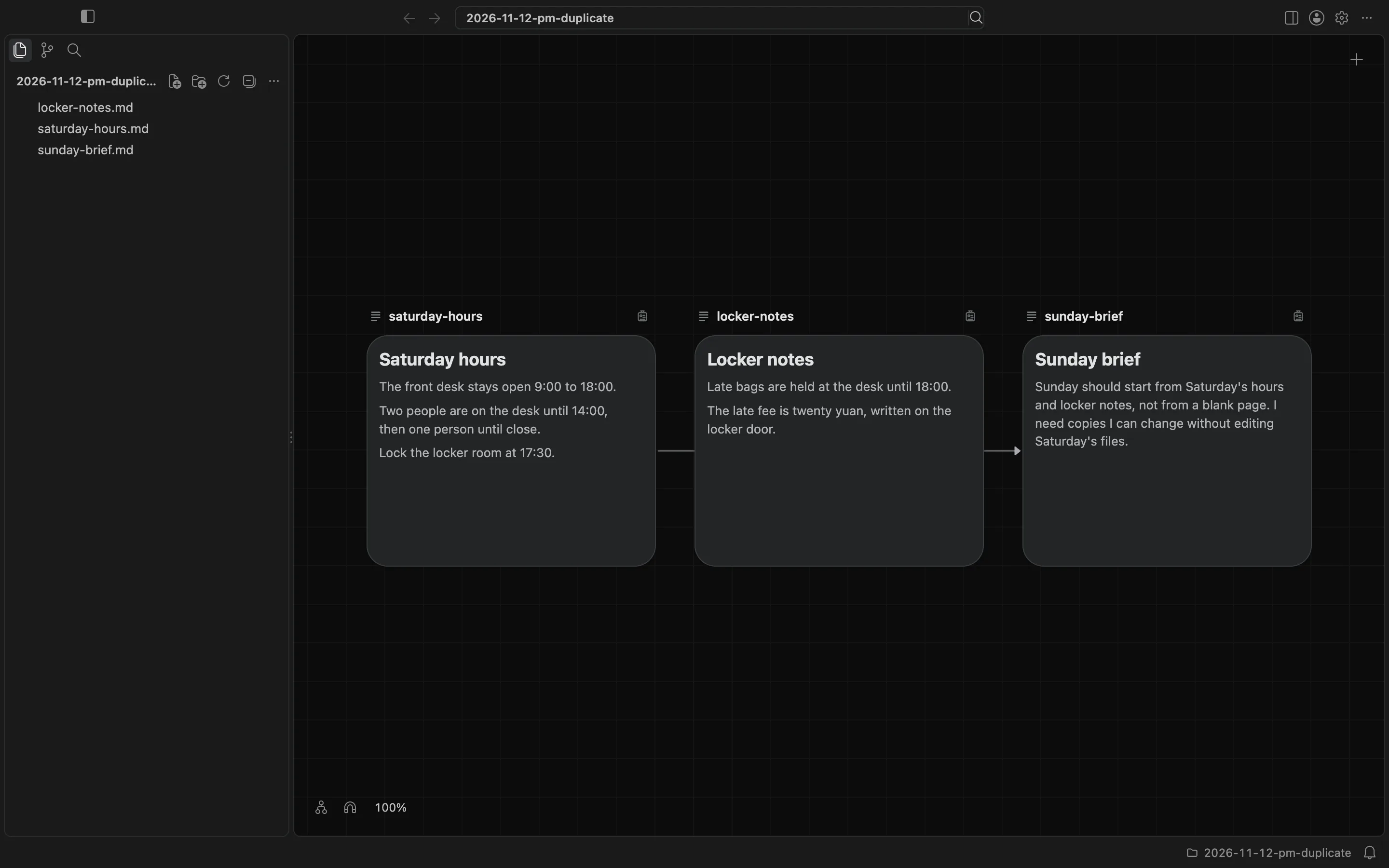
I dragged a box from an empty part of the canvas around the hours and the locker notes. The Sunday brief stayed out of the selection. The two cards became a set. Its toolbar showed Arrange, Duplicate, Copy Paths, and Delete.
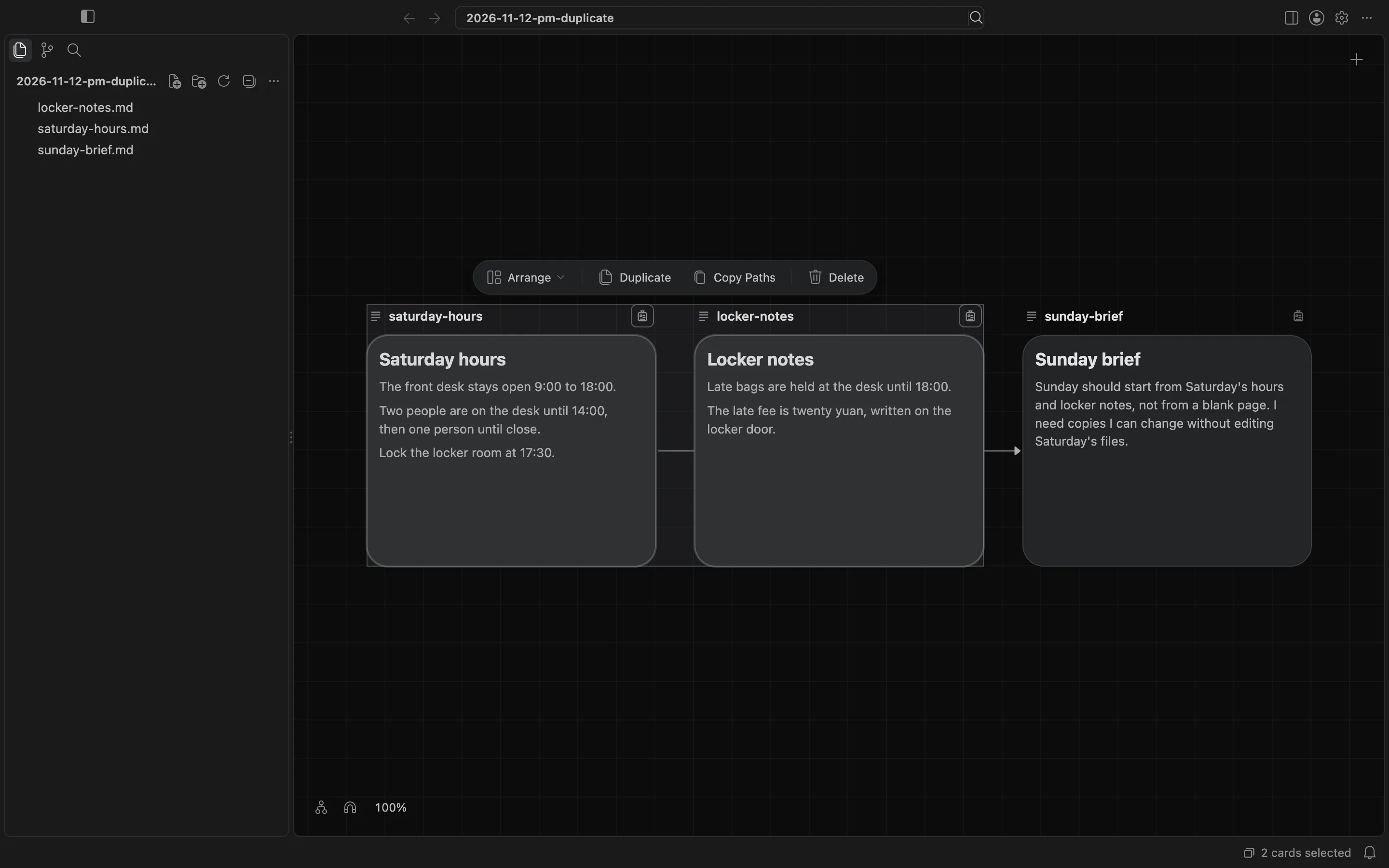
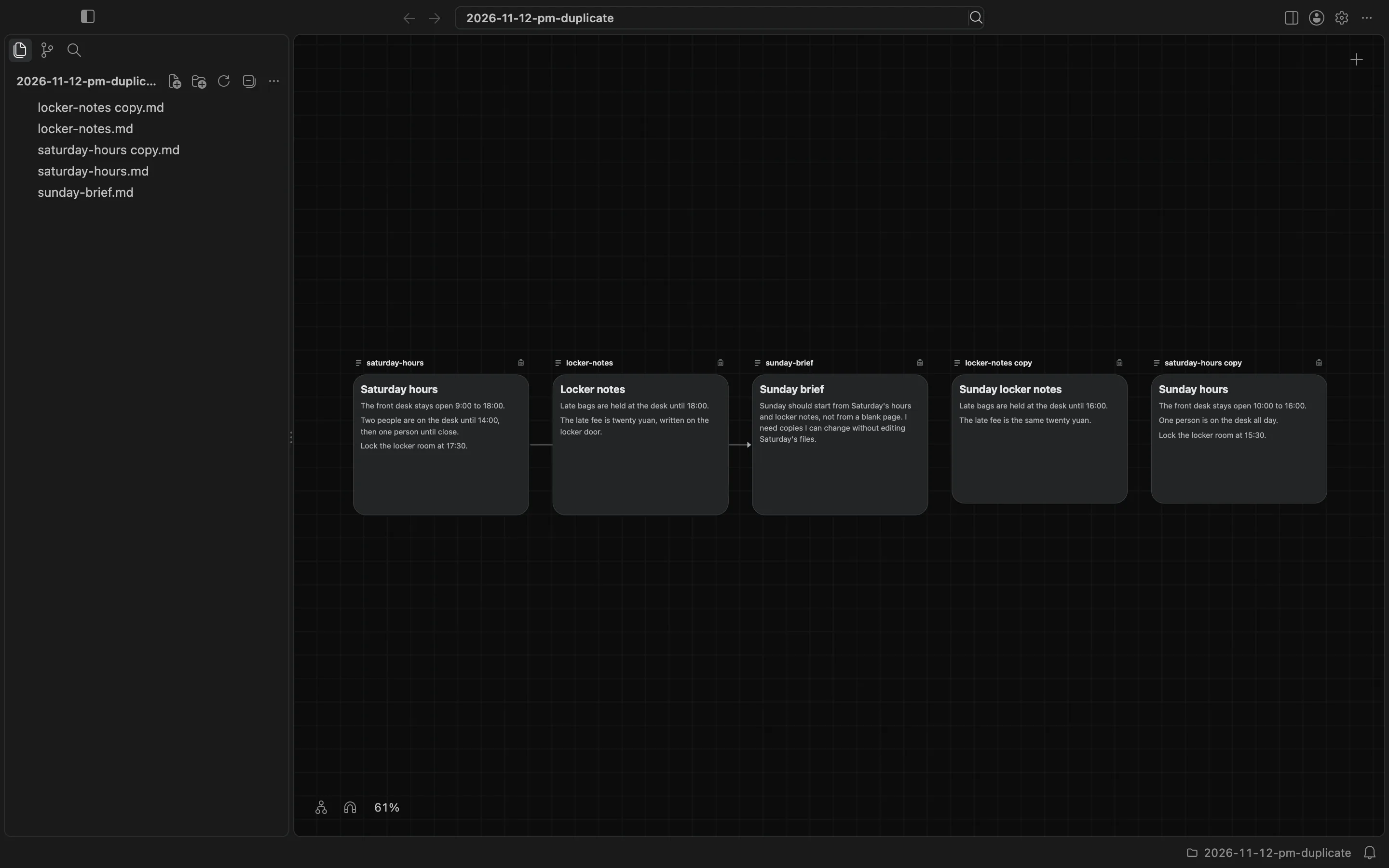
I chose Duplicate. BaseHalf copied both files into the same folder. The new cards were named saturday-hours copy and locker-notes copy, and the files were saturday-hours copy.md and locker-notes copy.md. At 100% zoom the new cards sat to the right, off the screen. After I fitted the view, the copies still held the Saturday text. The brief still listed the original files as its upstream, not the copies.
I then wrote Sunday hours and Sunday locker notes into the two copy files. The original Saturday files did not change.
The canvas and cards docs describe how two or more selected cards are a set, and how the set toolbar includes Duplicate.