
Learn SQL querying with BaseHalf and AI
Open a local BaseHalf canvas as your SQL study map (notes, PostgreSQL docs links, and exercises as cards) while Claude Code or Codex explain and quiz from the files you connect.
We wanted a short path into SQL that did not start in a chat paste or a random tutorial tab. The goal was narrow: write correct SELECT queries with filters, joins, and simple aggregates against a small schema, then check the answers against official docs. Not “become a DBA”.
BaseHalf already gives us the pieces. An ordinary folder opens as a canvas. Cards are files. Connections write plain-text upstream lists into those files. Claude Code and Codex sit in the Agent Area on the right and read what we point them at. We used that as a study map for SQL querying, not as a new “learning mode”.
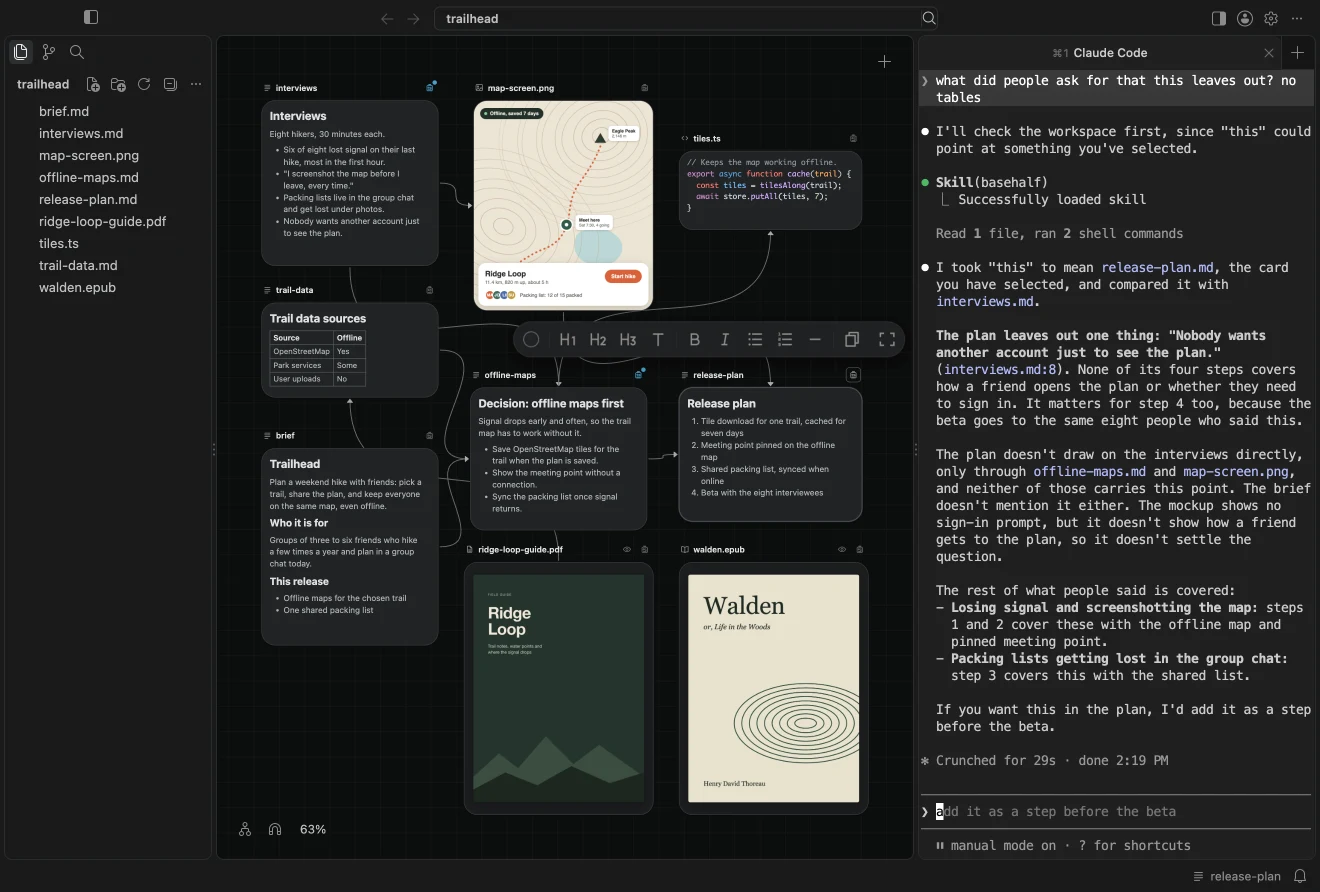
A folder that is the syllabus
Create a folder, open it in BaseHalf, and keep the structure boring on purpose:
sql-fundamentals/
 00-goal.md
 concepts/
 tables-and-rows.md
 select-where-order.md
 joins-inner-left.md
 group-by-aggregates.md
 schema/
 sample-schema.sql
 exercises/
 01-select.md
 02-join.md
 03-aggregate.md
 sources.md
00-goal.md states the boundary in one paragraph: what “done” looks like after this path. sources.md holds links you will verify against, starting with the PostgreSQL Tutorial Part I, especially Querying a Table, Joins Between Tables, and Aggregate Functions. If you also skim Microsoft Learn’s T-SQL intro path, note dialect differences; treat PostgreSQL as the source of truth for this folder.
On the canvas, draw upstream lines so each exercise depends on the concept notes and sources.md. Git sees those lists. The next agent session sees them too.
Ask the agent from the connected files
Select a concept card or an exercise, glance at the status bar so “this” is right, and ask in the Agent Area. Keep prompts tied to files, not to a vague “teach me SQL”:
- “From the upstream notes on this exercise, explain
WHEREvs filtering after a join. Give one wrong query and one correct one againstsample-schema.sql.” - “Quiz me on INNER vs LEFT JOIN using only
joins-inner-left.mdand the PostgreSQL join tutorial link insources.md. Wait for my answer before revealing yours.” - “I wrote the query in
exercises/03-aggregate.md. Check it against the GROUP BY rules in the upstream concept note. Flag invented functions.”
Agents are better at reading the files you connected than at remembering what you typed three messages ago. If the relationship is in the file, the next session starts with it already there.
Practice with an acceptance check
| Exercise | You should be able to | Acceptance check |
|---|---|---|
| Select / filter / order | SELECT columns, WHERE, ORDER BY on one table | Matches the shape of examples in the PostgreSQL select tutorial |
| Join | INNER JOIN and LEFT JOIN on a clear key | Unmatched left rows appear only with LEFT; no silent drop |
| Aggregate | COUNT / SUM / AVG with GROUP BY | No aggregate in WHERE; use HAVING when filtering groups |
Run each query against your small schema (local Postgres, or any client you already use). Paste the result back into the exercise note. Ask the agent to compare your result to the acceptance line, not to invent a new schema mid-flight.
Where AI usually slips
Treat model output as a draft. Common misses we keep seeing:
- Picking
INNER JOINwhen you needed unmatched rows (LEFT JOIN), or the reverse - Assuming
NULLequals something inWHERE(it does not; useIS NULL) - Mixing T-SQL or MySQL habits into PostgreSQL (
TOP, backticks, functions that do not exist here) - Inventing helpers (
IFNULL, non-existent date helpers) instead of reading the docs linked insources.md
When the agent disagrees with the PostgreSQL tutorial pages above, the docs win. Update the concept note, not the other way around.
What this is not
This path is not a Visual Thinking essay, and BaseHalf is not building an automatic knowledge graph for you. You are arranging ordinary Markdown and SQL files on a canvas, connecting them so upstream lists survive git, and letting Claude Code or Codex explain and quiz from those files. Same desktop product: folder as canvas, connections in files, agents on the right.
When 00-goal.md and the three exercises pass their acceptance checks without leaning on the agent for the final answer, you are done with this path. Open the next domain the same way: another folder, another map, the same agents reading what you connected.