
A Markdown link is not an upstream connection
A Markdown link is for navigation. An upstream list is plain text BaseHalf and your agents treat as context that flows into a note. Linking never creates a connection.
People paste a Markdown link to notes/schema.md into a note and expect the canvas to grow a line. It does not. Markdown links move a reader. Upstream connections declare what a note builds on. BaseHalf keeps those jobs apart on purpose.
If you only link, git still shows a nice hyperlink, but Claude Code and Codex do not get an upstream entry from that syntax, and the badge counts stay the same.
What each syntax is for
| In the note | What it does | What BaseHalf stores |
|---|---|---|
A Markdown link to notes/schema.md | Navigation for humans (and ordinary Markdown tools) | Nothing in the connection graph |
Frontmatter upstream: entry notes/schema.md | Declares that schema’s context flows into this note | One list entry; a line on the canvas when both cards share a folder |
| Drag from a handle onto another card | Same declaration, done on the canvas | Writes that upstream entry for you |
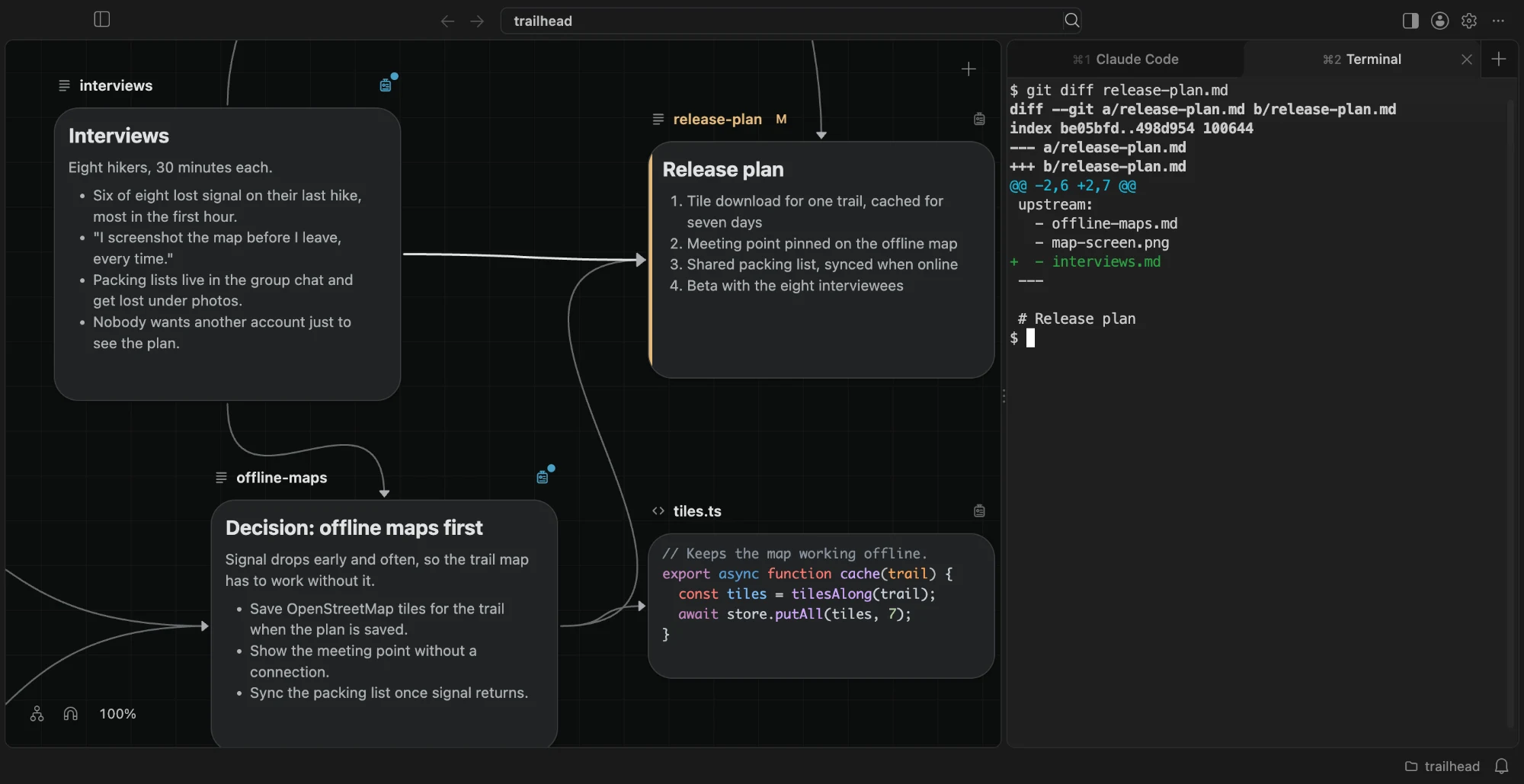
A connection A → B means A’s context flows into B. Connections form a graph, not a tree: many upstreams, many downstreams, cycles allowed. An item cannot list itself. A Markdown link never becomes any of that.
How to make the connection you meant
Pick the path that matches how you work:
- On the canvas, point at a card until the four handles appear. Drag from a handle onto the note that should build on it. The note you drop on gets the new upstream entry.
- Or open the note’s badge, use Add Upstream, and pick the item.
- Or edit the frontmatter yourself:
---
upstream:
  - notes/schema.md
  - sources/survey-results.pdf
---
Paths are relative to the workspace folder. For a PDF, image, folder, or any file that cannot hold frontmatter, BaseHalf keeps the list under .bh/mirror/<path>/upstream.yaml. Agents and other tools can edit those lists as plain text; BaseHalf uses whatever is saved.
Dropping a handle on empty canvas creates a new note (or an image, video, or sound draft) that already lists the card you started from. That is still an upstream write, not a Markdown link.
Why the split matters for agents
The BaseHalf skill tells agents where descriptions and upstream lists live. It does not scrape every Markdown link in the body and treat those as imports. If your “related reading” links are only Markdown, the agent that opens the note sees navigation text, not a structured list of inputs.
Use links when a human should jump. Use upstream when the next session and the next agent should treat another file as part of what this note builds on. You can have both in the same file: links in the body for reading, upstream at the top for the graph.
Checking you got a real connection
After you connect, the target card’s badge shows an upstream count, and a line appears when both cards sit on the same folder’s canvas. A connection into another folder may have no line on this canvas; the badge still lists it. BaseHalf: Show Upstream Issues in the Command Palette is for broken paths, not for missing links in prose.
A Markdown link is for getting there. An upstream entry is for saying this note builds on that file.