
A moved file is recognized by its content
Rename or move a file in BaseHalf, Finder, git, or an agent session, even while BaseHalf is closed. It matches the file at the new path by content and updates every upstream entry that named it, without asking.
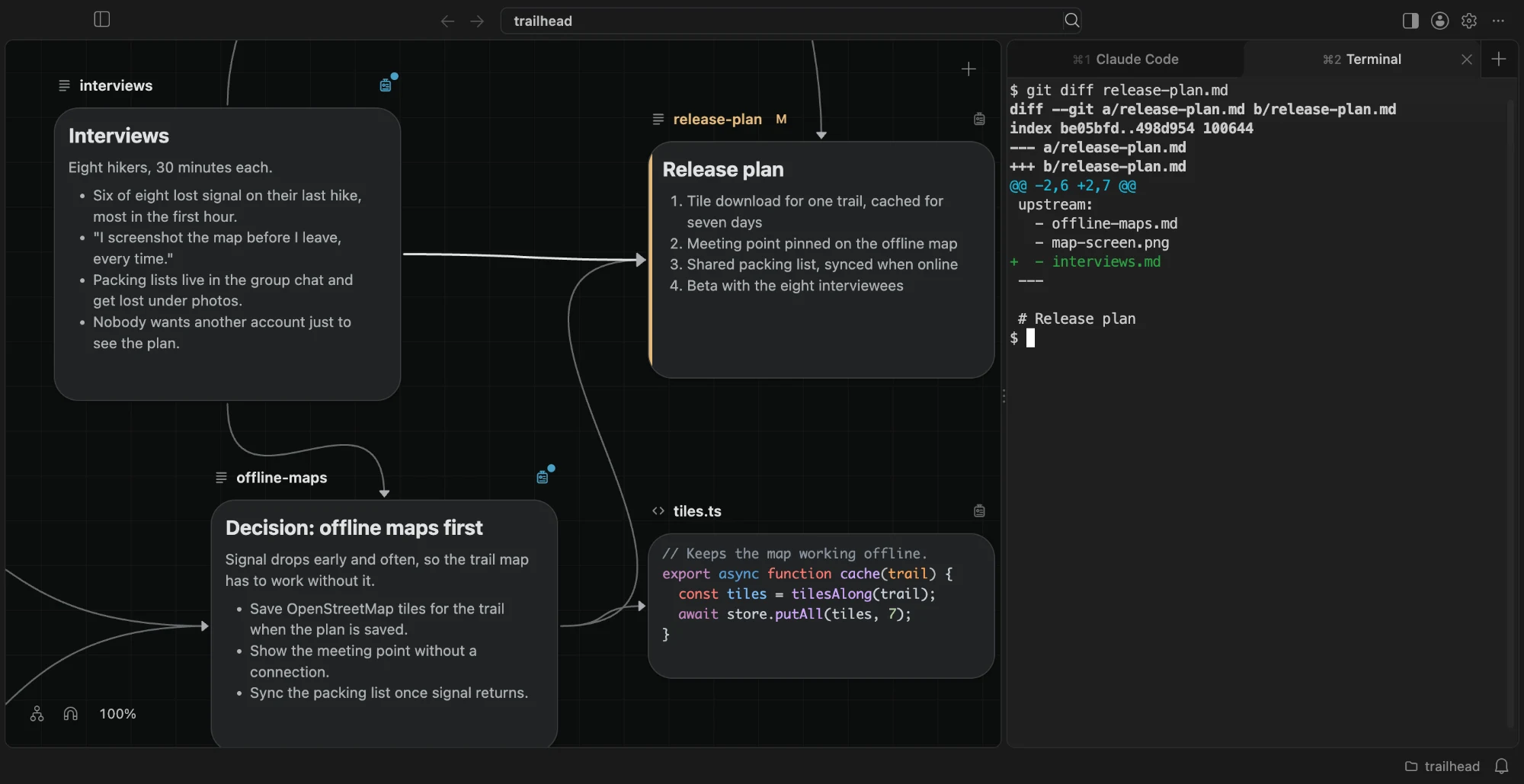
You rename research/interviews.md to research/interview-notes.md. Other notes already list that file as upstream. If those paths stayed frozen, every connection would break the moment a file changed names.
When BaseHalf can still see the same file at a new path, it updates the entries that named it. It does that without asking, and it does not matter who performed the move.
How recognition works
An item keeps its card whoever moves or renames it: you, an agent, Finder, or git. It also works while BaseHalf is closed. When the folder is open again, BaseHalf matches the item at its new path by its content. It moves what it keeps for that item, and it rewrites every upstream entry that named the old path.
No extra command is required. Agents rename and move files with their own tools. The working with agents docs say the same: BaseHalf follows the content, wherever the agent runs.
A renamed card keeps its place on the canvas. A card moved into another folder goes after the last card already there.
When the lists update, and when they stay broken
The automatic rewrite is for a move or rename that BaseHalf can recognize. A delete is different. Deleting an item never changes another item's list. The entries that named it stay, now broken, until you Relink, Relink Everywhere, or Remove them.
Recognition also fails in a few documented cases.
| What happened | What BaseHalf does |
|---|---|
| Rename or move, and the content still matches | Recognize the file, move what it keeps, and update every entry that named it |
| The file was also rewritten by more than half | Not recognized; entries that named it show as broken |
| An empty file | Not recognized |
| A folder with no files | Not recognized |
| A delete | Other lists are left alone; their entries become broken |
| A draft, which has no file yet | Moves only inside BaseHalf |
Broken entries stay visible on purpose. Fix a broken upstream path covers Relink, Relink Everywhere, Remove, and BaseHalf: Show Upstream Issues. Use that pass when recognition could not follow the file.
Why content, not only the path
Upstream lists are plain text paths, relative to the workspace folder. They live in Markdown frontmatter or in .bh/mirror/<path>/upstream.yaml. A path is what git diffs and what an agent reads. If the only identifier were that string, a rename would always look like a delete plus a new file.
Matching by content lets the path catch up when the file is still the same file. The next Claude Code or Codex session opens a note and sees the updated list. You do not paste the new path into every downstream file by hand.
This is the other half of storing a connection like an import. A connection is stored like an import explains where the list is written. This page is about what happens to those paths when the imported file moves.
Limits worth planning for
A large rewrite bundled with a move looks like a different file. If an agent rewrites most of a note and also renames it in the same step, the old path may go red. Relink the entry, or split the work: rename first, then edit, so content recognition has a chance.
Empty files and empty folders have no content to match. Give them some content before you rely on automatic updates, or expect to Relink.
Drafts have no file on disk, so Finder and git cannot move them. Move those cards inside BaseHalf.
The connections docs list what recognition does and does not cover. After a messy refactor, run BaseHalf: Show Upstream Issues and commit the lists that changed.