
Open a changed file from Source Control
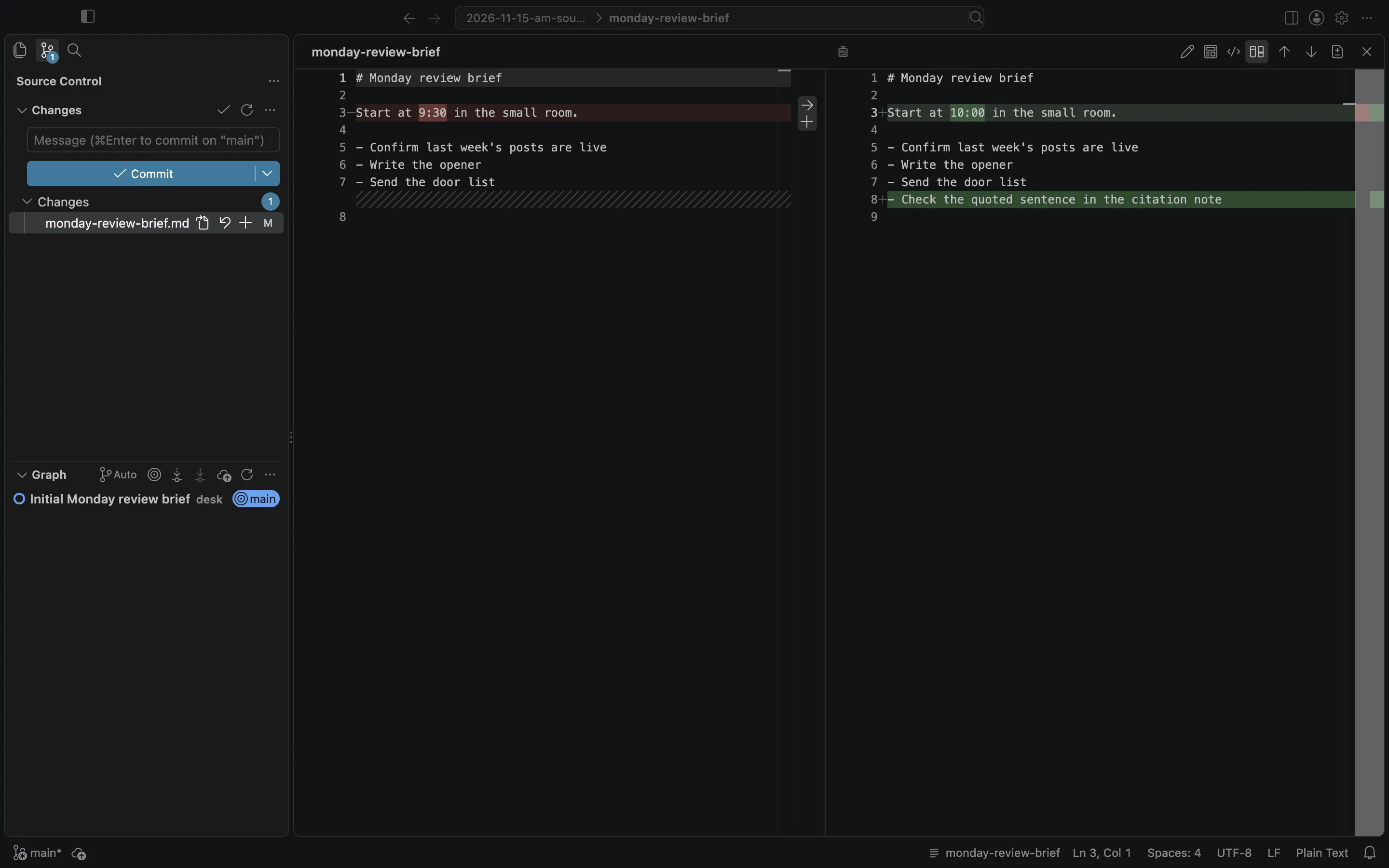
Open a changed file from the Source Control sidebar in BaseHalf. It opens in Card Detail at the Changes view, which shows the diff and offers previous change, next change, and an inline view.
I had already committed a first version of a Monday review brief, then changed the start time from 9:30 to 10:00 and added a last checklist item. I wanted to see those edits before I treated the brief as finished.
I opened that folder in BaseHalf 0.7.0. The canvas showed monday-review-brief.md with the new wording. In the left sidebar, the Source Control icon showed 1 pending change.
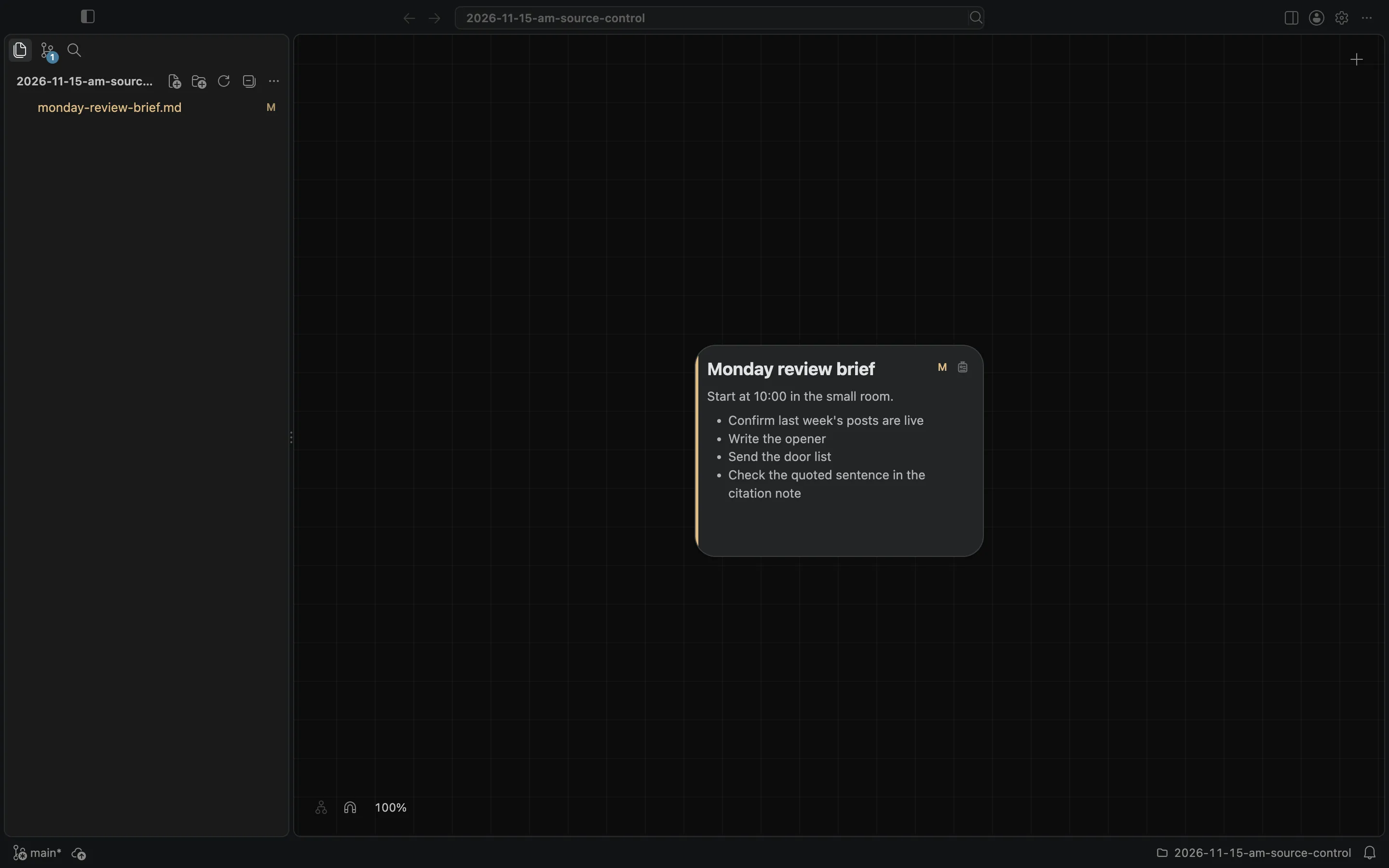
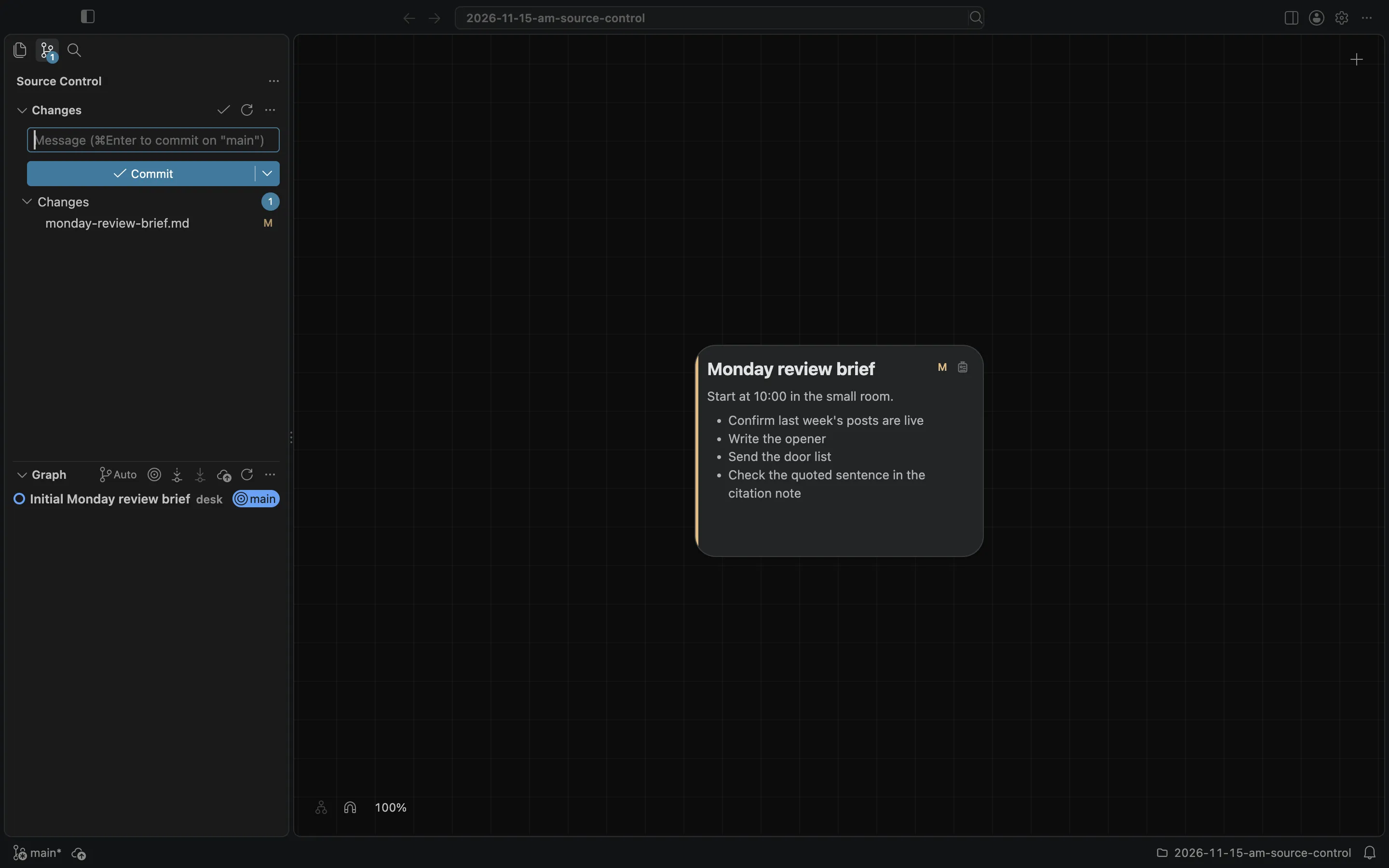
The sidebar has three views: your files, Source Control, and Search. I clicked Source Control. Under Changes it listed monday-review-brief.md as Modified. The graph below still showed the first commit, "Initial Monday review brief."
I clicked that file. Card Detail opened at the Changes view. On the left was the committed wording: "Start at 9:30 in the small room," and three checklist items. On the right was the current file: "Start at 10:00 in the small room," and the fourth item, "Check the quoted sentence in the citation note." The header of Card Detail also had Rich, Preview, and Source, and Changes was the view I was in. The same header had Previous Change, Next Change, and Inline View.
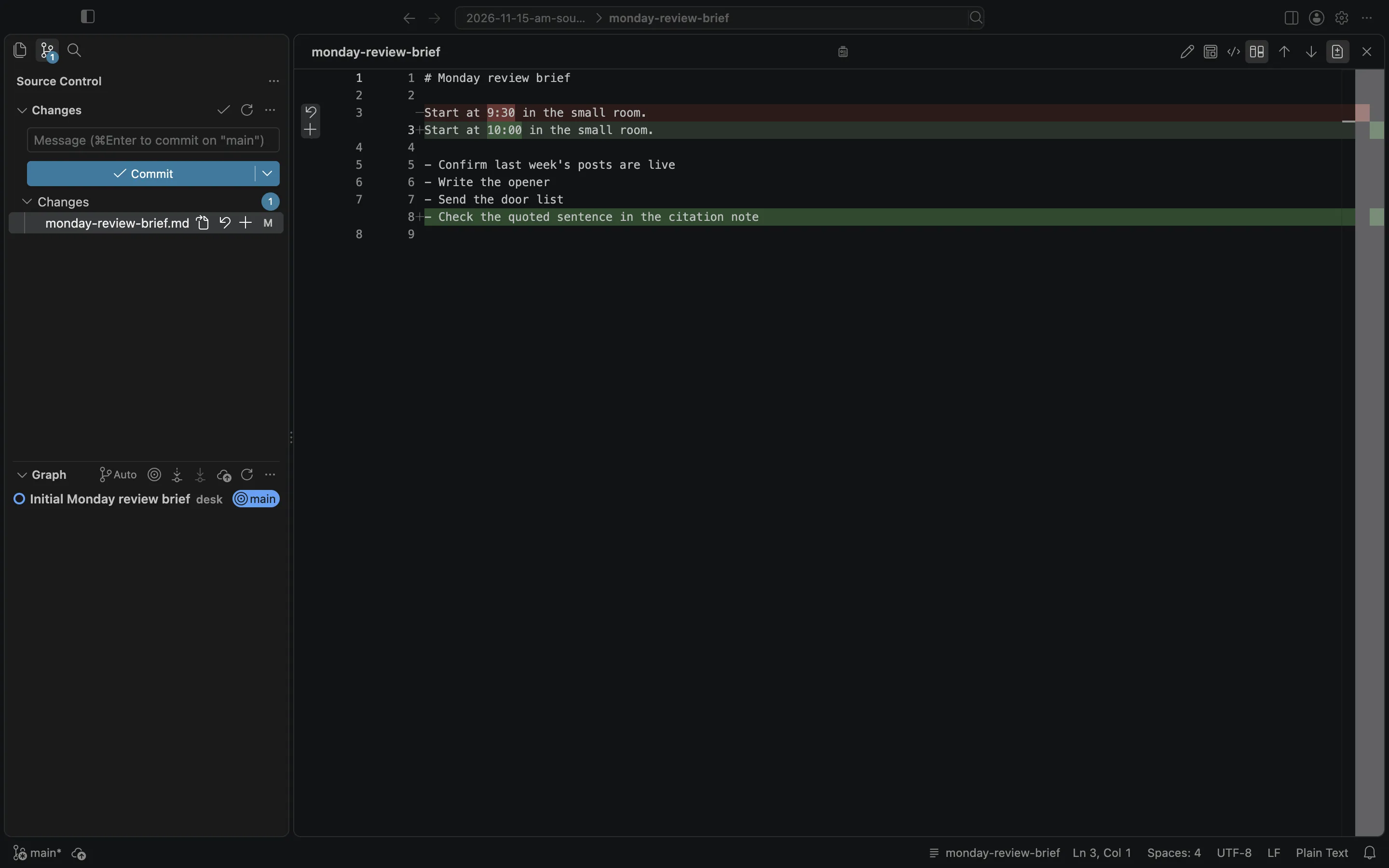
I clicked Inline View. The two versions appeared in one column, with the old start time and the new start time one after the other, and the added item marked as added.
The canvas and cards docs say that the left sidebar has three views, built on VS Code's own Explorer, Source Control, and Search, and that a changed file in Source Control opens its changes. Escape closes Card Detail, as it does for other files.
This is not the same as clicking the path in the title bar to search, and it is not the same as editing the note on its card. I did not commit from this view. The brief stayed modified.