
Paste text onto the canvas to make a note
Paste text onto a BaseHalf canvas with Command-V. BaseHalf saves a new Markdown note in the folder and places its card on the canvas.
On Monday I had tonight's closing plan in the folder, and the evening handover still sitting in a plain text draft I had written elsewhere. I wanted that list on the same canvas as the plan, as an ordinary note I could keep.
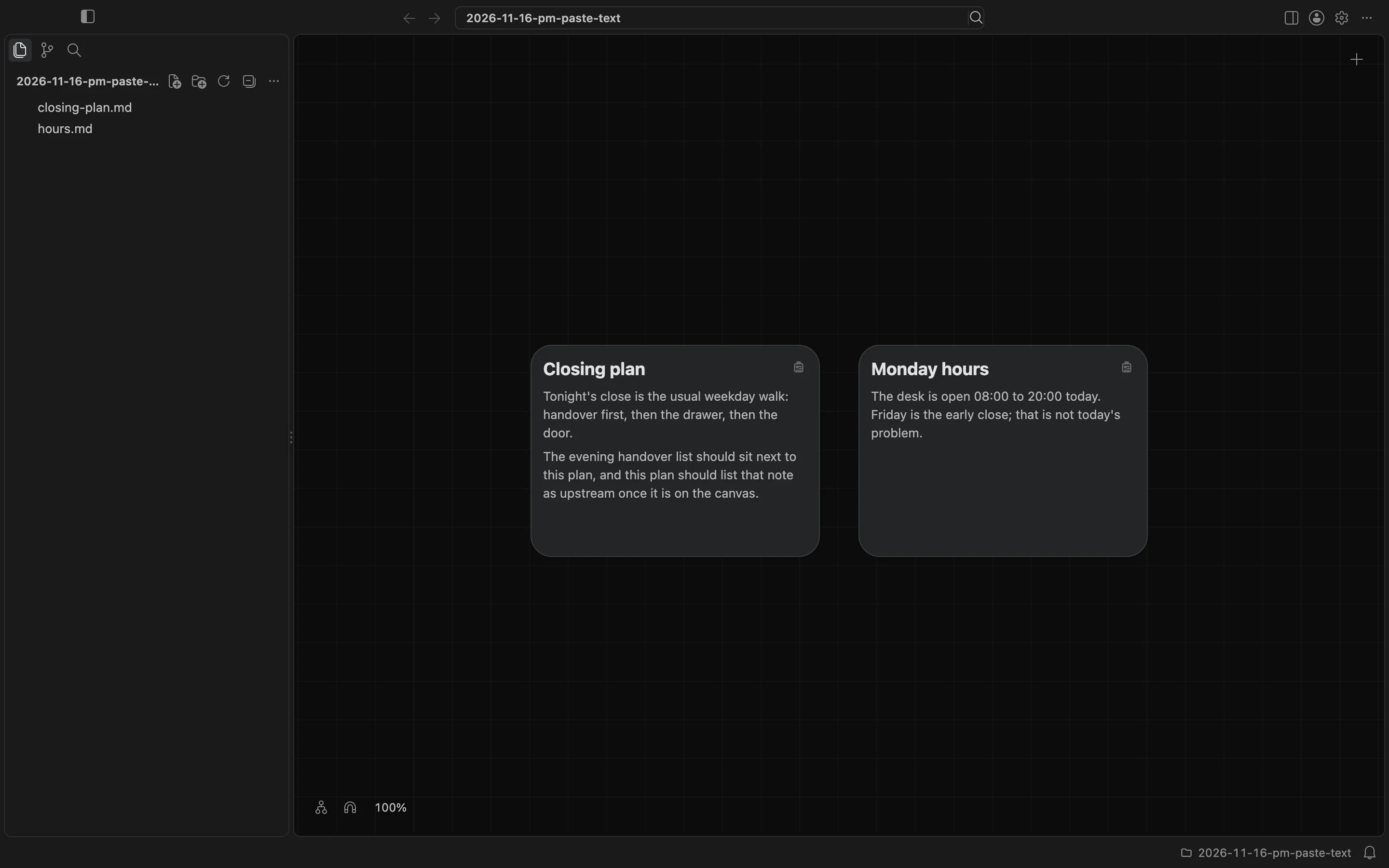
I opened the folder in BaseHalf 0.7.0. It already had two Markdown notes: closing-plan.md and hours.md. The handover draft was not in this folder yet.
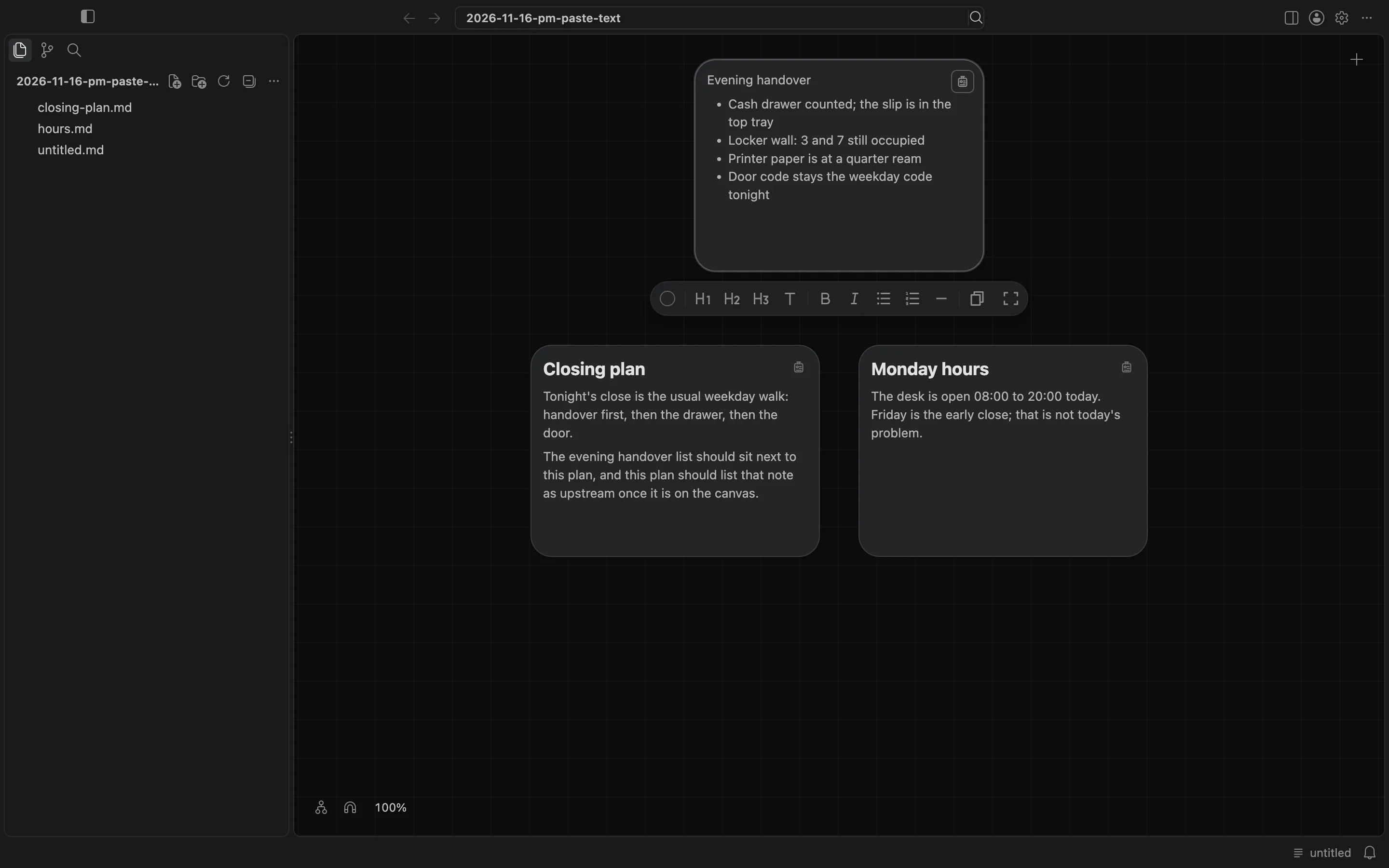
I copied the handover text, then pasted it onto the canvas with Command-V. BaseHalf created a new Markdown file, untitled.md, in the folder, and placed its card on the canvas. The card held the same list I had copied: the cash drawer, lockers 3 and 7, the printer paper, and the door code. The sidebar listed untitled.md at once. The new card was selected, and the formatting toolbar for editing a note on its card was visible under it.
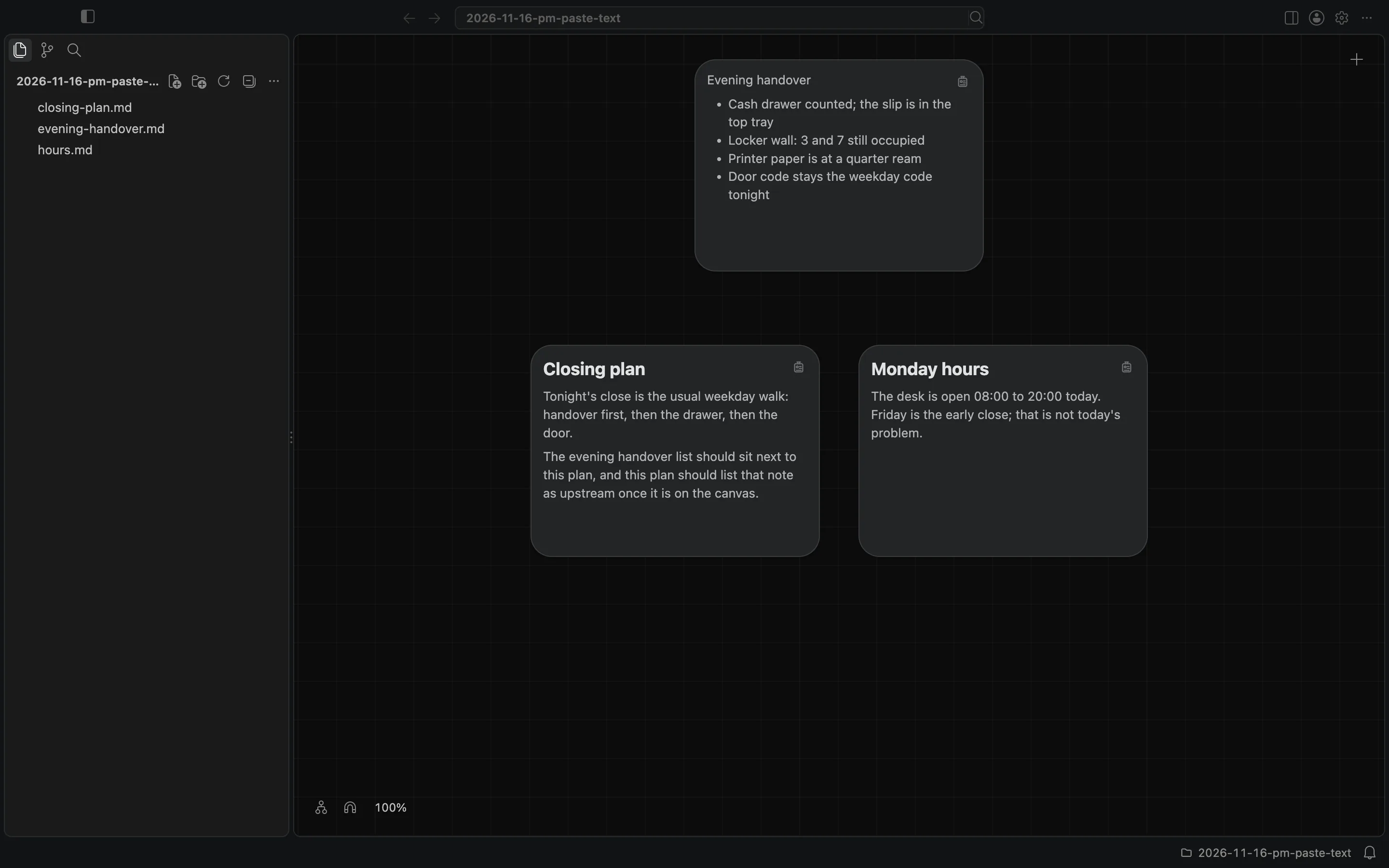
The file was an ordinary Markdown note in the folder, with the pasted text as its contents. I chose Rename from the card's context menu and named it evening-handover.md. The card stayed where it was, with the same list, and the sidebar showed the new name.
This is not the same as dropping a file onto the canvas, using Import Files, duplicating a card that already exists, or choosing New Note and typing from scratch. I pasted text, and BaseHalf made a Markdown note from it. The canvas and cards docs list Paste with the other Create actions.