
Play a sound on its card
A sound's card in BaseHalf has a player. Play starts the file with its sound. I listened to a short spoken closing checklist on the card and wrote the two steps in a note.
I needed the two Saturday closing steps written down, so the evening shift could see them without playing the file. I had saved them as a short spoken checklist, closing-checklist.m4a, in the same folder as a Saturday closing note.
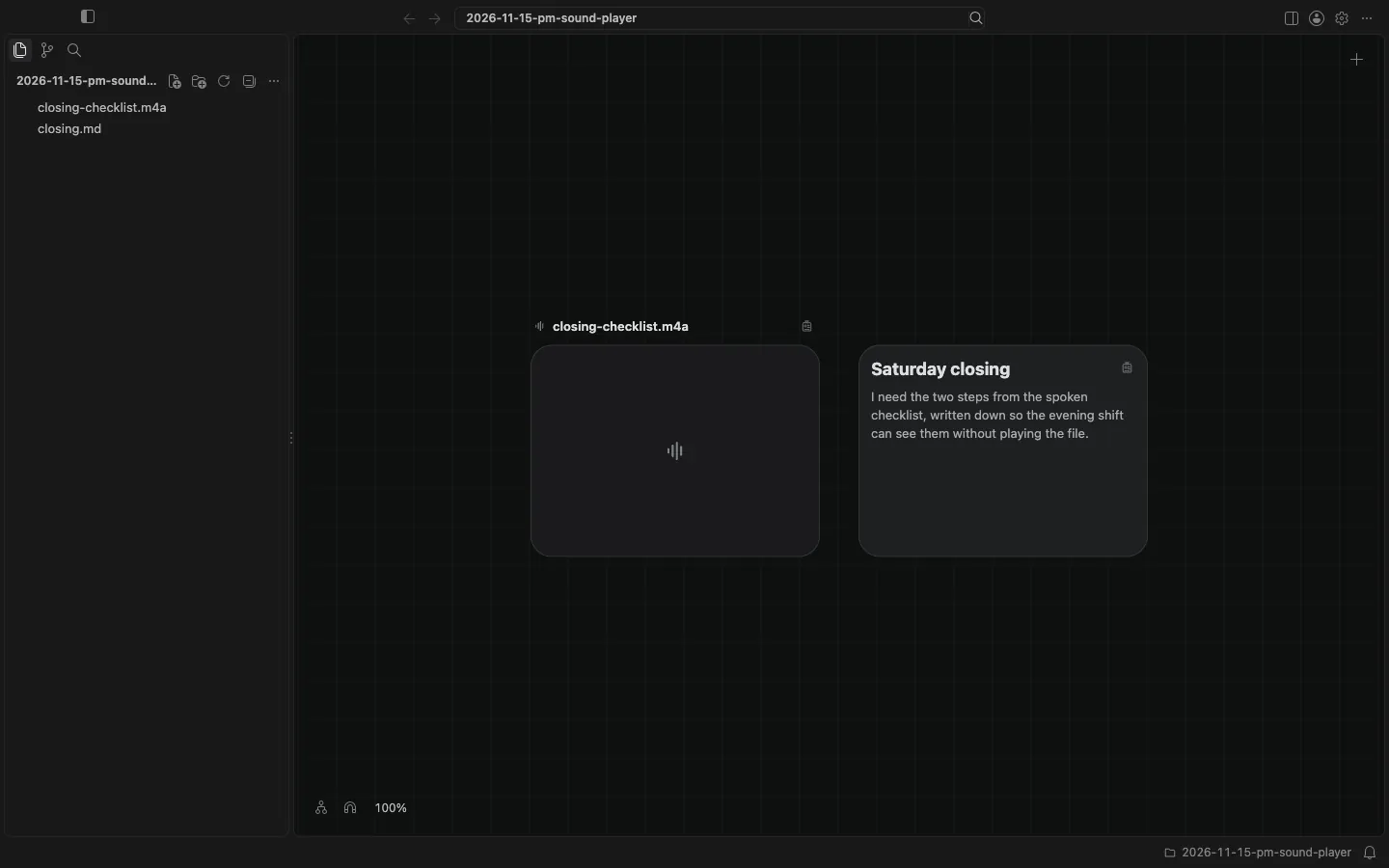
I opened the folder in BaseHalf 0.7.0. The sound card keeps the size of a file card, not the shape of a picture. A speaker mark sits by the file name, and a simple waveform sits on the face of the card.
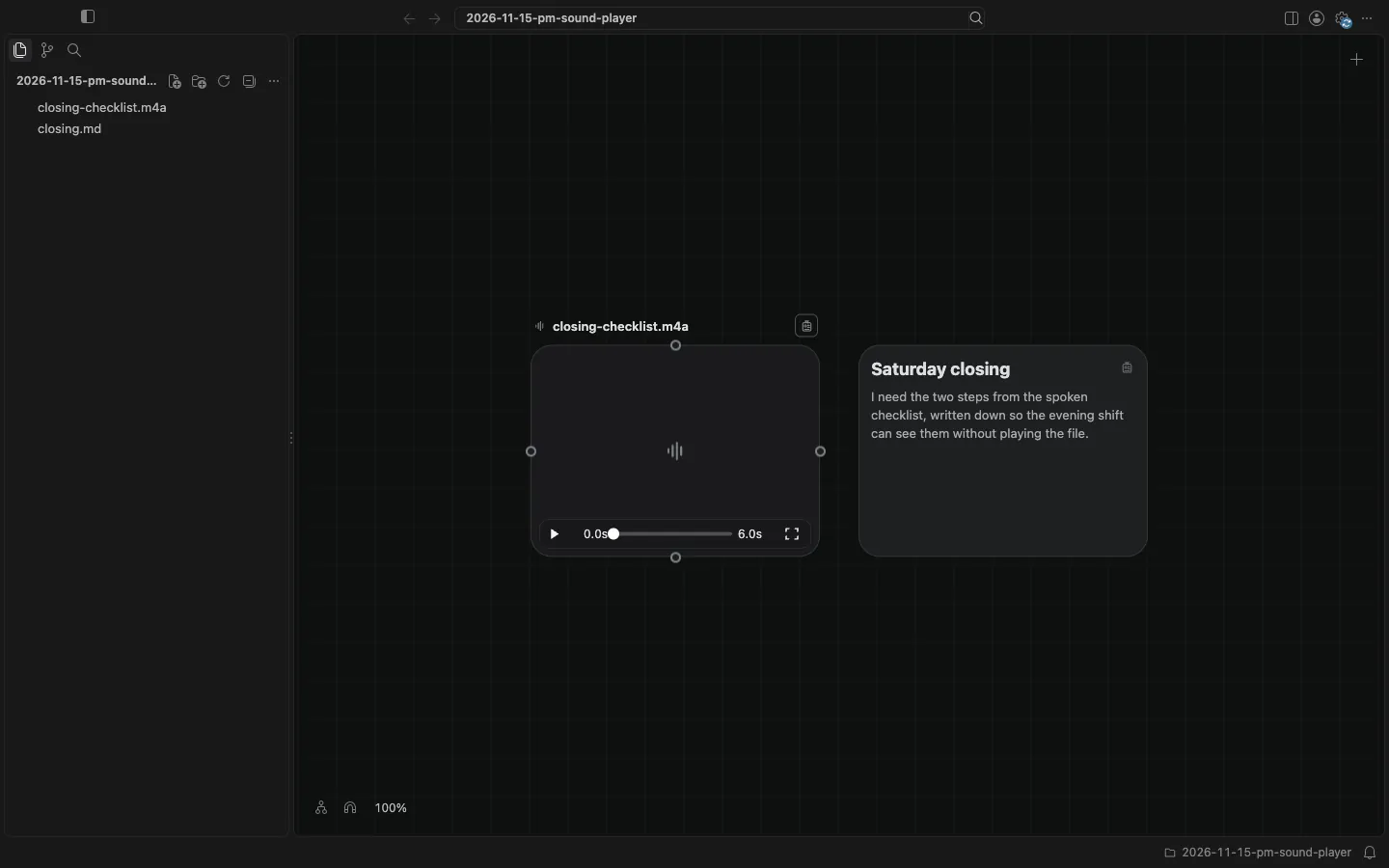
A sound's card has a player. When I pointed at the card, the controls appeared: Play, a Position slider at 0.0s of 6.0s, and Open. There is no Mute control on a sound card.
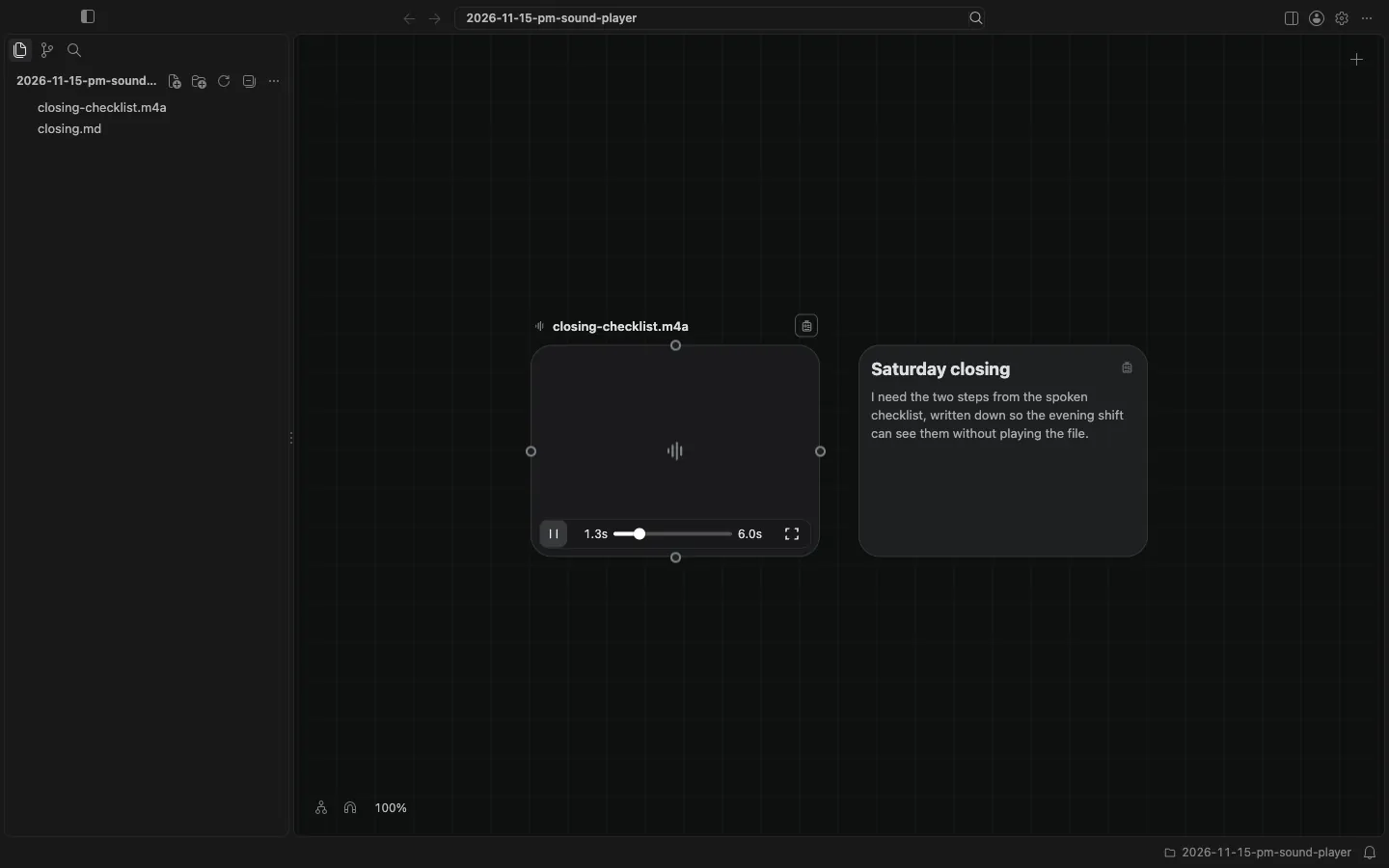
I clicked Play. The checklist played with its sound. The control became Pause, and the position showed 1.3s of 6.0s. Pointing at the card does not start playback. Play does.
I clicked an empty part of the canvas, and the file paused. Open, or a double-click on the card anywhere but its name, would open the file in Card Detail. I did not need that to hear the two steps.
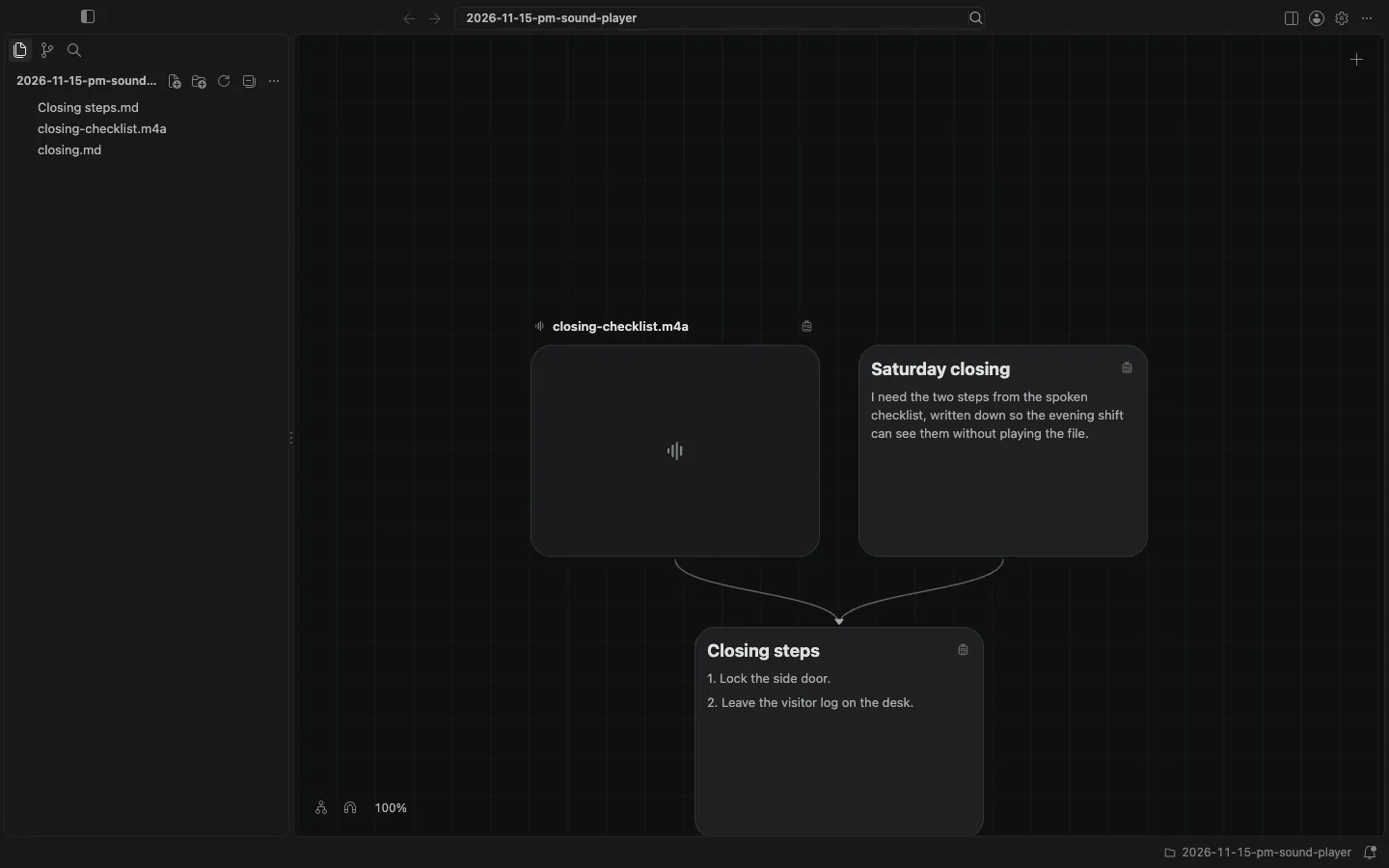
The spoken checklist says to lock the side door, and to leave the visitor log on the desk. I wrote those two steps in a Closing steps note in the same folder, and listed closing-checklist.m4a and closing.md as its upstream.
This is not the same as previewing a video. Pointing at a video card plays the picture without sound. A sound card does not do that. The canvas and cards docs describe the player on a sound card.