
Read a book in Card Detail
Double-click a book card in BaseHalf to read it in Card Detail. The reader has contents, search, text size, pages or one scroll, and the place where you stopped. I used search to find a sentence in Walden.
I needed the exact sentence in Walden that includes "Simplify, simplify," and the chapter it sits in, so I could put it in a Monday review opener.
I opened a folder in BaseHalf 0.7.0 that already held walden.epub, a short question note, and a source note for the edition. The book card showed the cover of this Project Gutenberg copy, at one size. The question sat beside it.
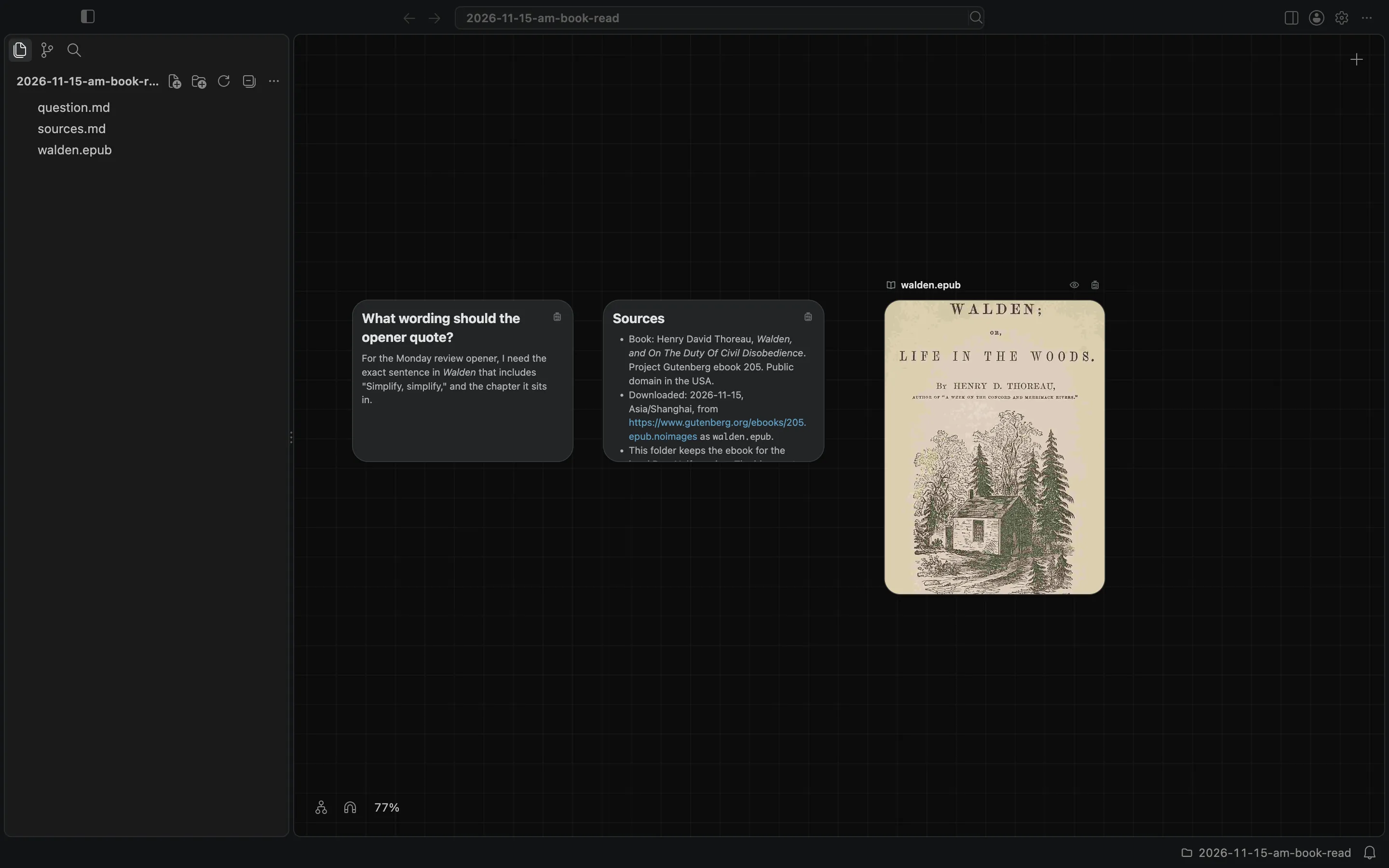
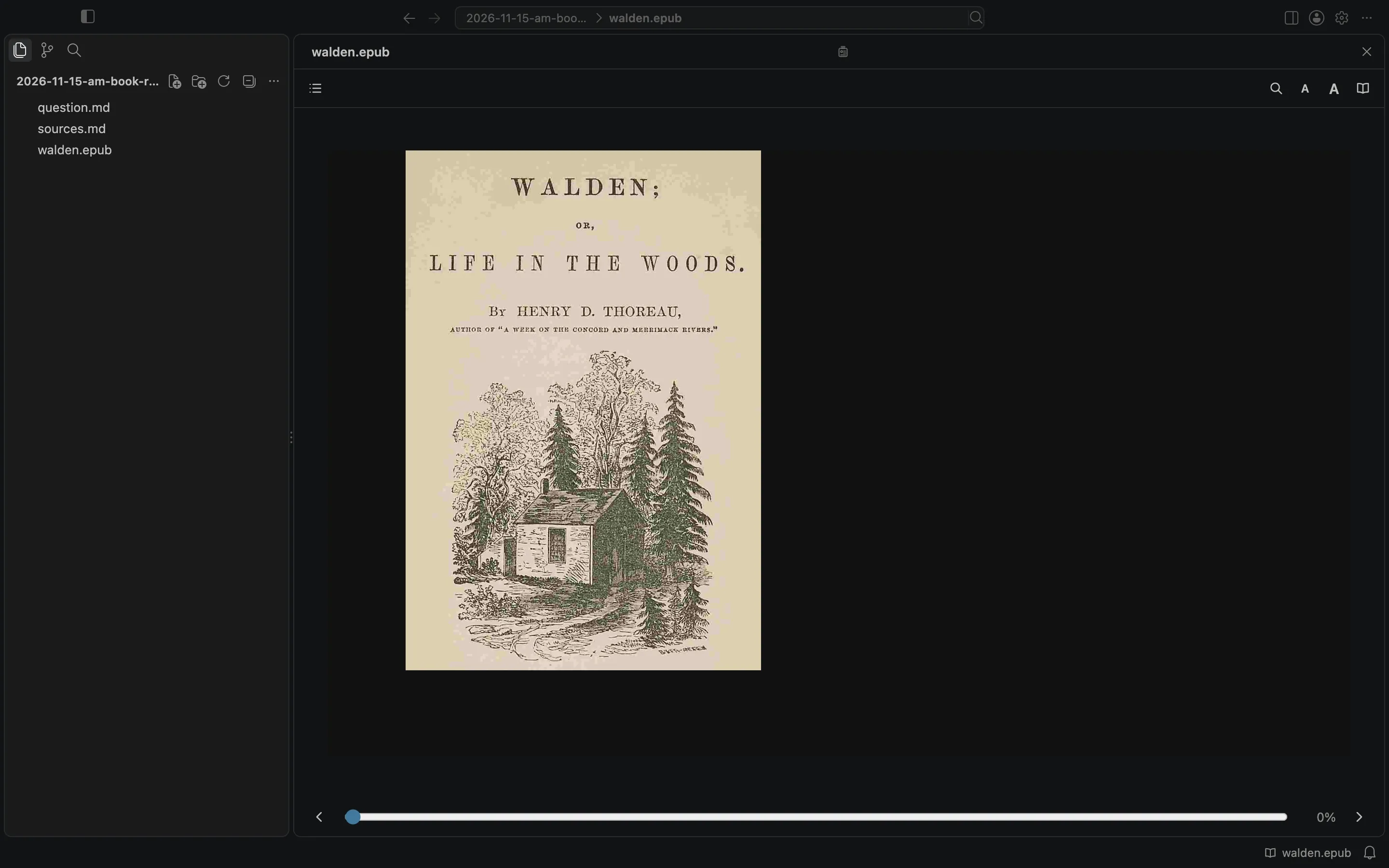
A file other than a Markdown note opens in Card Detail when you double-click its card, anywhere but its name. I double-clicked the cover of walden.epub, not the name on the caption. Card Detail filled the canvas area, with the sidebar still on the left. The book reader opened on the cover. Its toolbar has Contents, Search in Book, Smaller Text, Larger Text, and a control that switches between Pages and One Scroll. Along the bottom is Place in the book, which showed 0%.
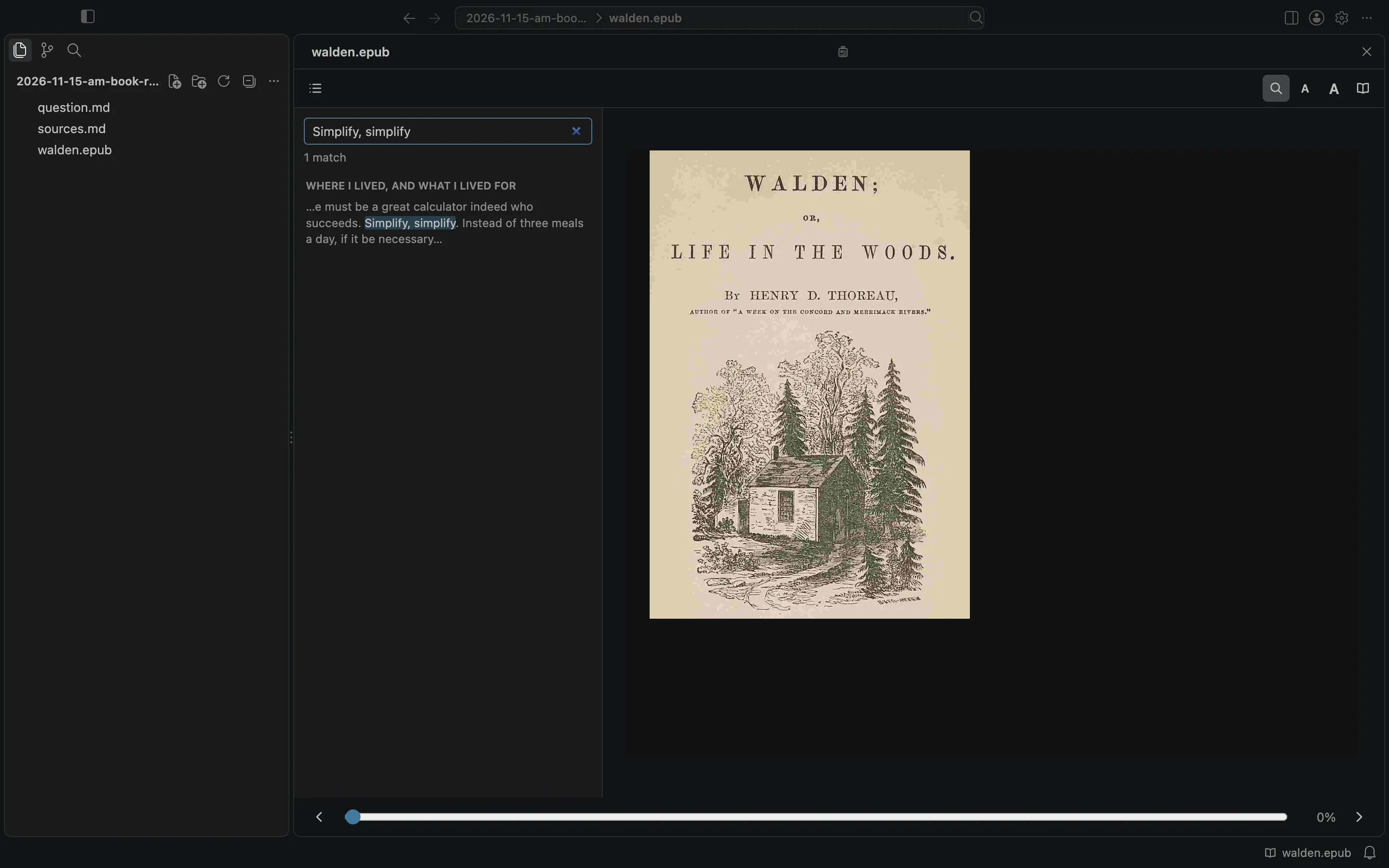
I clicked Search in Book and typed "Simplify, simplify." The reader reported 1 match, under the heading WHERE I LIVED, AND WHAT I LIVED FOR, with a short snippet of the sentence.
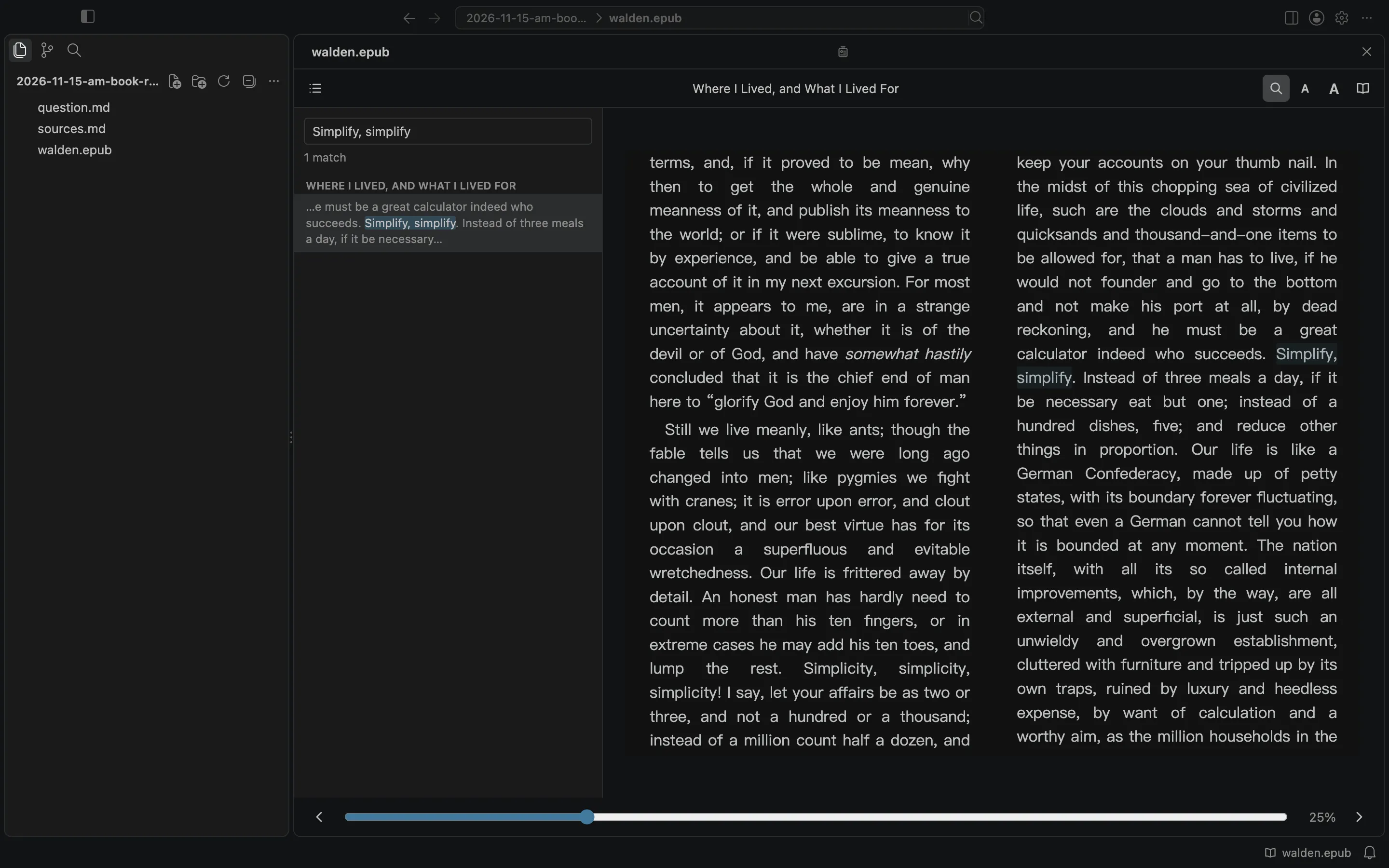
I chose that match. The reader opened the chapter "Where I Lived, and What I Lived For." The place control showed 25%. The sentence is there: "he must be a great calculator indeed who succeeds. Simplify, simplify."
I closed Card Detail with the Close button in the header. When I opened the book again, the reader returned to the same chapter, and the place was still 25%. Escape also closes Card Detail.
I wrote a short answer note in the same folder, listed question.md and walden.epub as its upstream, and left the answer on the canvas next to the question and the book.
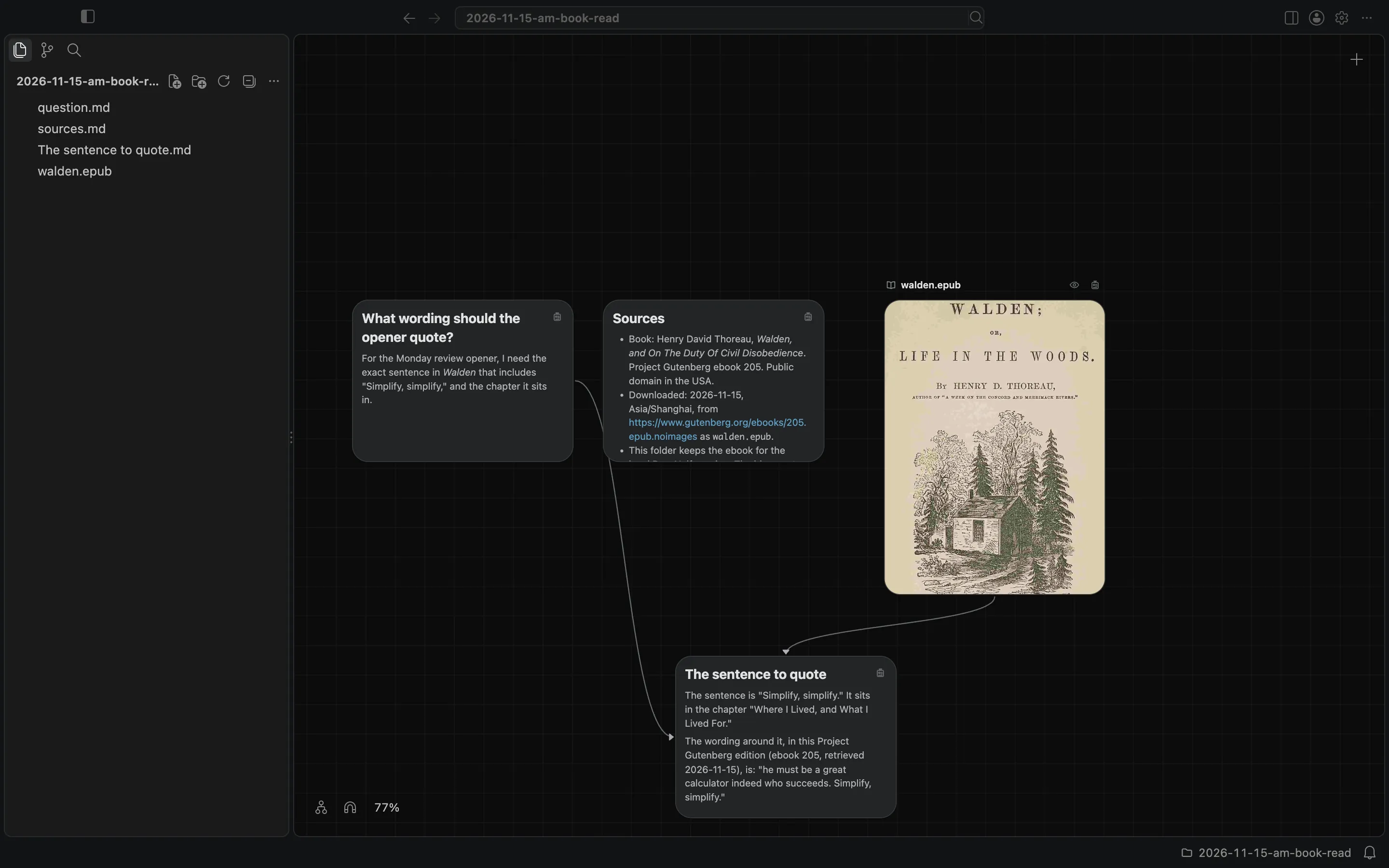
The ebook is Henry David Thoreau, Walden, and On The Duty Of Civil Disobedience, Project Gutenberg ebook 205, public domain in the USA. I downloaded this copy on 2026-11-15 from Project Gutenberg. This post does not republish the book.
A book is for reading in Card Detail. Selecting text and choosing Grow branch is a different action, and I did not use it here. This is not the same as reading a PDF, whose reader has thumbnails, an outline, search, and zoom. The canvas and cards docs describe the book reader.