
Rename a card, and the connections that name it are updated
Double-click a card's name in BaseHalf to rename the file. The card keeps its place and size, and every upstream entry that named it is rewritten.
The Saturday hours for Harbor Desk were still saved as draft.md. The Friday afternoon plan already listed that file as its upstream. The evening shift needed the hours under a real name before they printed the board.
I opened the folder in BaseHalf 0.6.1. The draft and the plan were already cards on the canvas, with a line from the draft into the plan. The sidebar listed draft.md and front-desk-plan.md.
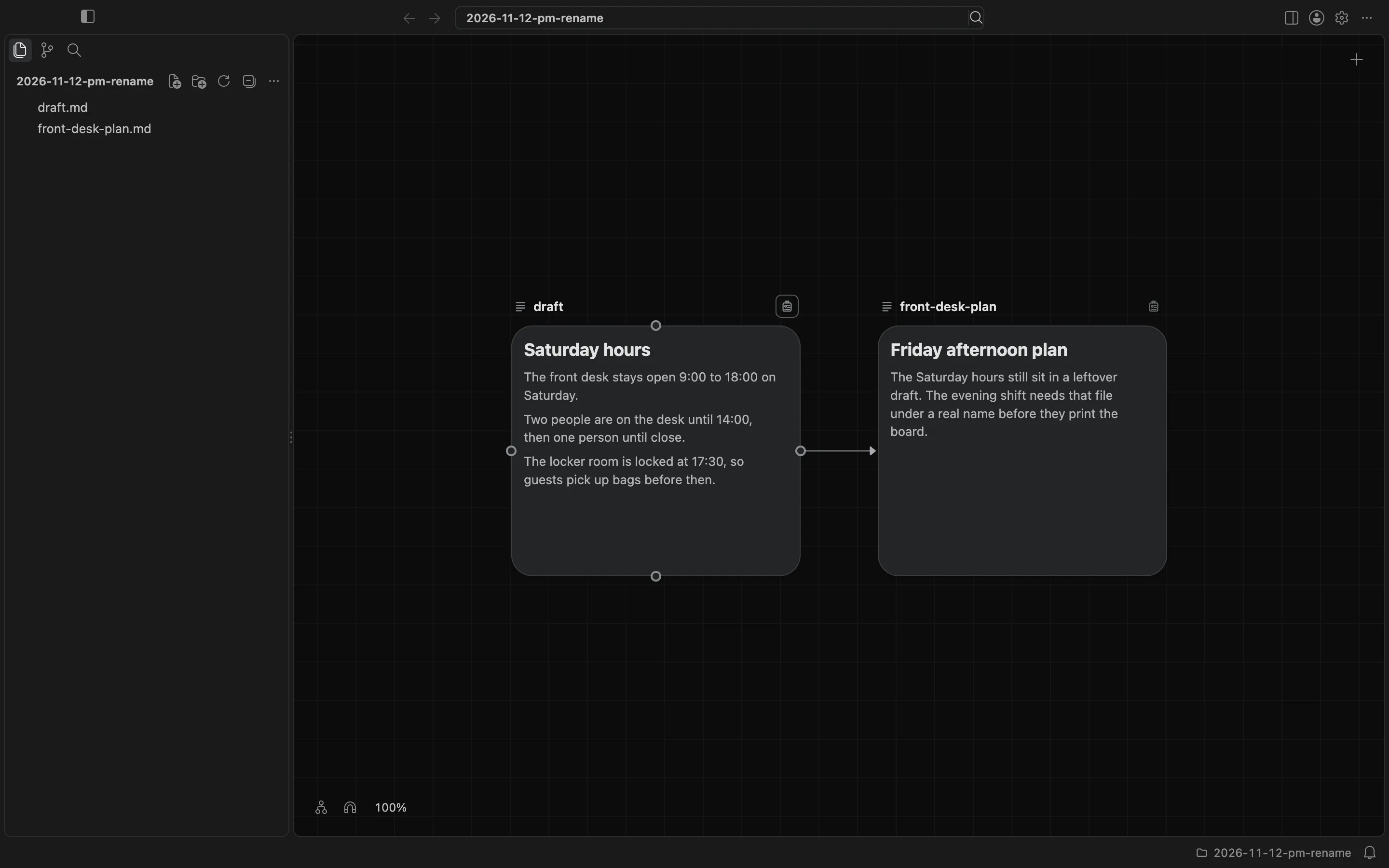
I double-clicked the name on the draft card, not the body of the card, and typed saturday-hours. Enter renamed the file. Escape would have left the name as it was. The card stayed in the same place, at the same size. The sidebar now listed saturday-hours.md, and the line into the plan was still there.
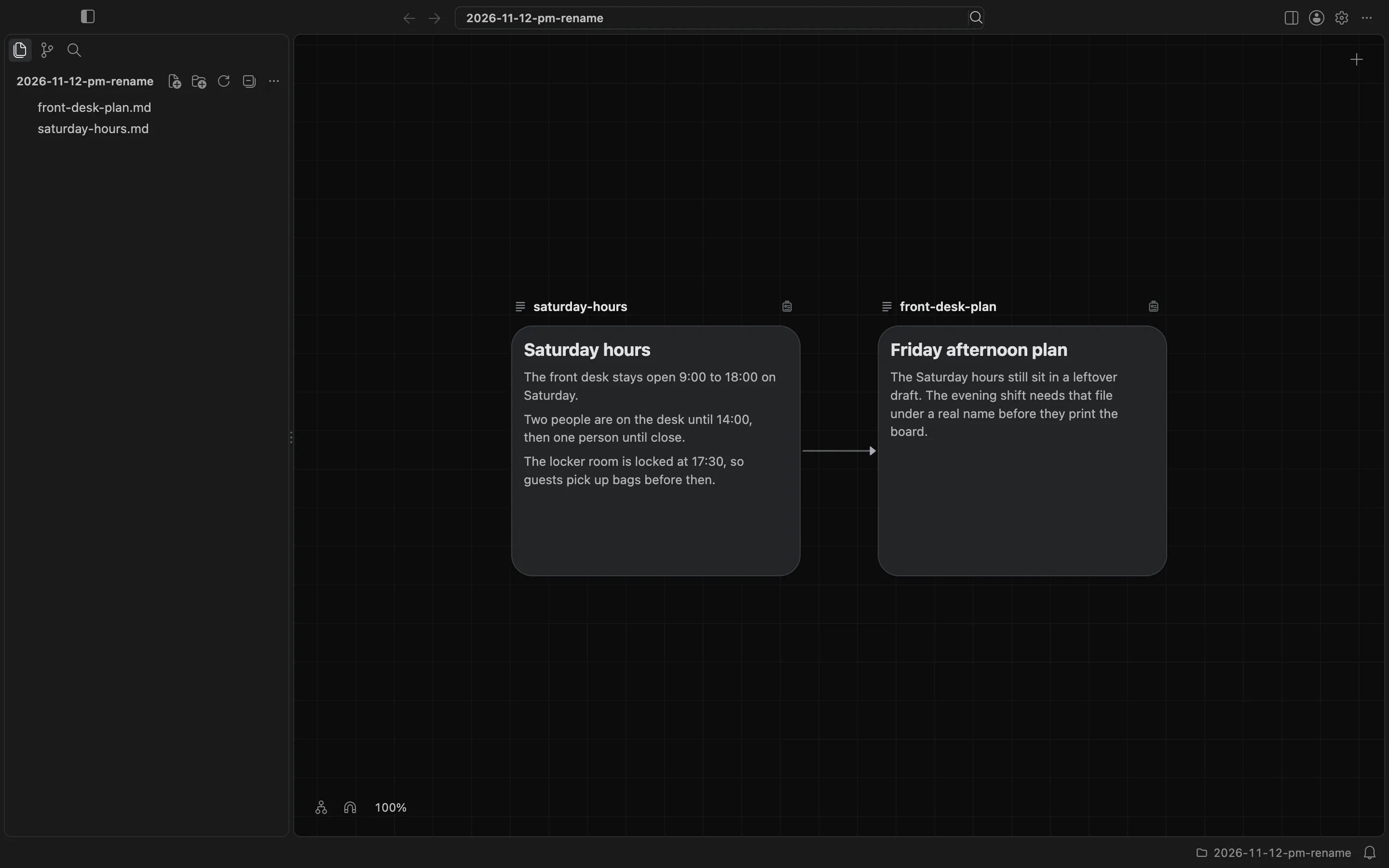
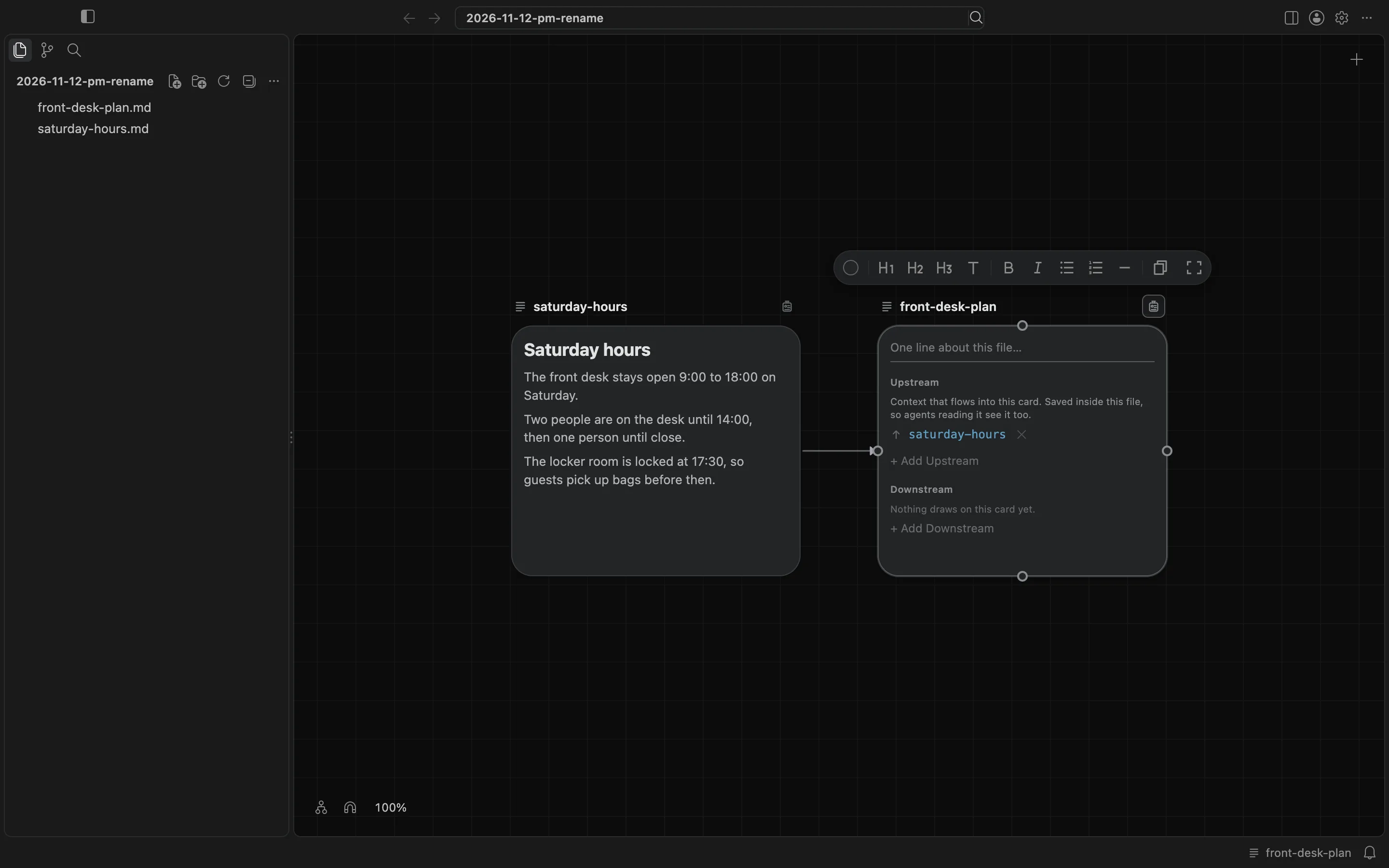
The plan's own file had been rewritten too. Its upstream list no longer said draft.md. I opened the badge on front-desk-plan and saw saturday-hours in the Upstream list. The file now held:
---
upstream:
  - saturday-hours.md
---
The canvas and cards docs describe renaming a card from its name. The connections docs describe how BaseHalf rewrites the entries that name an item when it is renamed.