
Resize a note or folder card
Select a note or folder card on a BaseHalf canvas and drag a corner or a side to resize it. A PDF keeps one size.
I had already written a Monday review brief in a BaseHalf folder, next to a one-page agenda PDF and a small notes folder. When I opened that folder in BaseHalf 0.7.0, the brief's card was too short to read in place. The last lines were cut off.
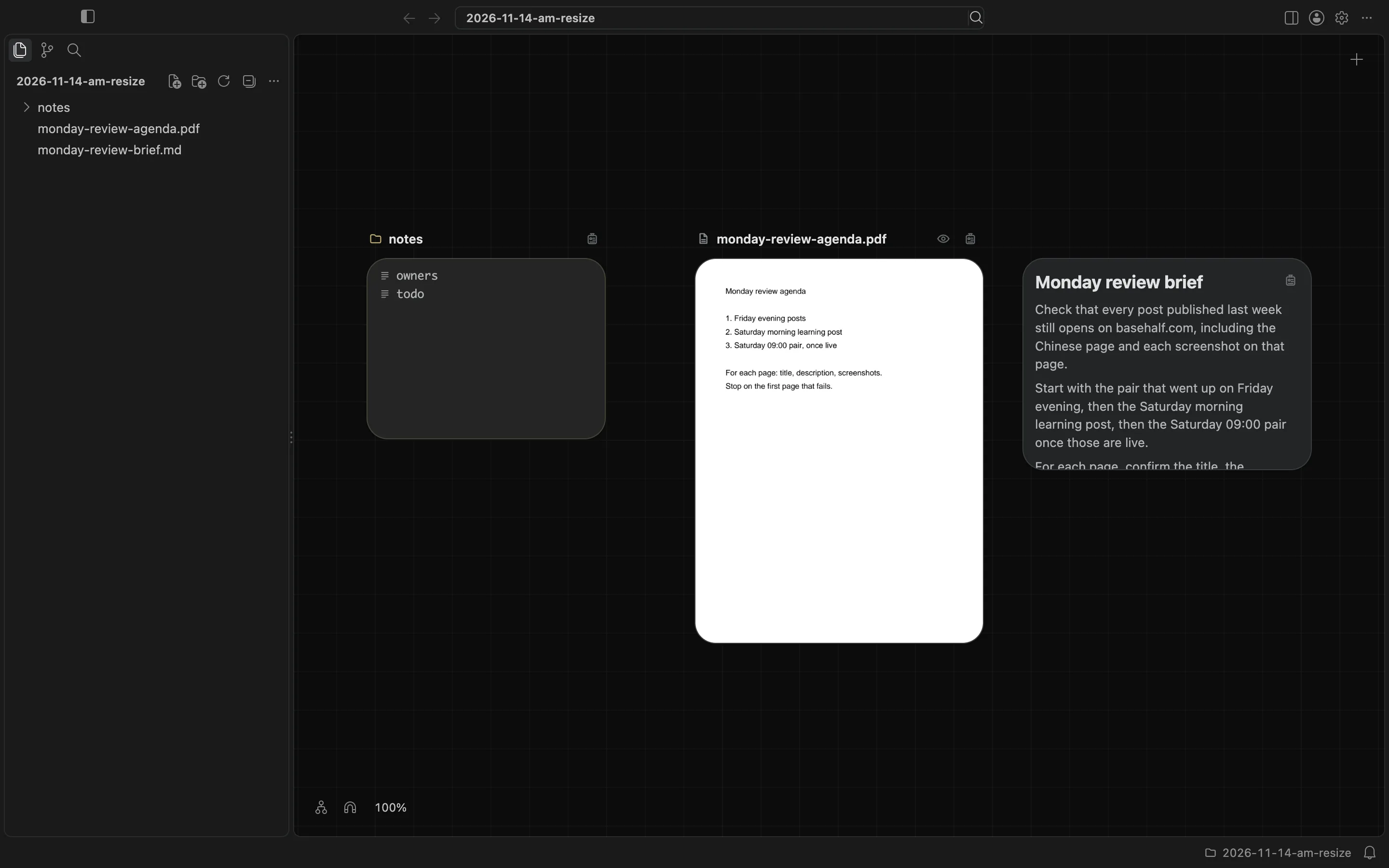
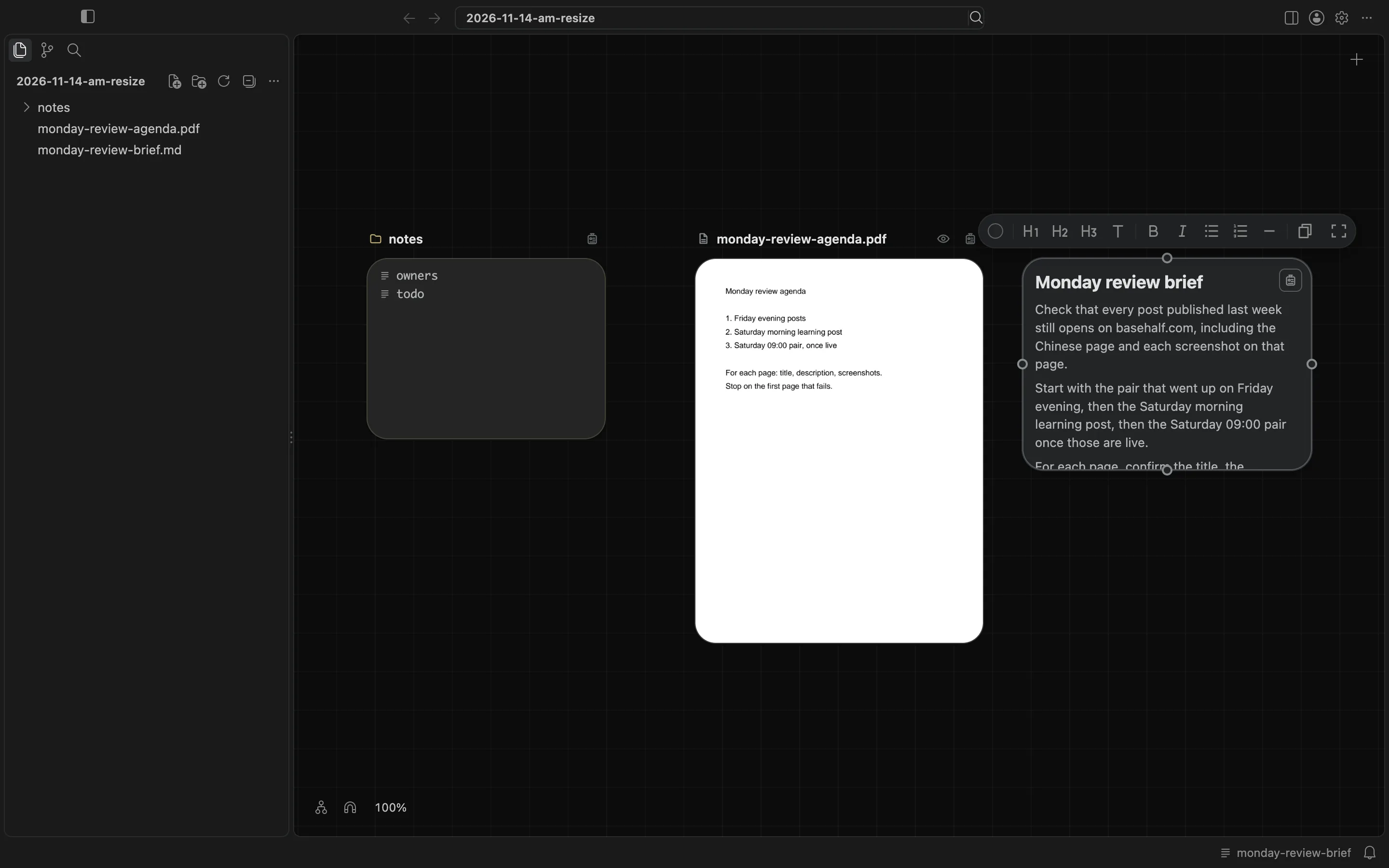
I selected the brief. Resize handles appeared on the corners and sides of the card. I dragged a corner down until the whole checklist was visible, including the line that says to stop on the first page that fails.
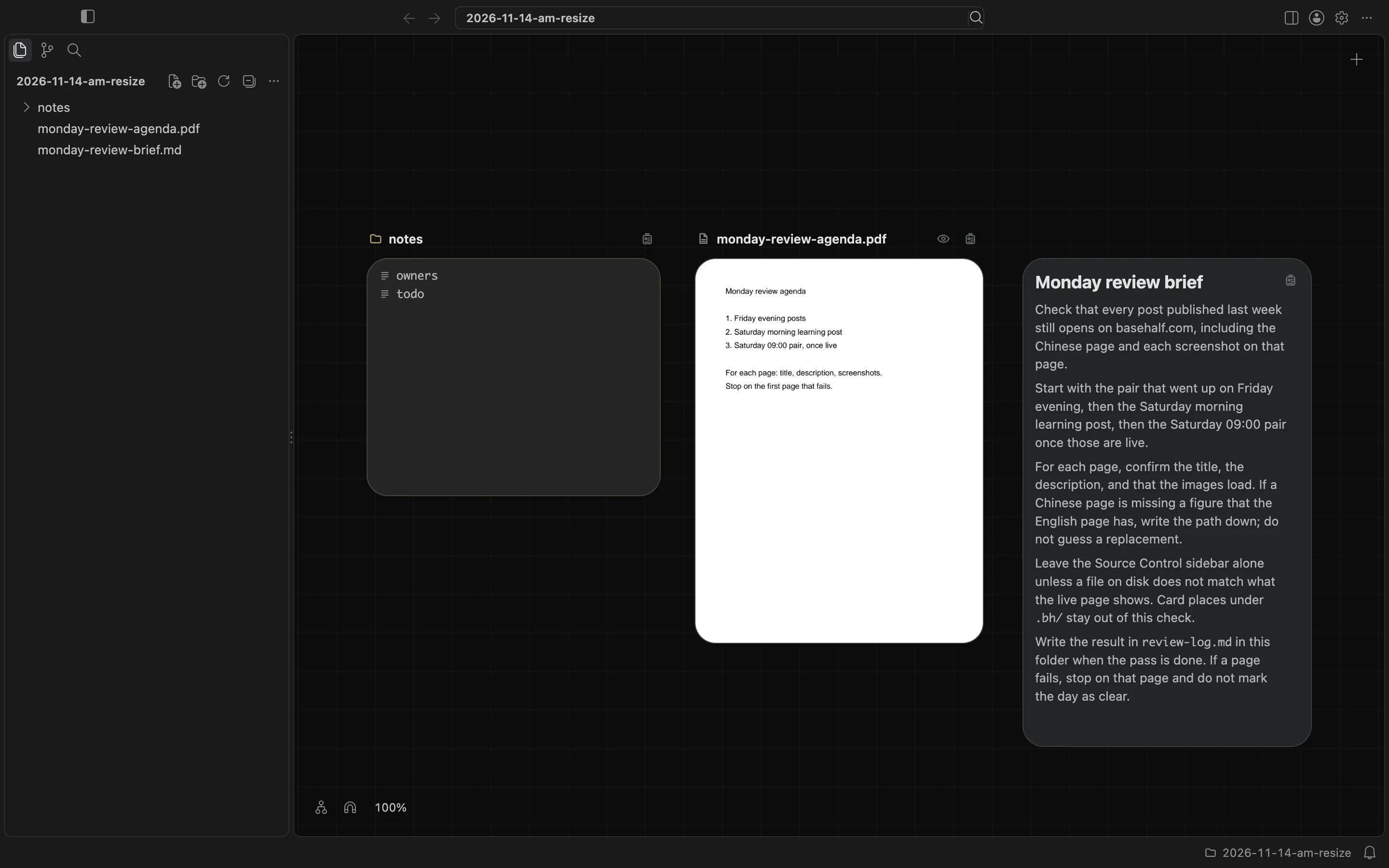
I also selected the notes folder and dragged a corner. It resized too. The card still listed owners and todo, just with a little more room.
The agenda PDF did not work the same way. When I selected it, the card kept its cover at one size. There were no resize handles on the corners or sides.
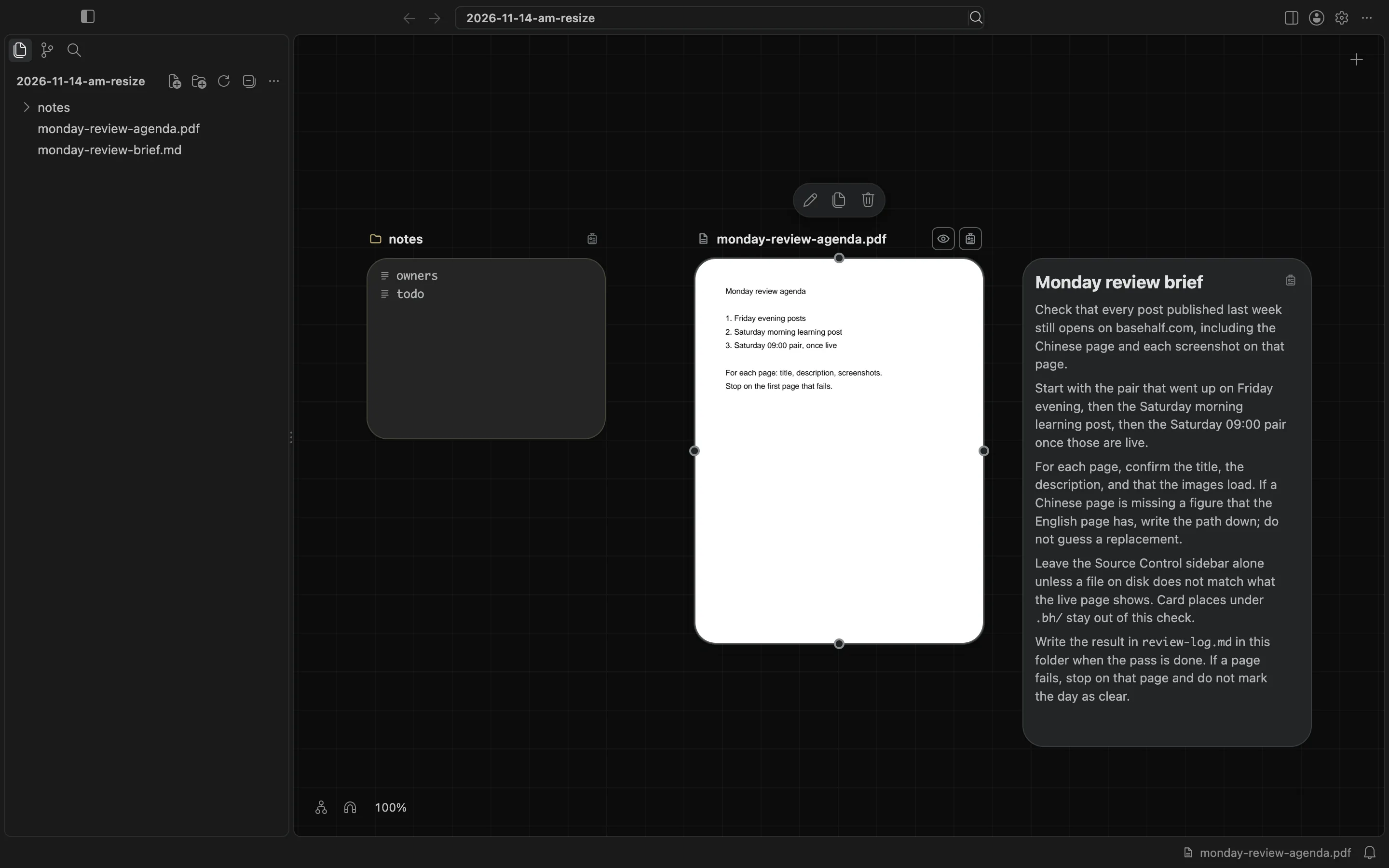
The new sizes were saved in the folder, under .bh/. The brief went from 300 by 220 to 300 by 507. The folder card changed as well. The PDF stayed 300 by 400.
The canvas and cards docs say you select the card of a note, another file, or a folder, then drag a corner or a side. The card of an image or a video has its picture's shape, a PDF or a book has one size, and a sound keeps the size of a file card. Card places and sizes stay out of git; BaseHalf writes its own ignore file under .bh/, and it never touches your .gitignore.