
Scroll a long note on its card
Scroll over a long Markdown note on a BaseHalf card to read it in place. A table wider than the card scrolls sideways. You do not have to open Card Detail to look something up.
On Monday afternoon I needed two facts from the Harbor Desk opening notes before I briefed the evening desk: Friday's close time, and what we do with a locker that is still closed at the end of the day. The notes had grown into a long Markdown file, opening-notes.md. I did not want to open Card Detail just to look those two lines up.
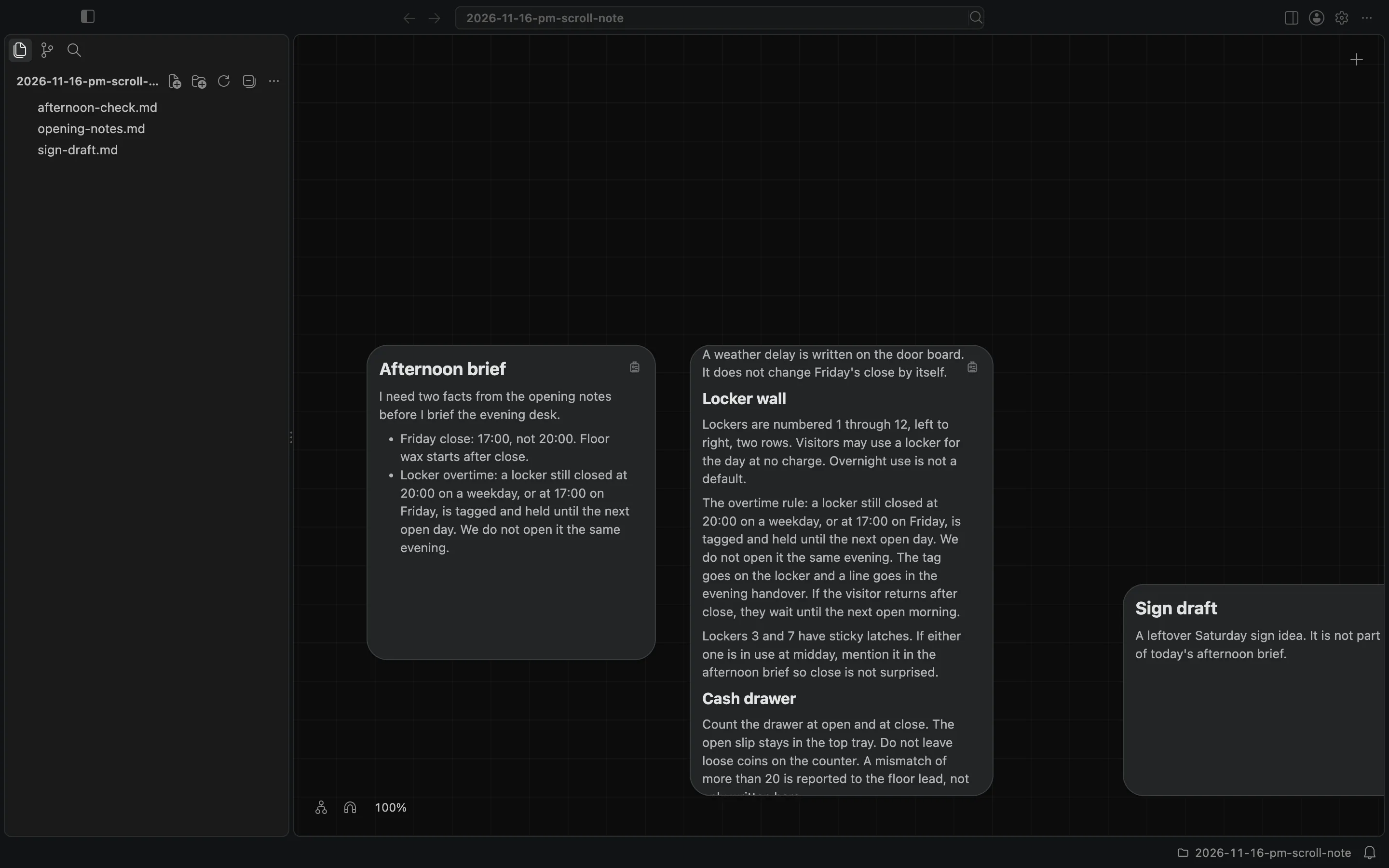
I opened the folder in BaseHalf 0.7.0. The opening notes sat in the middle of the canvas, with a short afternoon brief on the left and a leftover Saturday sign draft on the right. The opening notes card showed the start of the file: weekday hours, then the heading for the hours table. The rest of the note was already below the edge of the card.
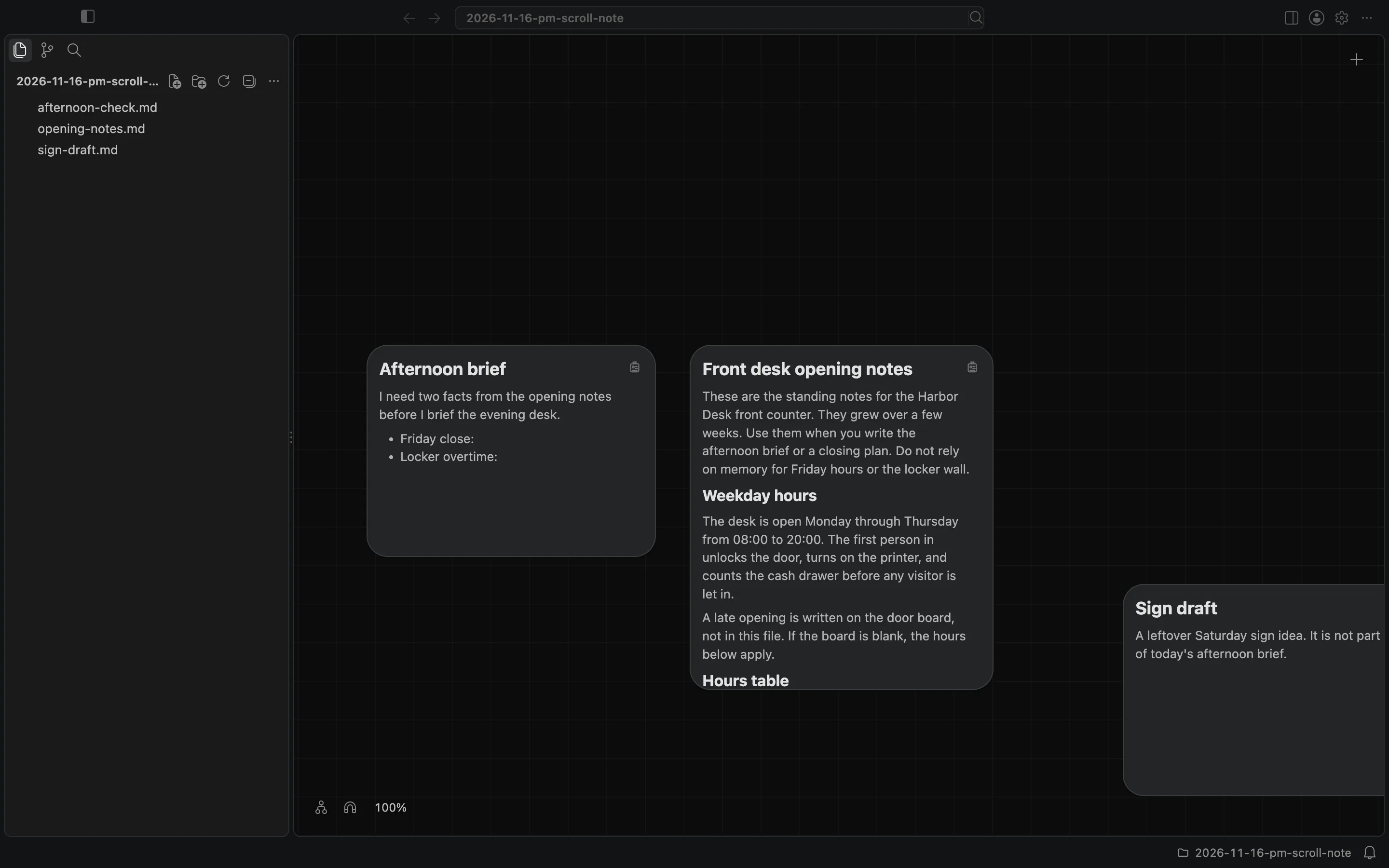
A Markdown note is shown rendered on its card: headings, lists, tables, and the rest of the file. Scroll over a long note to read it in place. I moved the pointer onto the opening notes card and scrolled. The hours table came into view, from Monday through Friday. Friday's close was 17:00, not 20:00. The table was wider than the card, so the Notes and Handover columns were cut off on the right.
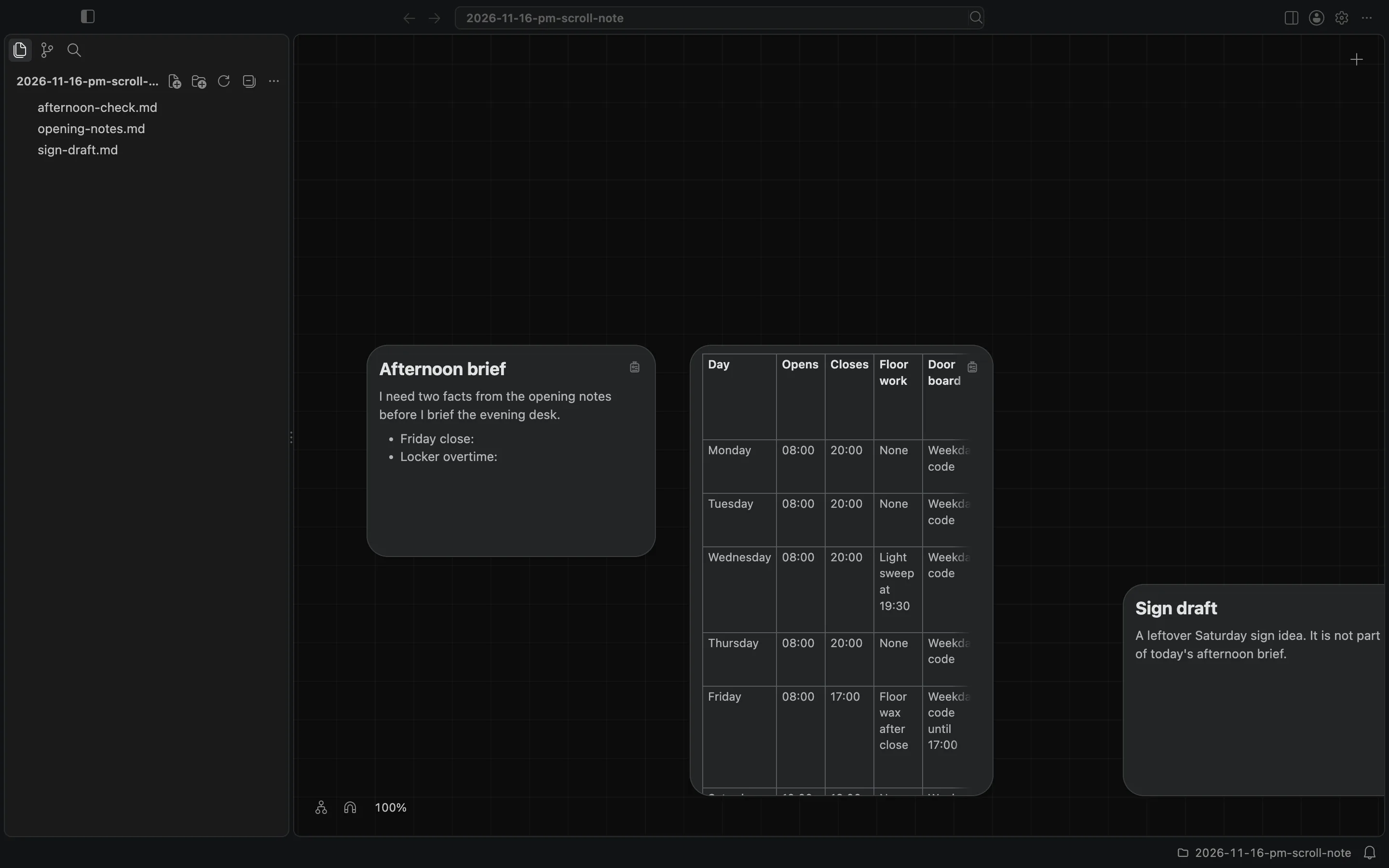
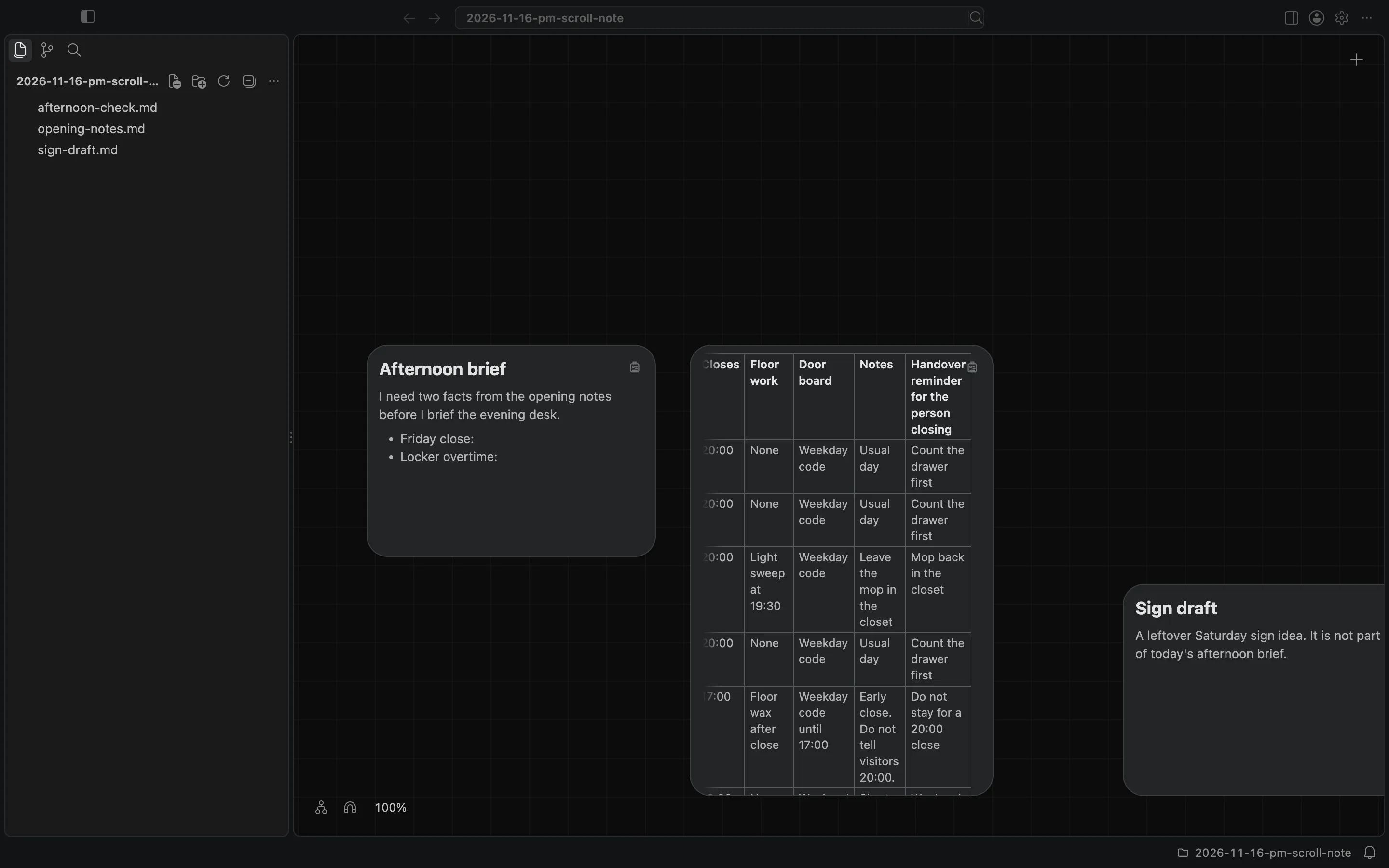
A table or code block wider than the card scrolls sideways. I scrolled the table to the right. Friday's Notes said "Early close. Do not tell visitors 20:00." The last column, Handover reminder for the person closing, said "Do not stay for a 20:00 close."
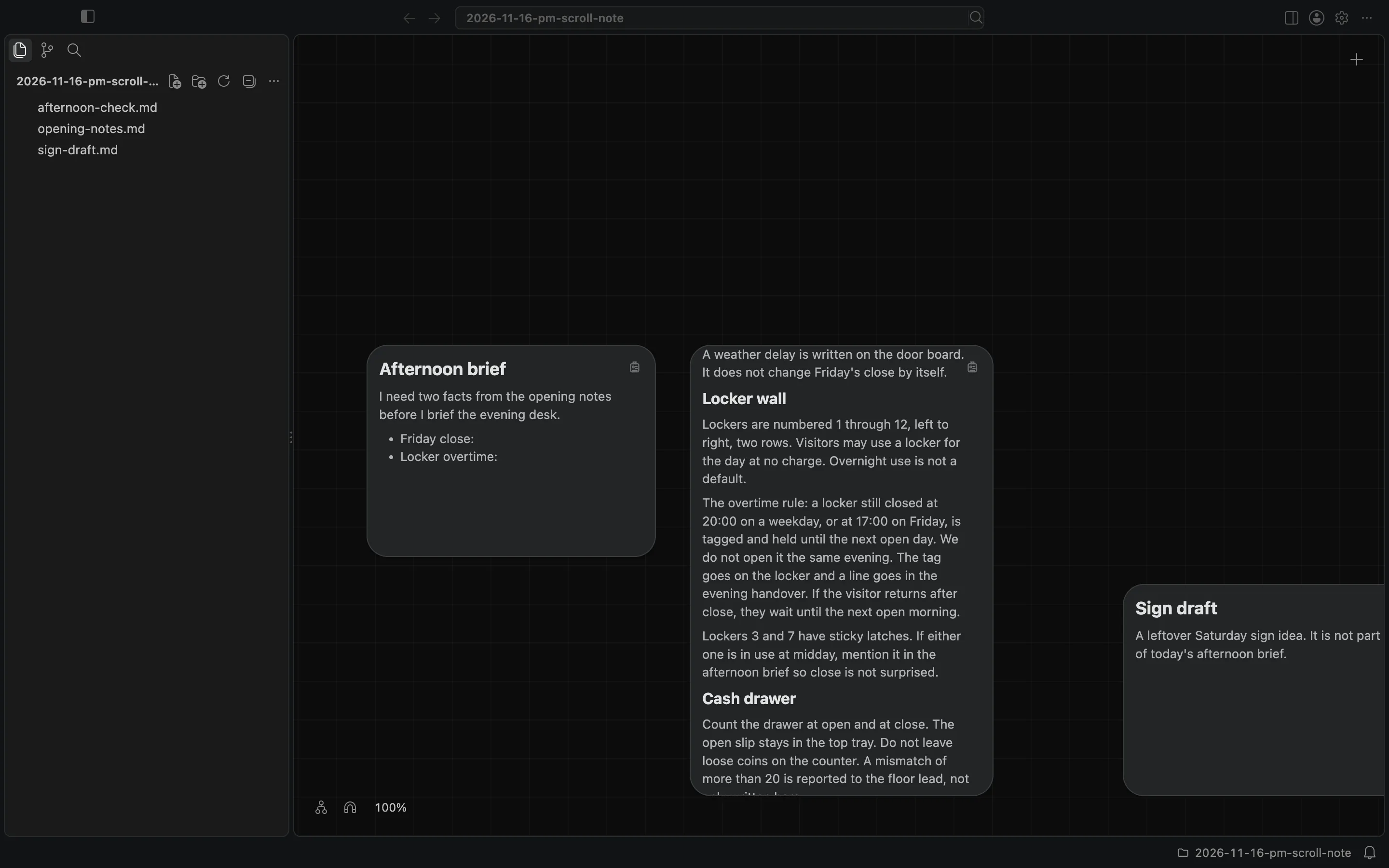
The locker rule was further down the same note. I scrolled the card again, past the printer and the door, to the Locker wall section. The overtime rule was there: a locker still closed at 20:00 on a weekday, or at 17:00 on Friday, is tagged and held until the next open day. We do not open it the same evening.
I wrote those two facts into afternoon-check.md, a short Markdown brief on the same canvas. I still had not opened Card Detail.
This is reading a Markdown note on its card, not editing it, and not opening it in Card Detail. Double-clicking the note to edit it, or expanding it in Card Detail to use Rich, Source, or Preview, is a different step. The canvas and cards docs describe what a note shows on its card, including scroll.