
Select cards by dragging a box
Drag a box from an empty part of a BaseHalf canvas to select every card it touches. Hold Shift to start the box on top of cards on a crowded canvas. A selected set then moves as one.
On Monday morning I had four short opening notes for the front desk, written at different times: hours, a locker check, the printer, and a door and weather reminder. They sat on the canvas mixed with a Sunday recap and a leftover sign draft I did not want in this batch. I needed the four opening notes together so I could read them as a set.
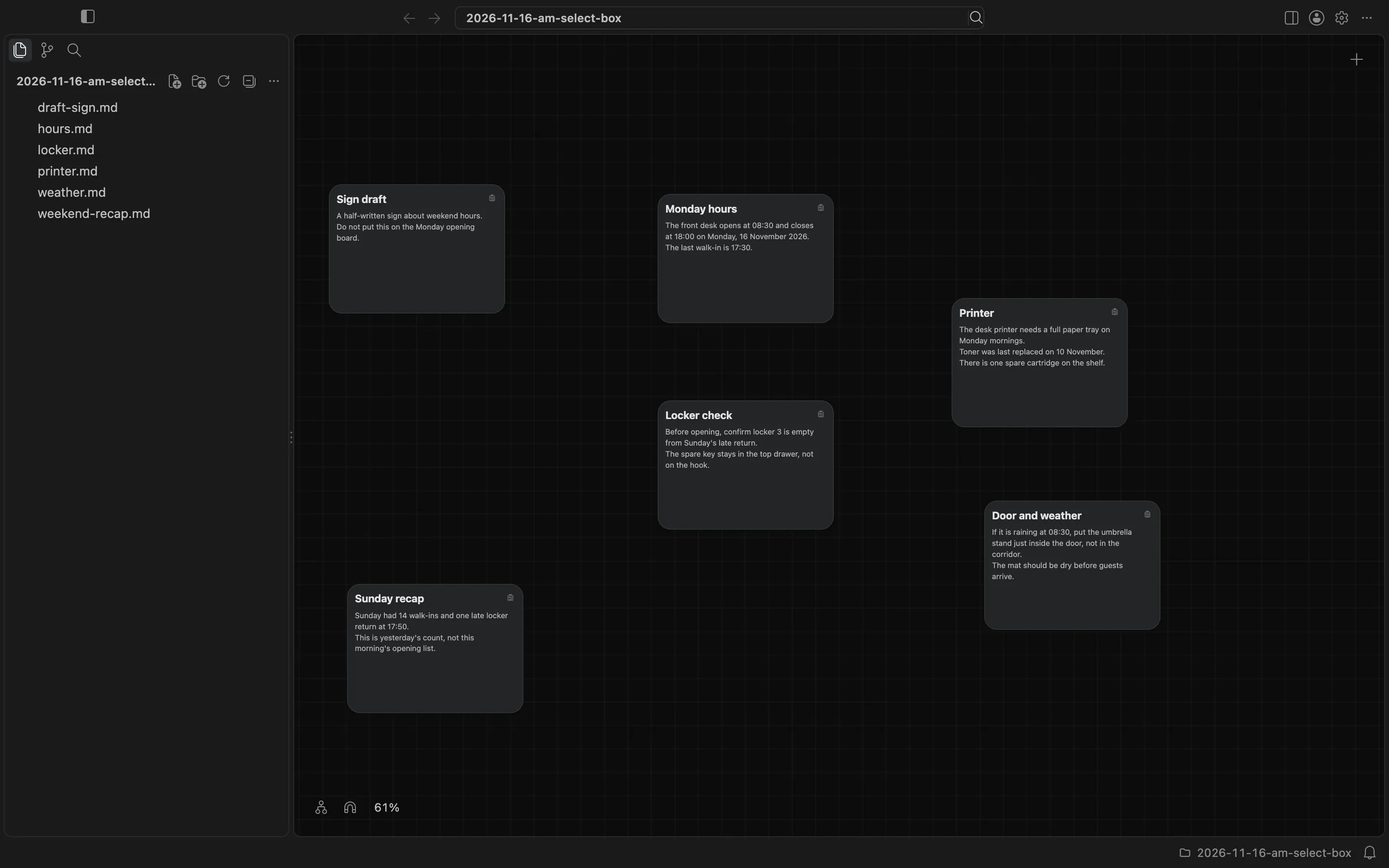
I opened the folder in BaseHalf 0.7.0. The files were ordinary Markdown notes: hours.md, locker.md, printer.md, weather.md, plus weekend-recap.md and draft-sign.md. After I spread them out, the leftovers sat on the left, and the four opening notes were scattered on the right.
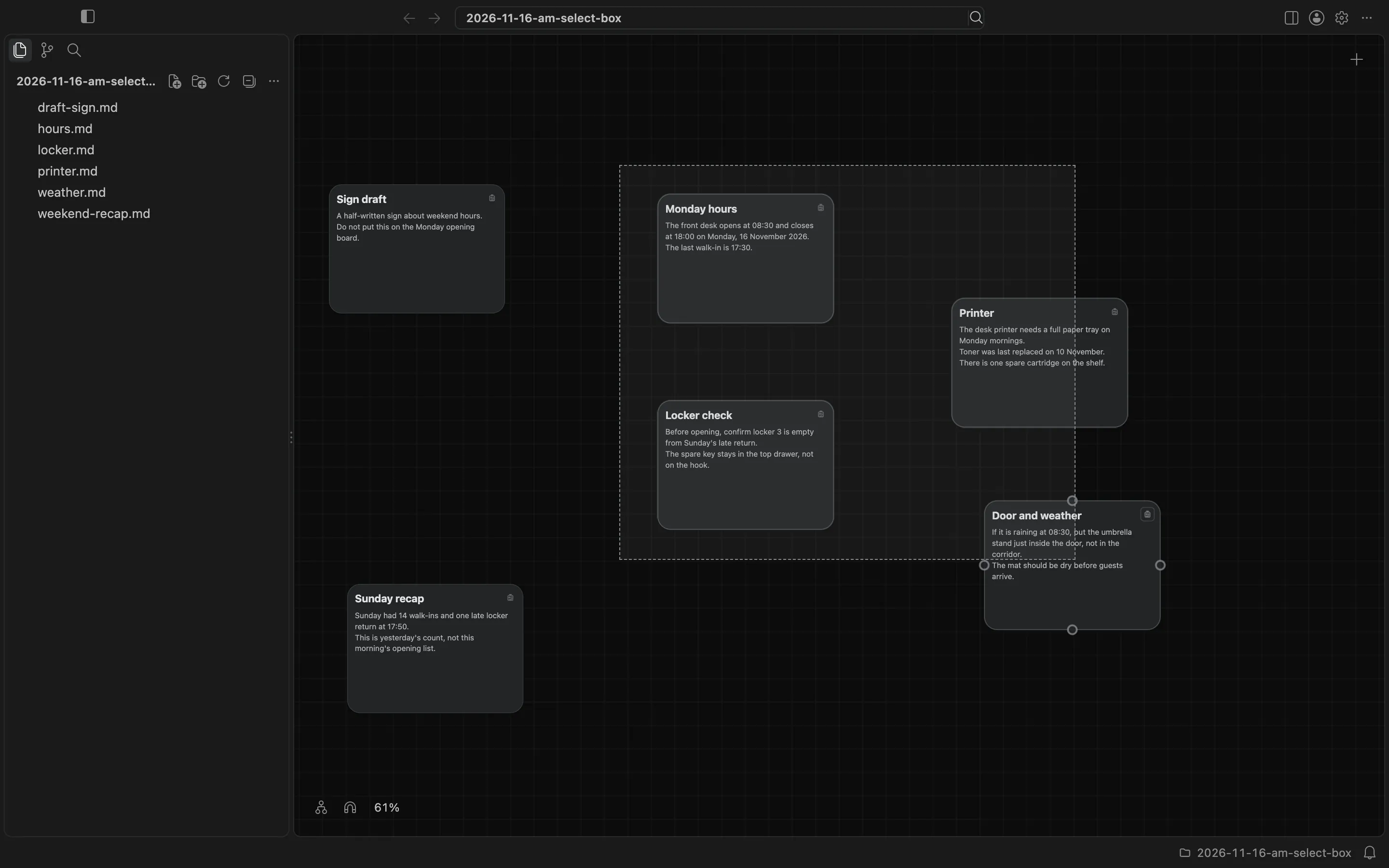
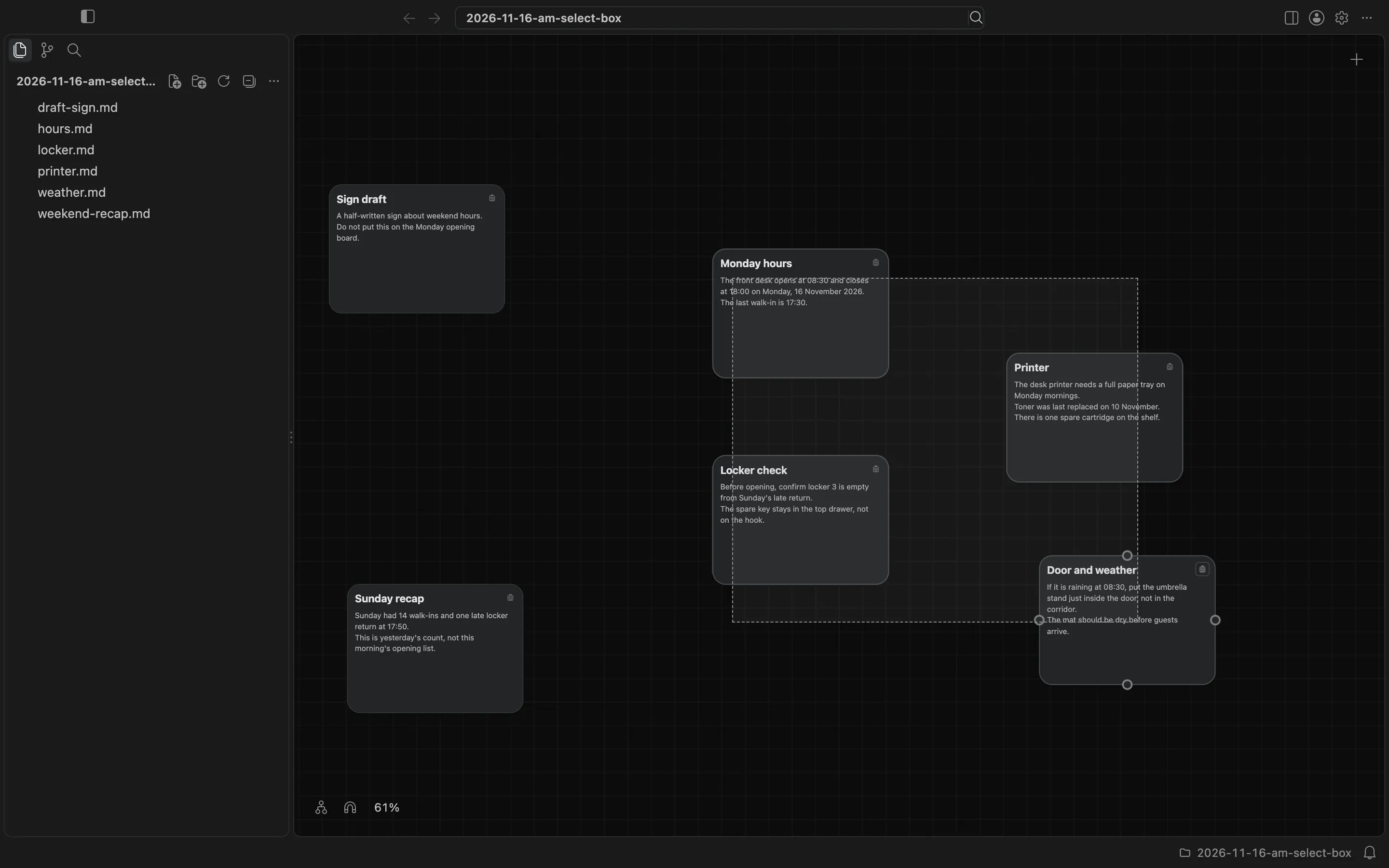
A click selects one card. Shift-click adds a card to the selection or takes one out. To take several at once, I dragged a box from an empty part of the canvas. BaseHalf selects every card the box touches. The box started in the empty space left of Monday hours and grew across Locker check, Printer, and Door and weather. It did not touch Sign draft or Sunday recap.
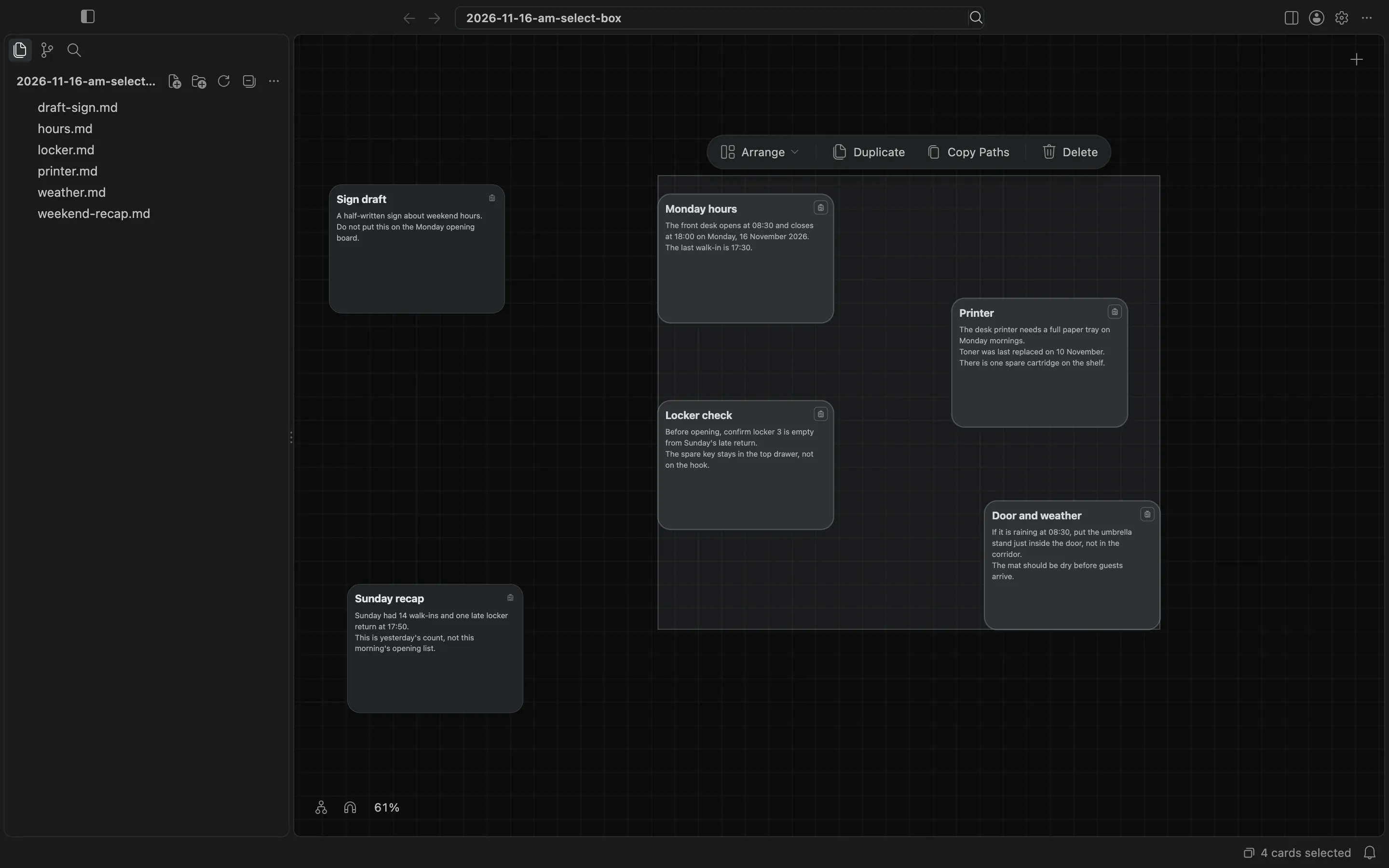
When I released the pointer, those four notes were a set. The set's toolbar appeared above them, with Arrange, Duplicate, Copy Paths, and Delete. The status bar said 4 cards selected. I did not use those toolbar actions here.
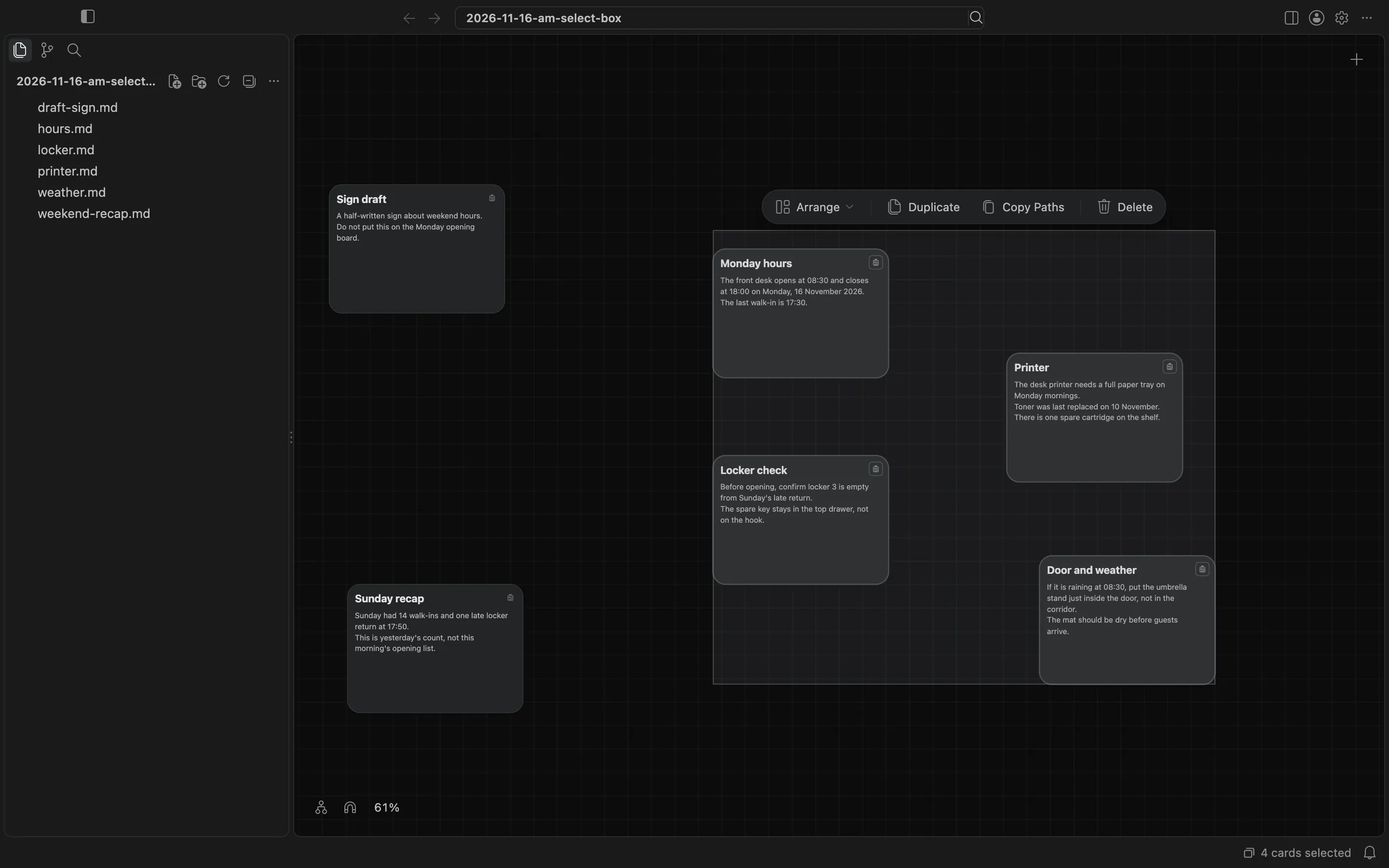
A set moves as one when you drag it. I dragged from Locker check, and the four opening notes kept their places relative to each other as they moved. The Sunday recap and the sign draft stayed where they were.
On a crowded canvas, empty space to start a box can be hard to find. Hold Shift and the box can start on top of a card, including one you want in the set. I started on Monday hours and dragged across the other three opening notes. Without Shift, a press on a card would have moved or selected that card instead of drawing a box.
This is not the same as dragging a box that touches no card, which selects the connection lines it crosses. I was selecting cards. Arrange, Duplicate, and Copy Paths are actions on a set you already have; this post is about how I made the set. The canvas and cards docs describe selection and the set toolbar.