
A file written into the folder appears on the canvas
Write a file into a folder that is already open in BaseHalf, and its card appears on the canvas. Connect it, and the upstream list is saved in the file.
I had a brief and a list of what changed this week in a Harbor Desk folder. I needed a Friday board note in the same place, written from those two files.
I opened the folder in BaseHalf 0.6.1. The brief and the shipped list were already cards on the canvas.
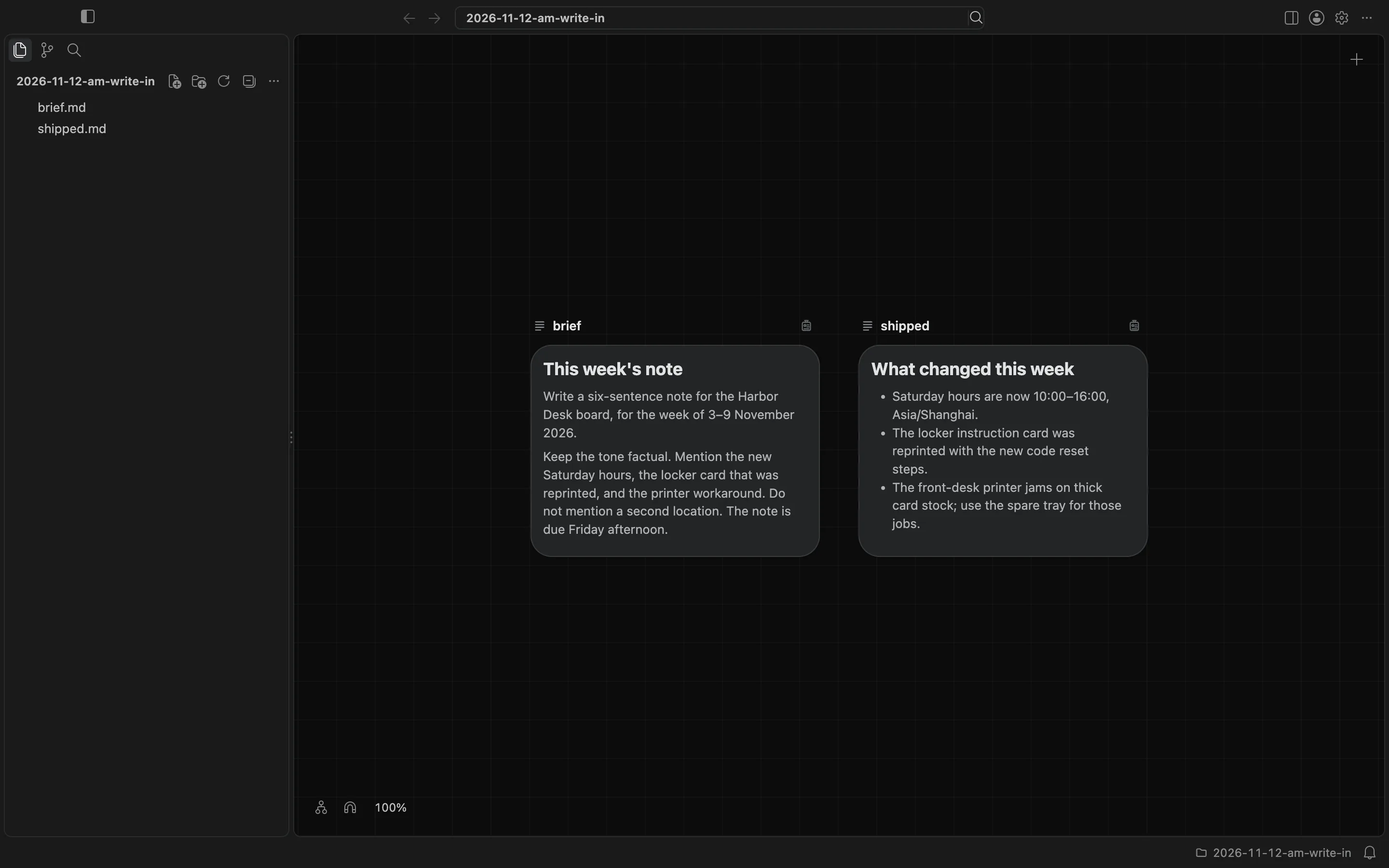
The canvas follows the folder on disk. I wrote changelog-2026-11-12.md into that folder from the terminal, the same way an agent or any other tool would write a file. I did not import it, and I did not drop it onto the canvas. The new card appeared on the canvas, to the right of the two notes that were already there, and the file showed up in the sidebar. At 100% zoom the right edge of the new card sat off the screen until I fitted the view.
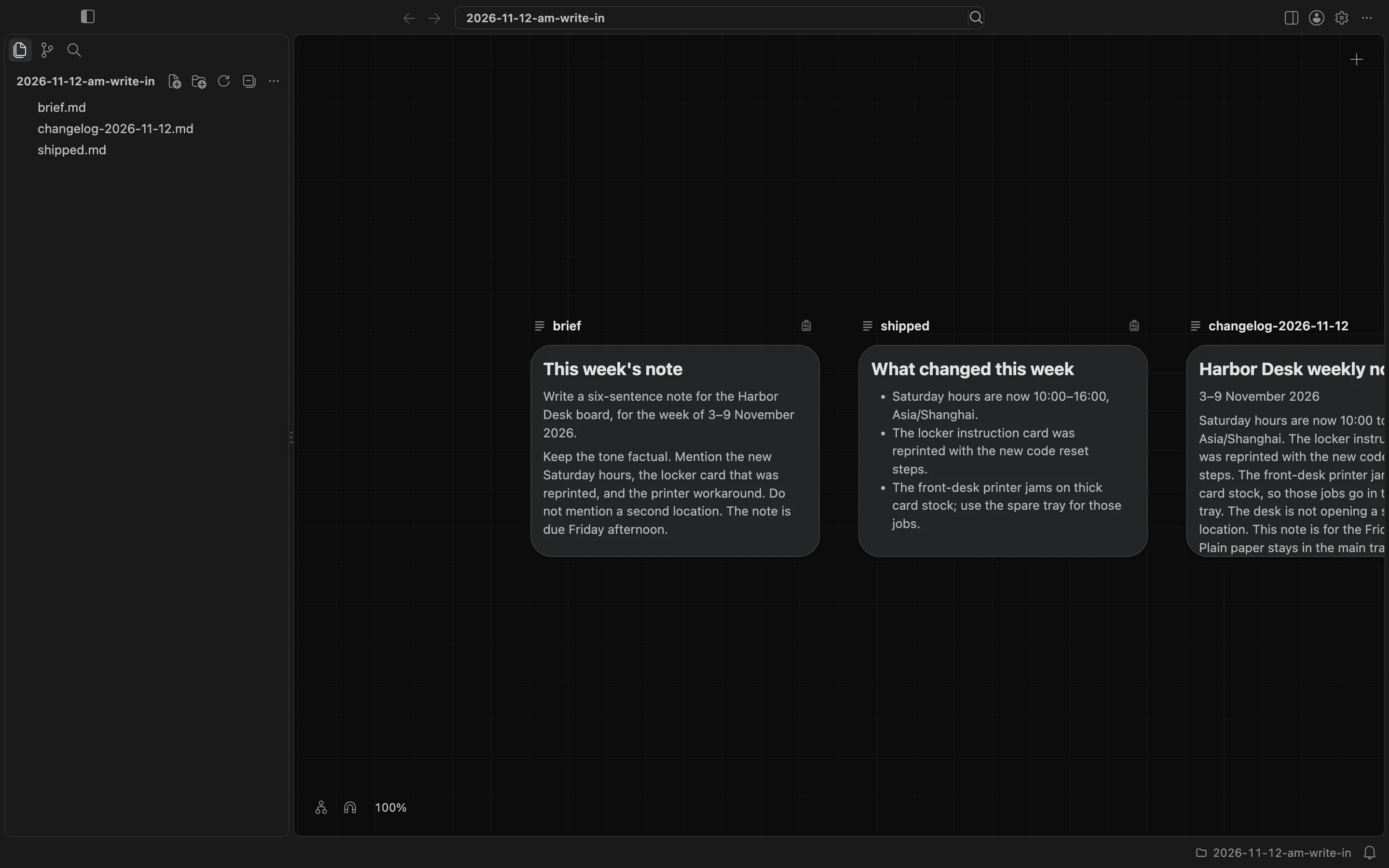
I still needed the weekly note to keep what it was built on. I opened the badge on changelog-2026-11-12.md and used Add Upstream to pick brief.md and shipped.md. BaseHalf wrote the list into the note, in the frontmatter at the top of the file:
---
upstream:
  - brief.md
  - shipped.md
---
Because those three Markdown notes share this folder, lines were drawn from the brief and the shipped list into the weekly note. The list stays in the file, so git and an agent that opens the note can read it too.
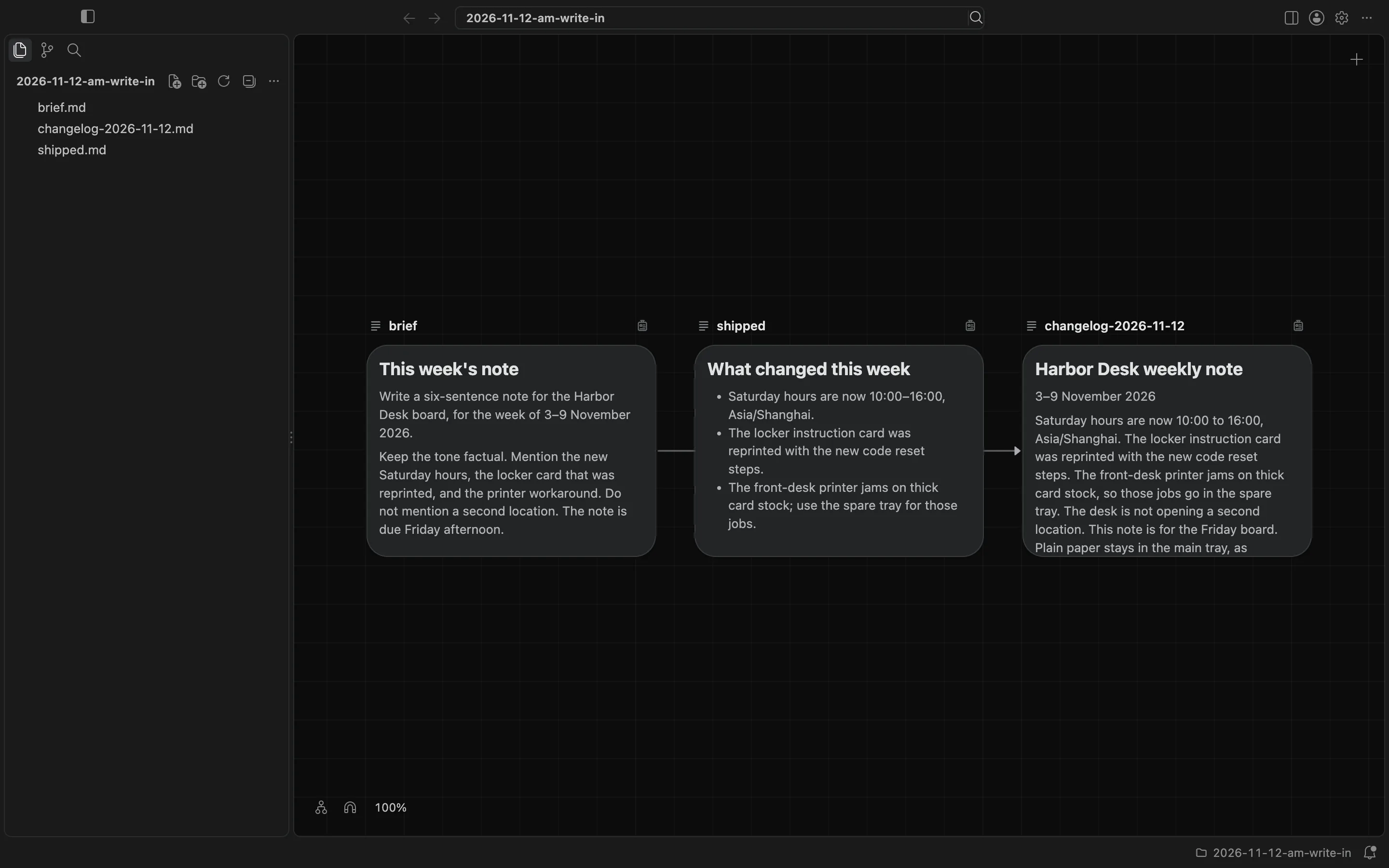
If a file is deleted, its card goes. I kept the canvas visible when I wrote the note, so I could see the new card appear. The canvas and cards docs describe how a canvas follows its folder. The connections docs describe the badge and where an upstream list is saved.