
Click the path in the title bar to search
A click on the path in the BaseHalf title bar opens workspace search. Opening a file from there shows it in Card Detail.
I was packing a Sunday 10:00 neighborhood studio desk, and the volunteer briefing was one of several Markdown notes already in the folder. I wanted to open that note without hunting for its card.
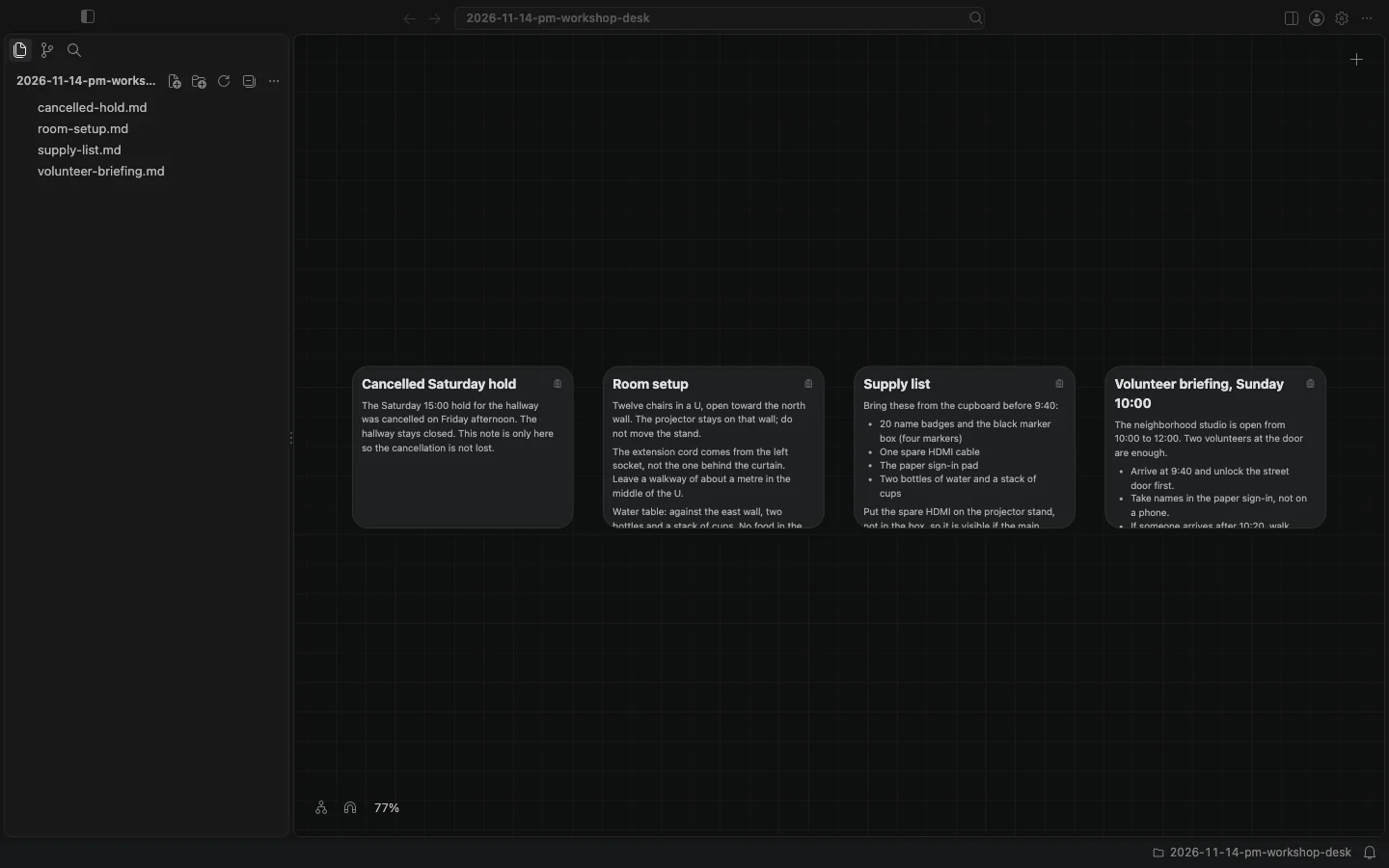
I opened the folder in BaseHalf 0.7.0. The canvas showed four notes in a row: a cancelled Saturday hold, the room setup, the supply list, and the volunteer briefing. The title bar in the middle showed the path of the folder I had open, 2026-11-14-pm-workshop-desk, with a search icon to the right of the path.
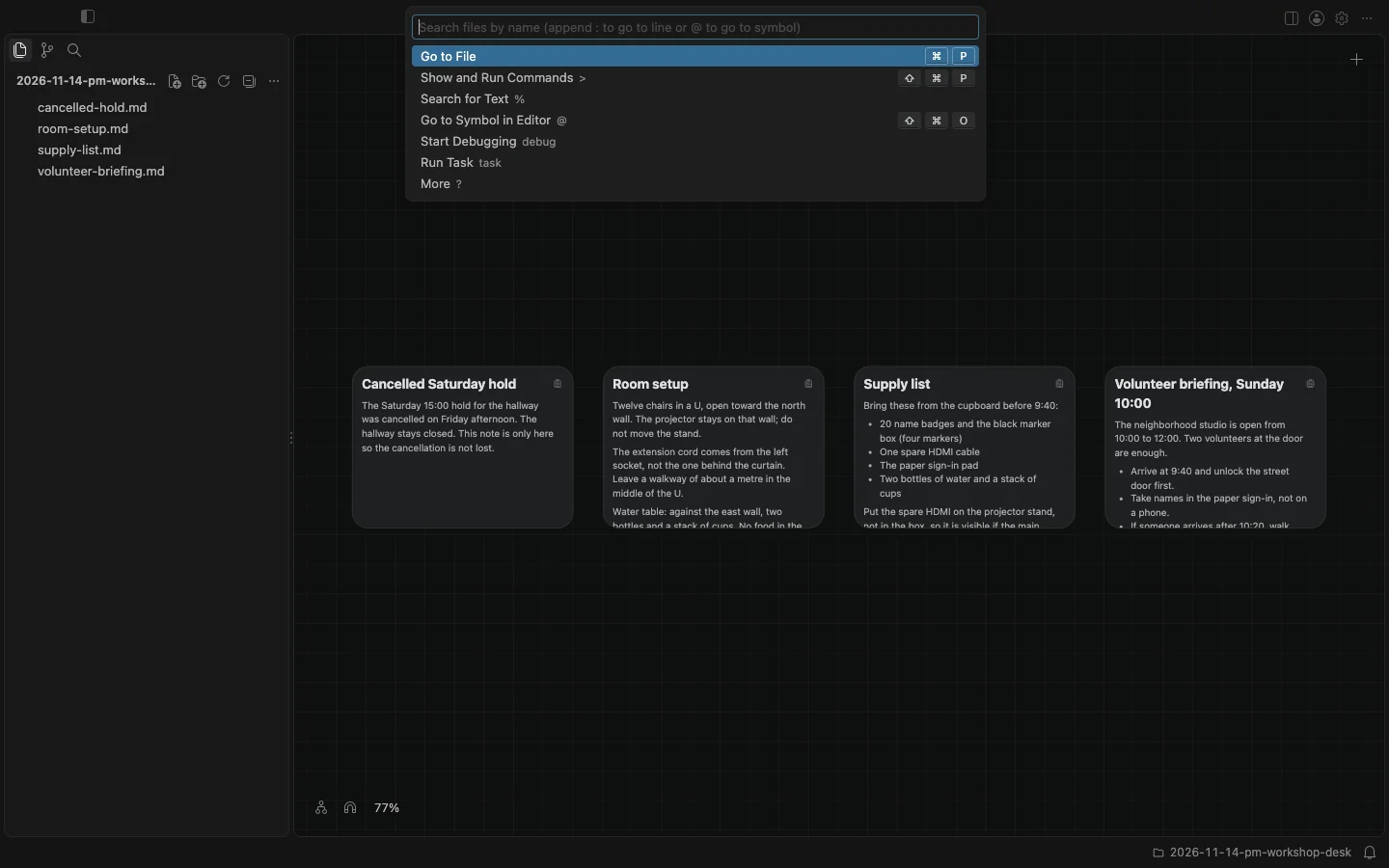
I clicked the path itself, in the empty part to the right of the folder name, not the search icon. A search opened at the top of the window. The field said "Search files by name (append : to go to line or @ to go to symbol)." Below it were modes, and Go to File was selected.
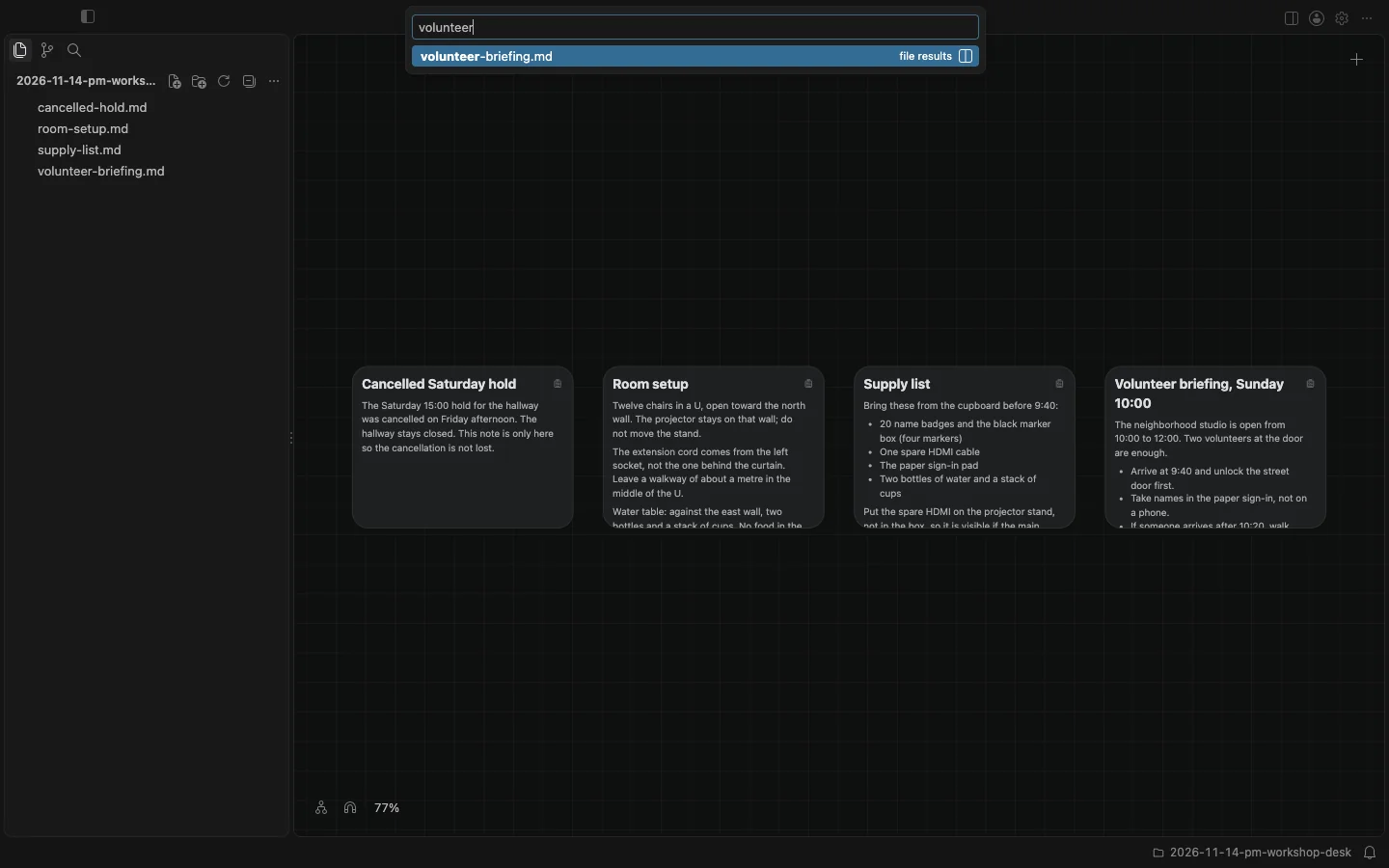
I typed volunteer. The list narrowed to one file result: volunteer-briefing.md.
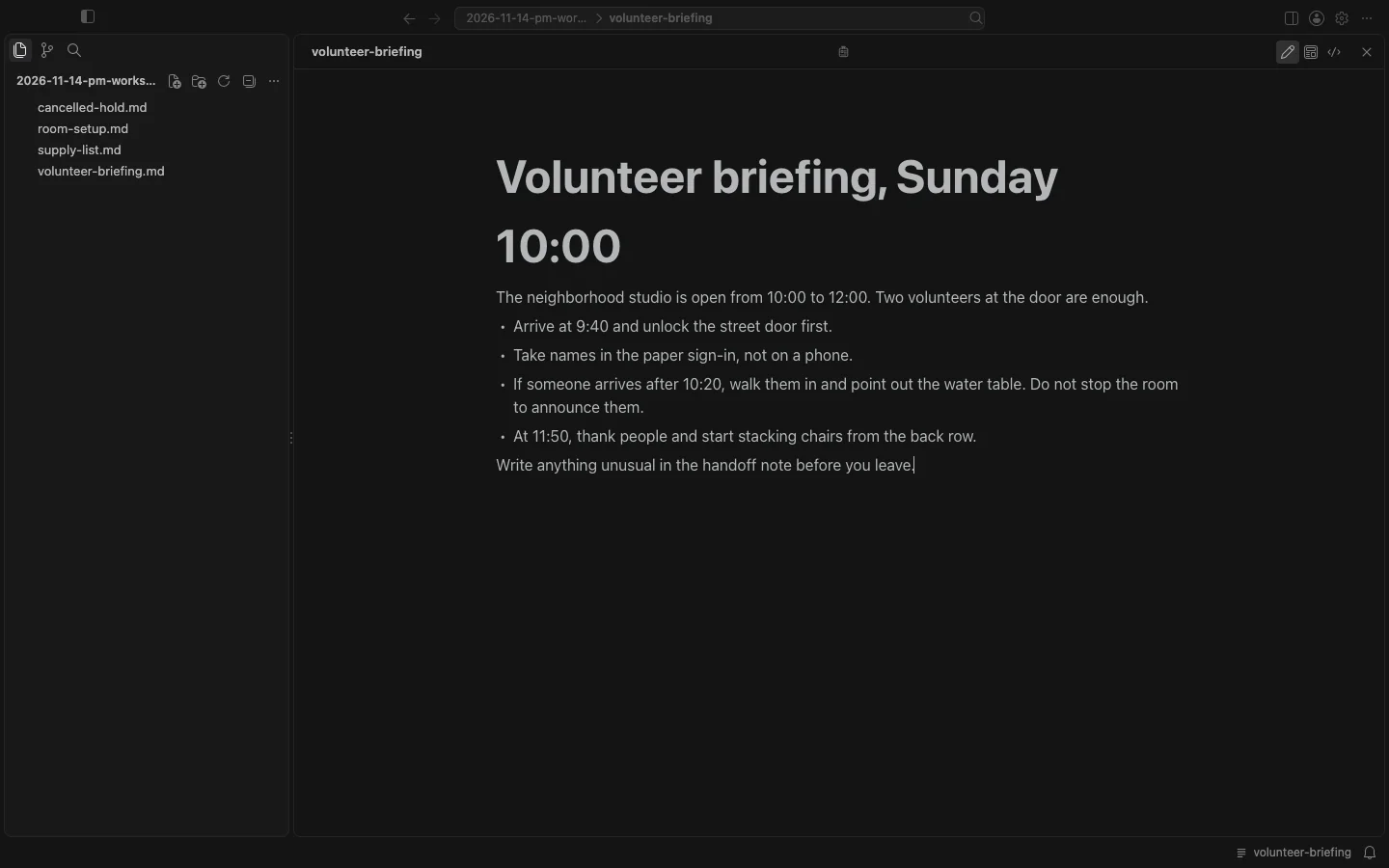
I pressed Enter. The note opened in Card Detail, over the whole canvas area, in the Rich view, which is the default. The title bar path now showed the folder, then volunteer-briefing, without the .md ending. The whole briefing was readable there, including the last line about writing unusual things in the handoff note. I pressed Escape, and Card Detail closed. I was back on the canvas.
The get started docs say the title bar has the path of what you see, and a click on the path opens the search. The canvas and cards docs say Quick Open and Quick Search open any file in Card Detail, notes included. A Markdown note in Card Detail has Rich, Source, and Preview views of the same file. I used the search that opened from the path, then opened this note from a file name match. That is not the same as the sidebar's Search view, which also opens a file in Card Detail, and it is not Grow branch, which starts only from selected text in a PDF or book in Card Detail.