
Point at a video to preview it without sound
Point at a video card in BaseHalf to preview it without sound. A click selects the card, and a drag moves it. I used this to pick which of two short clips belongs with a Saturday opening note.
I had two short clips and a Saturday opening note for Harbor Desk. The visitor log stays on the front counter, not in the locker room. I needed to pick which clip belongs with that note, without the clips playing sound over the rest of the desk.
The clips are short labeled videos I made for this, front-counter.mp4 and locker-wall.mp4, six seconds each. I opened the folder in BaseHalf 0.7.0. Each video card has the shape of its picture. The opening note sat to the right of the locker wall clip.
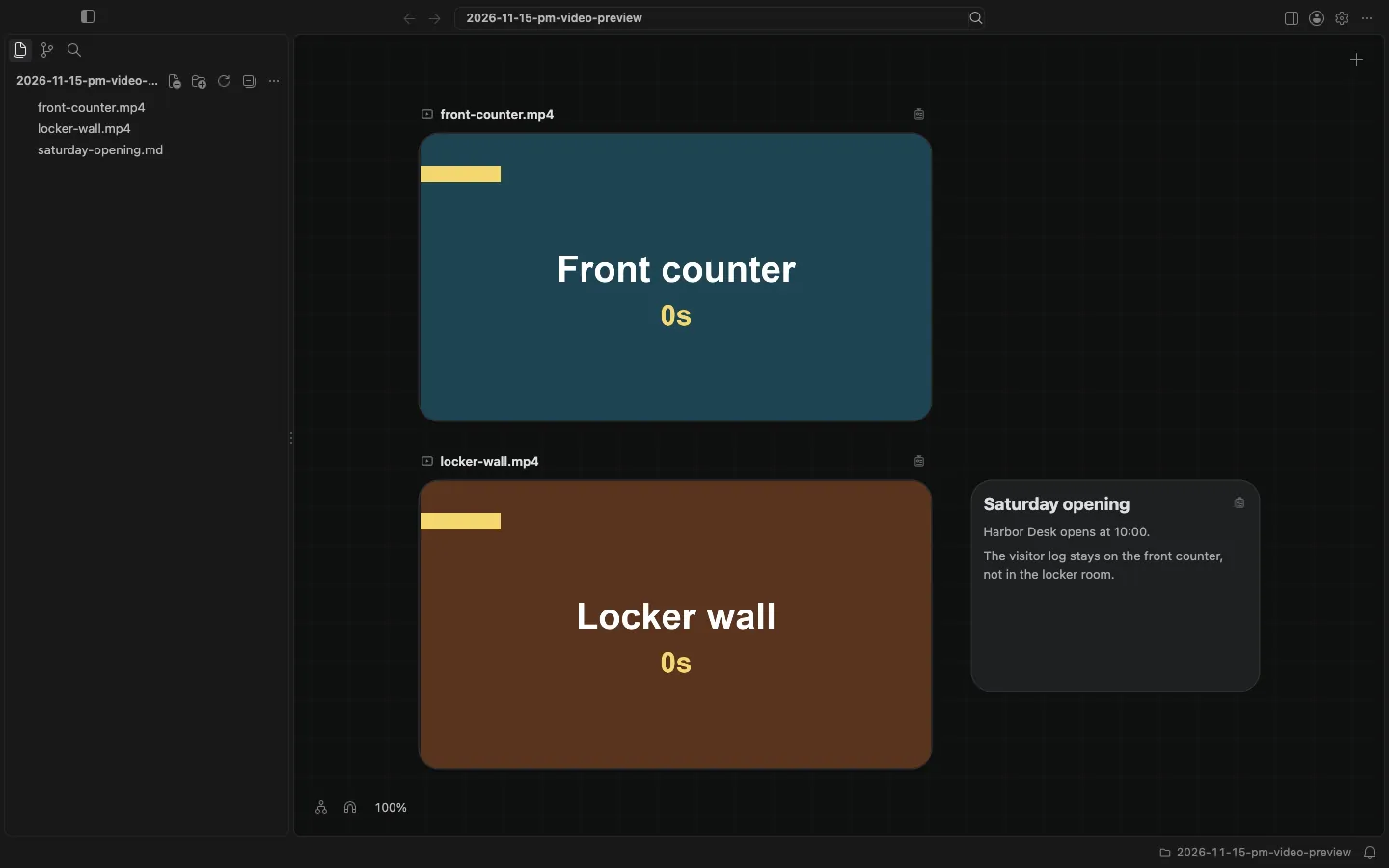
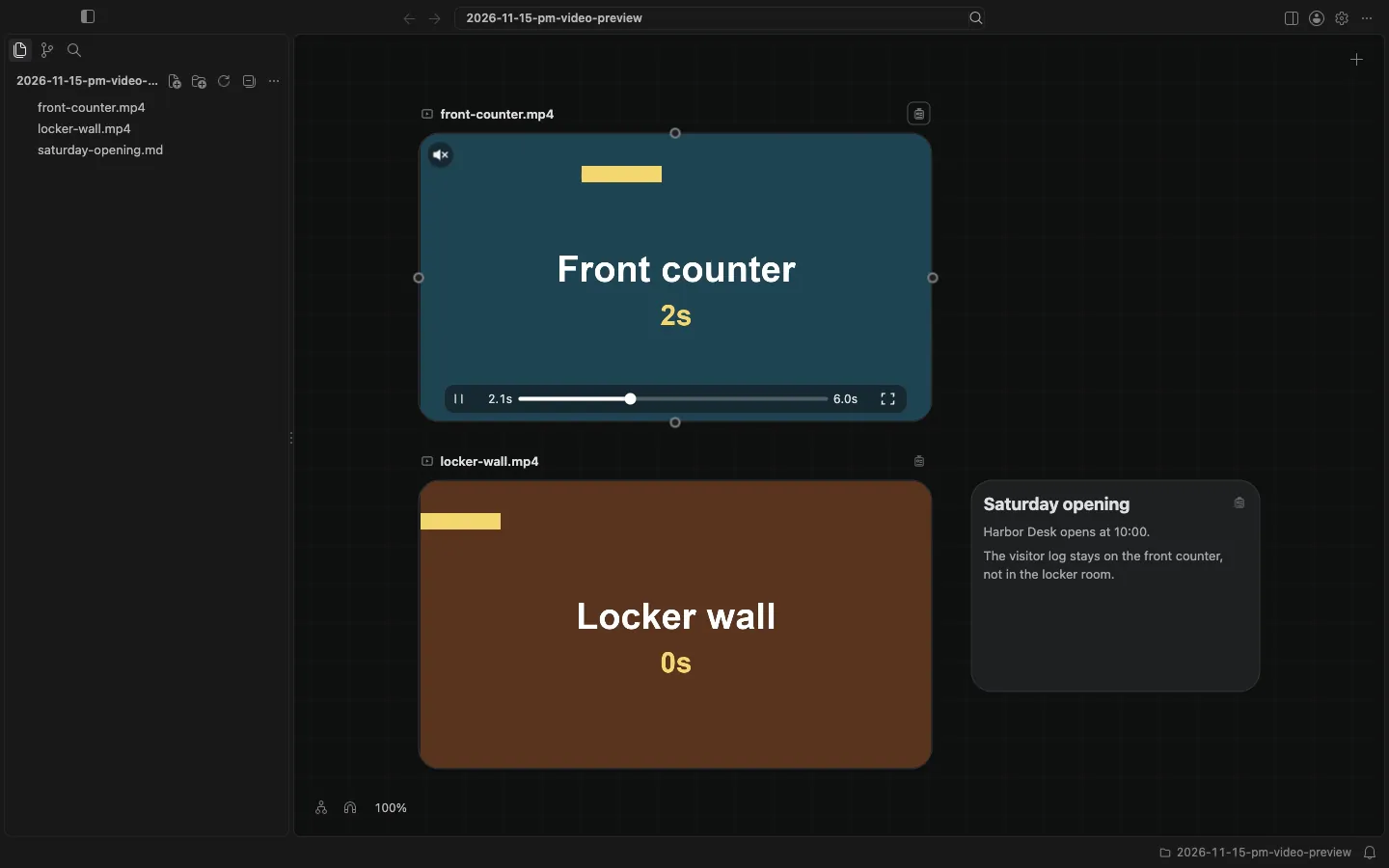
Images and videos have the shape of their picture. Pointing at a video plays it without sound, a click selects the card, and a drag moves it. I pointed at the picture of front-counter.mp4, not at its name. The clip played on the card. The picture showed 2s, and a yellow bar had moved in from the left. The player's controls appeared on the card: Pause, a Position slider at 2.1s of 6.0s, Open, and Unmute in the corner of the picture. Unmute is there because this preview is playing with the sound off. I did not turn the sound on.
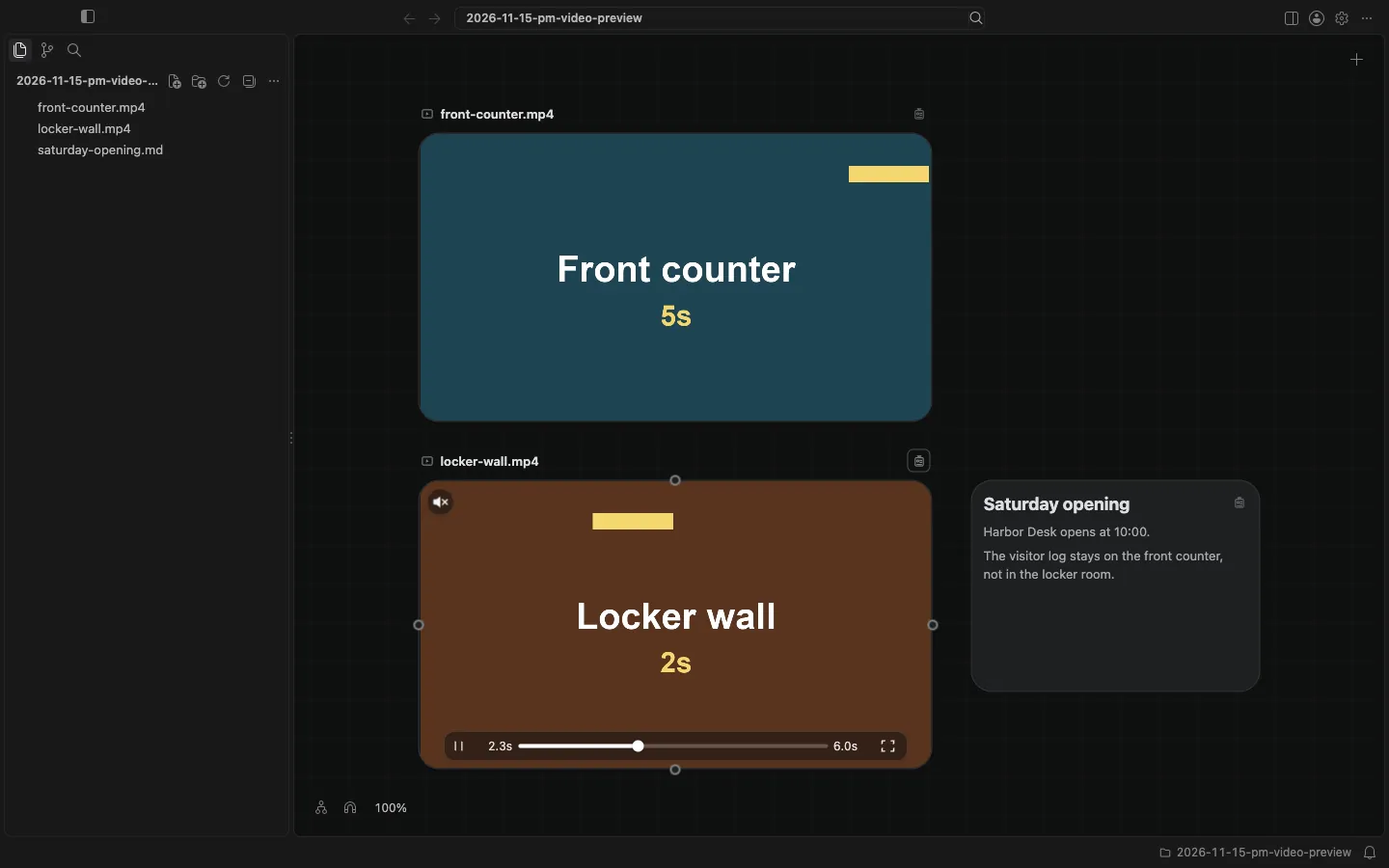
When I moved the pointer off the card mid-play, the clip paused, still without sound. I then pointed at locker-wall.mp4. It played the same way, also without sound, with the same kind of controls.
I did not open Card Detail. Open, or a double-click on the picture, would open the file there, where a video can be trimmed and where pointing at the picture does not preview it. I only needed to see which shot matched the opening note.
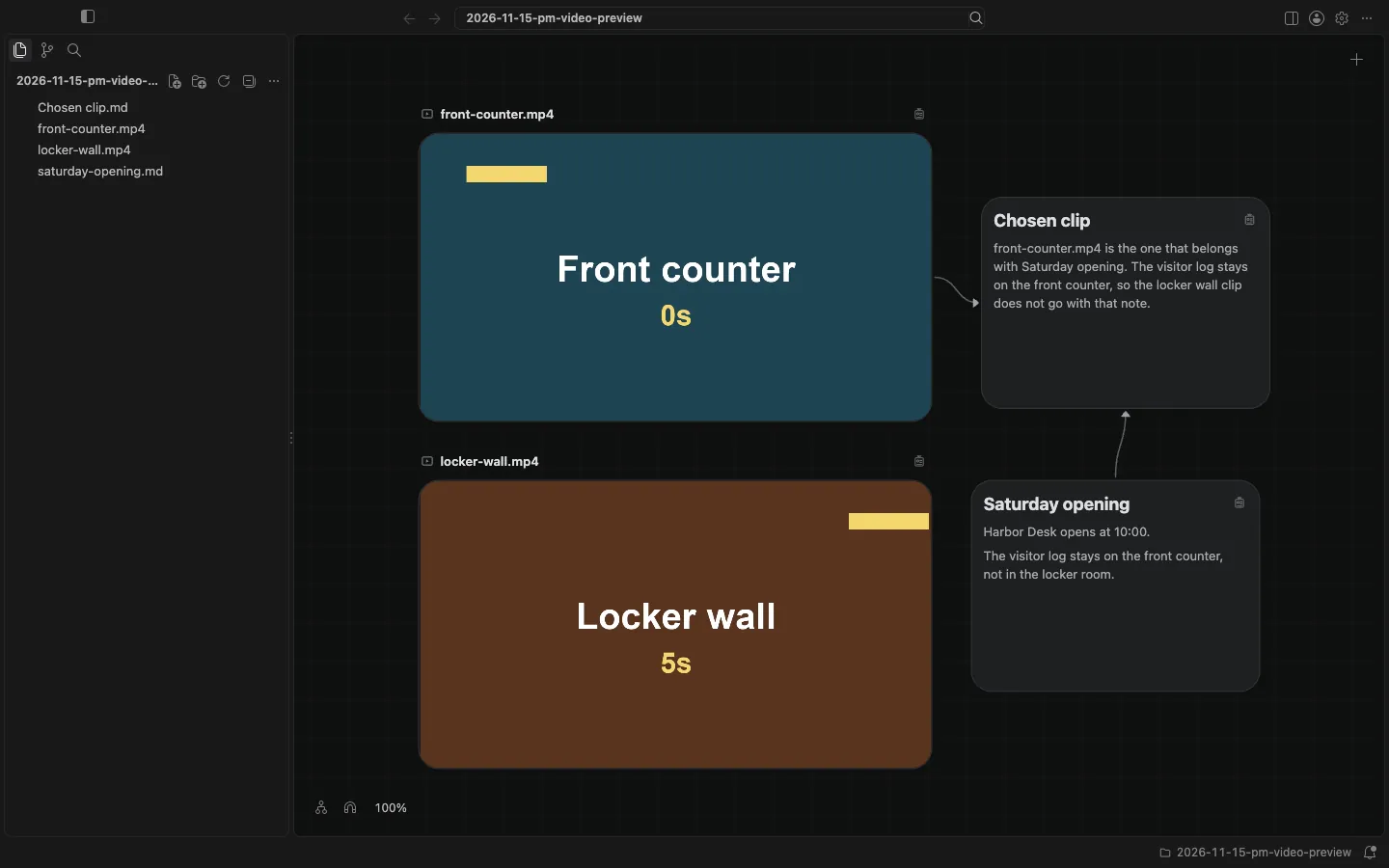
I wrote a short Chosen clip note in the same folder, and listed front-counter.mp4 and saturday-opening.md as its upstream. The locker wall clip stays in the folder, unconnected.
A sound's card is different: it has a player, and pointing at it does not start playback. This is also not a generated draft. The canvas and cards docs describe how a video plays under the pointer.