
Read a PDF in Card Detail
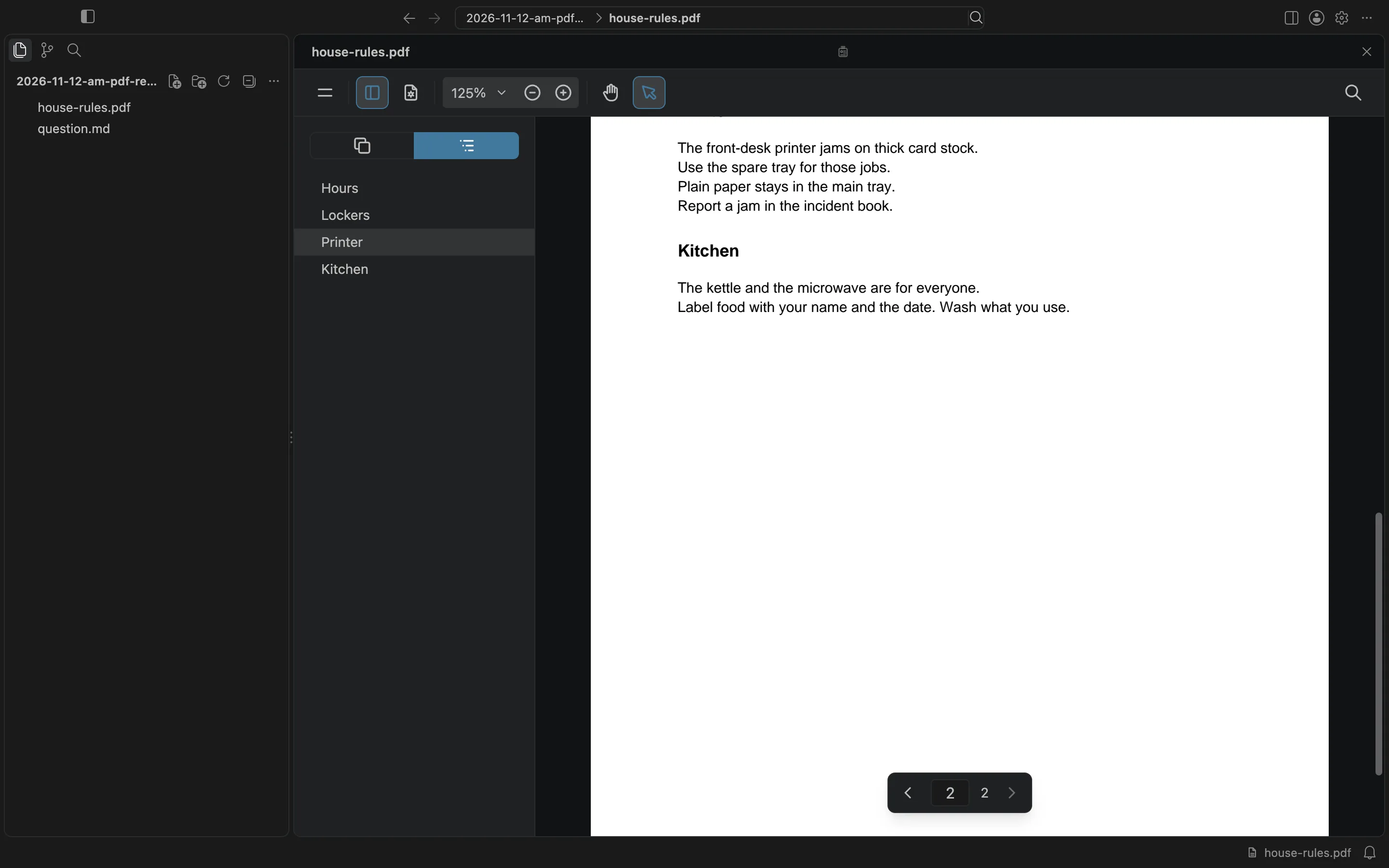
Double-click a PDF card in BaseHalf to read it in Card Detail. The reader has thumbnails, an outline, search, and zoom. I used the outline to jump to the Printer section.
A guest wanted ten name cards printed on thick card stock. I needed to know which printer tray the Harbor Desk should use, and where that rule was written.
I opened a folder in BaseHalf 0.6.1 that already held house-rules.pdf and a short question note. The PDF card showed the cover of the document, at one size. The question sat beside it.
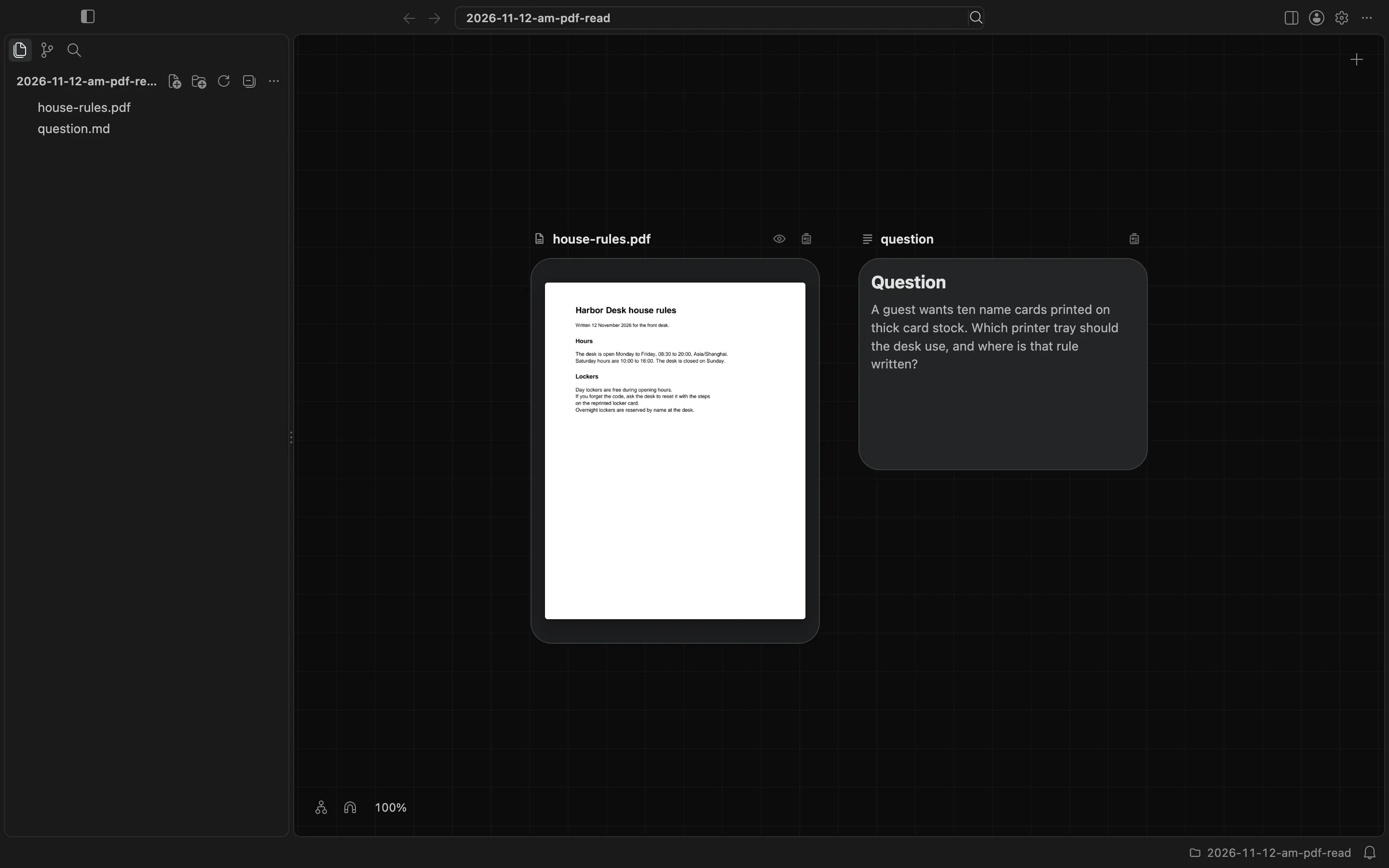
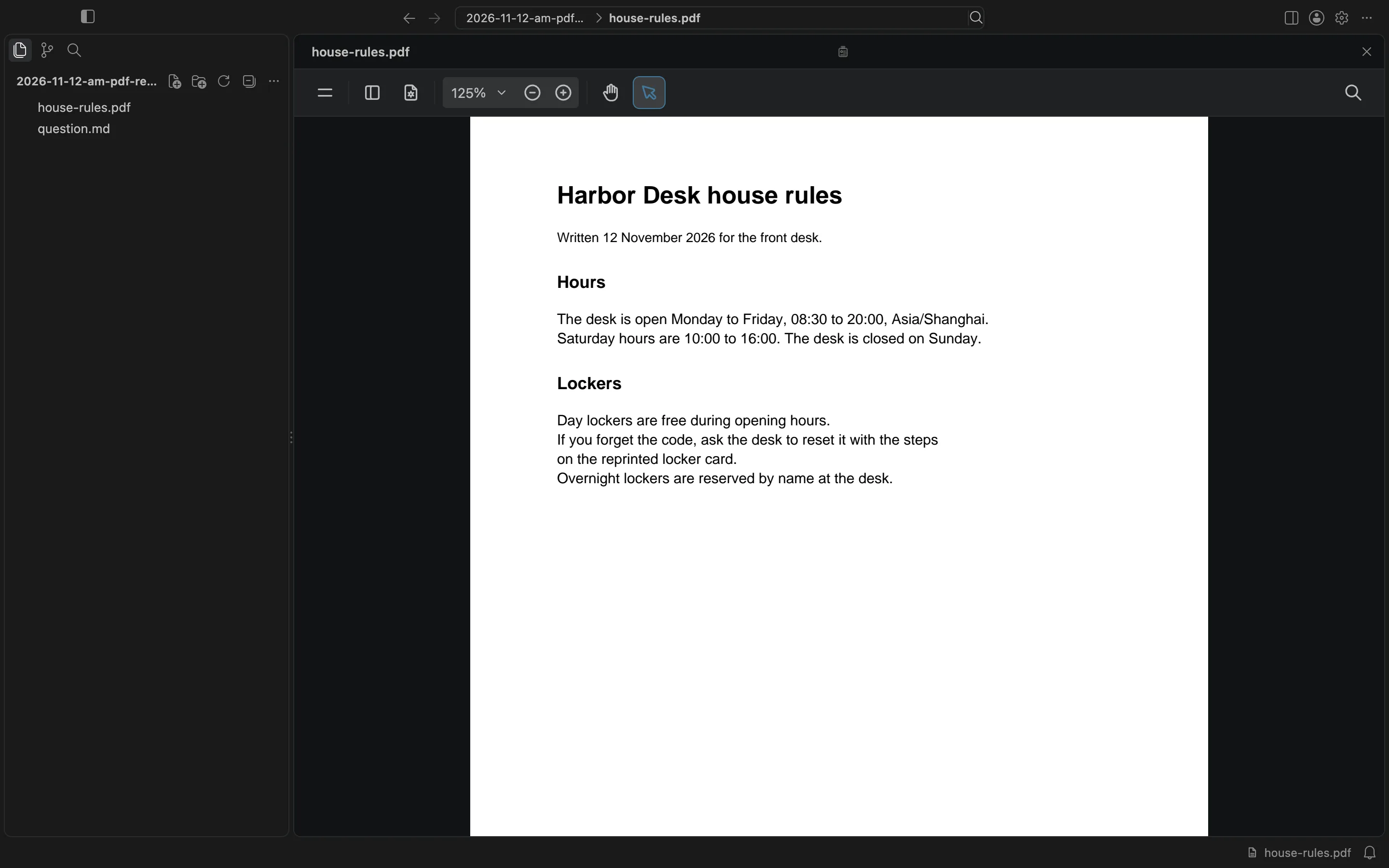
A file other than a Markdown note opens in Card Detail when you double-click its card, anywhere but its name. I double-clicked the PDF card. Card Detail filled the canvas area, with the sidebar still on the left. The PDF reader opened on the first page. Its toolbar has thumbnails, an outline, search, and zoom. The zoom control showed 125%.
I opened the sidebar, switched to the outline, and chose Printer. The reader jumped to that section on page 2. The rule is: the front-desk printer jams on thick card stock, so those jobs go in the spare tray. Plain paper stays in the main tray.
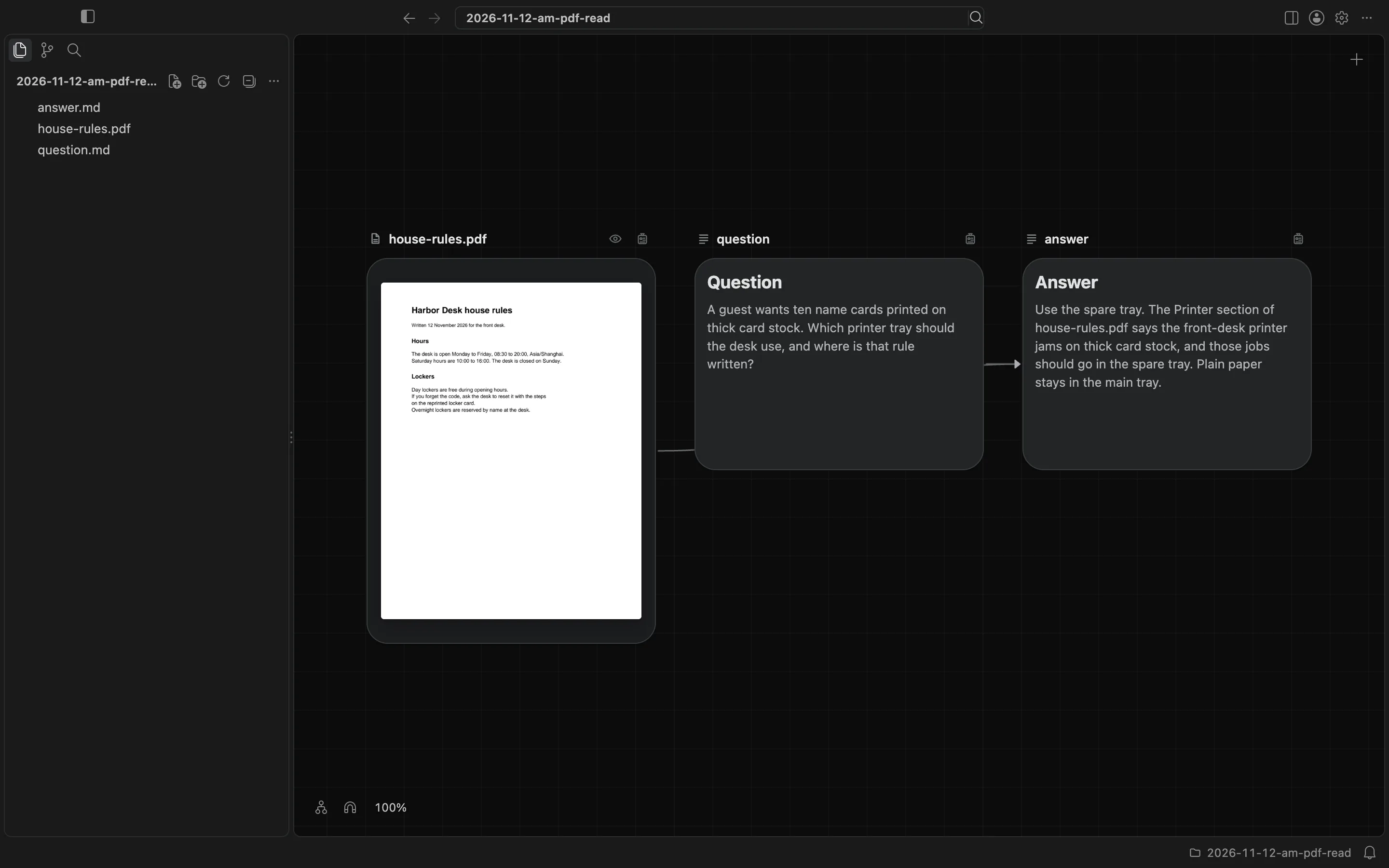
I closed Card Detail with the Close button in the header. Then I wrote answer.md in the same folder, listed question.md and house-rules.pdf as its upstream, and left the answer on the canvas next to the question and the PDF.
A PDF is for reading in Card Detail. Selecting text and choosing Grow branch is a different action, and I did not use it here. Escape also closes Card Detail. The canvas and cards docs describe the PDF reader.